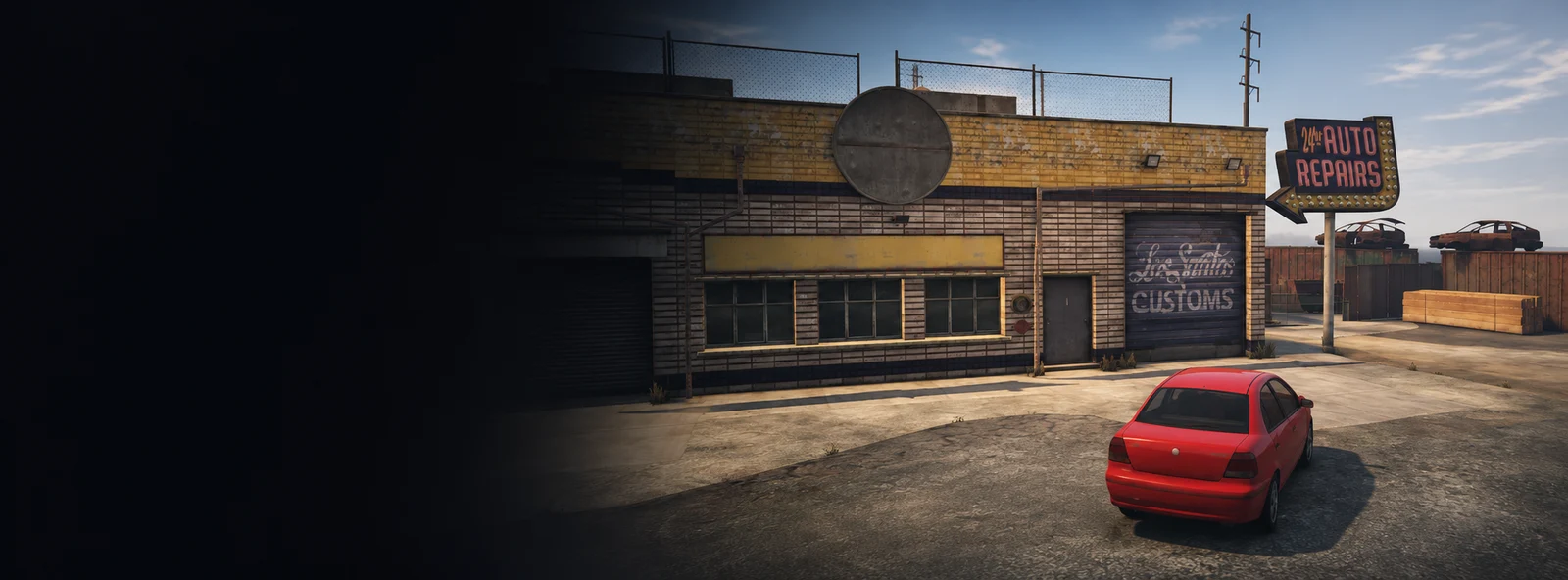
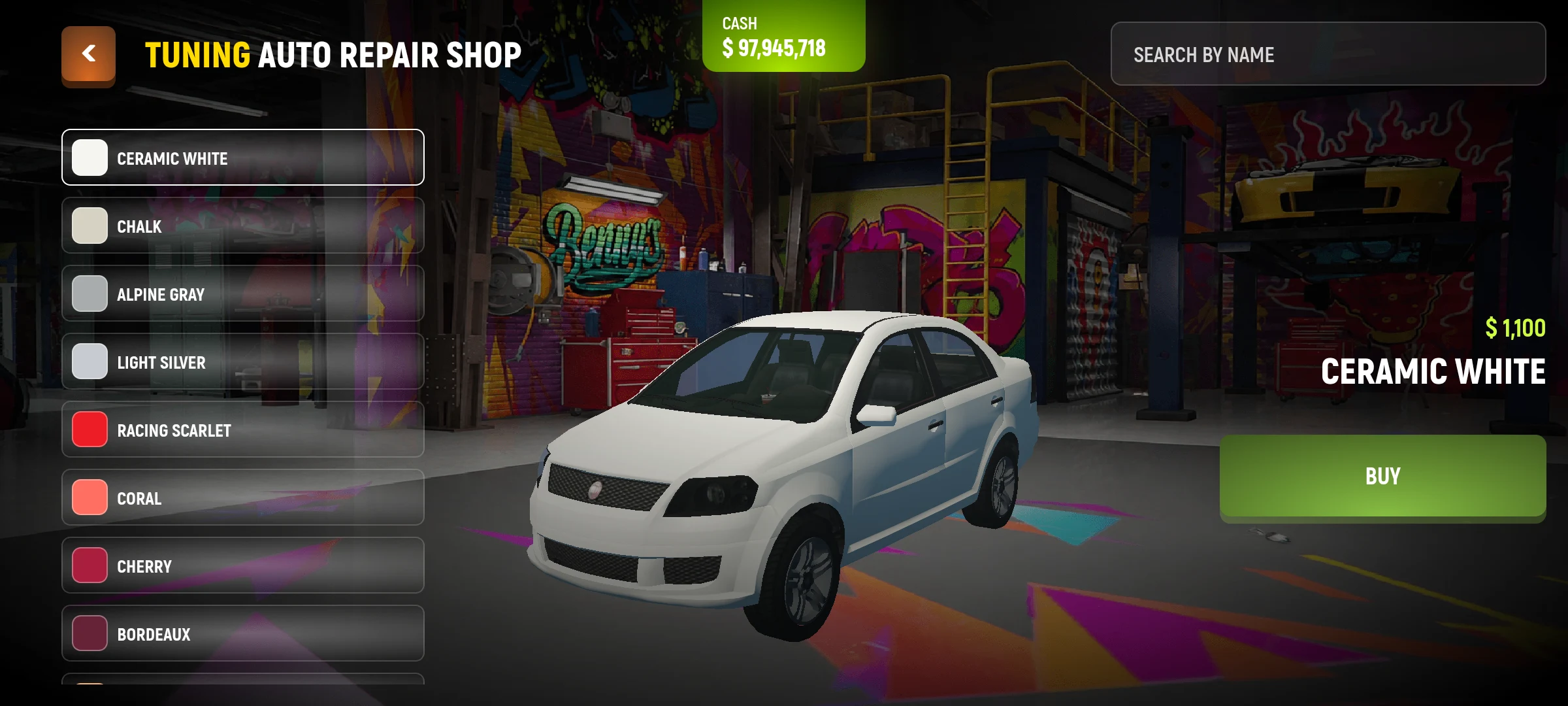
In the workshop you can see available changes to the car, including painting. The set of services and cost depends on the workshop and machine.
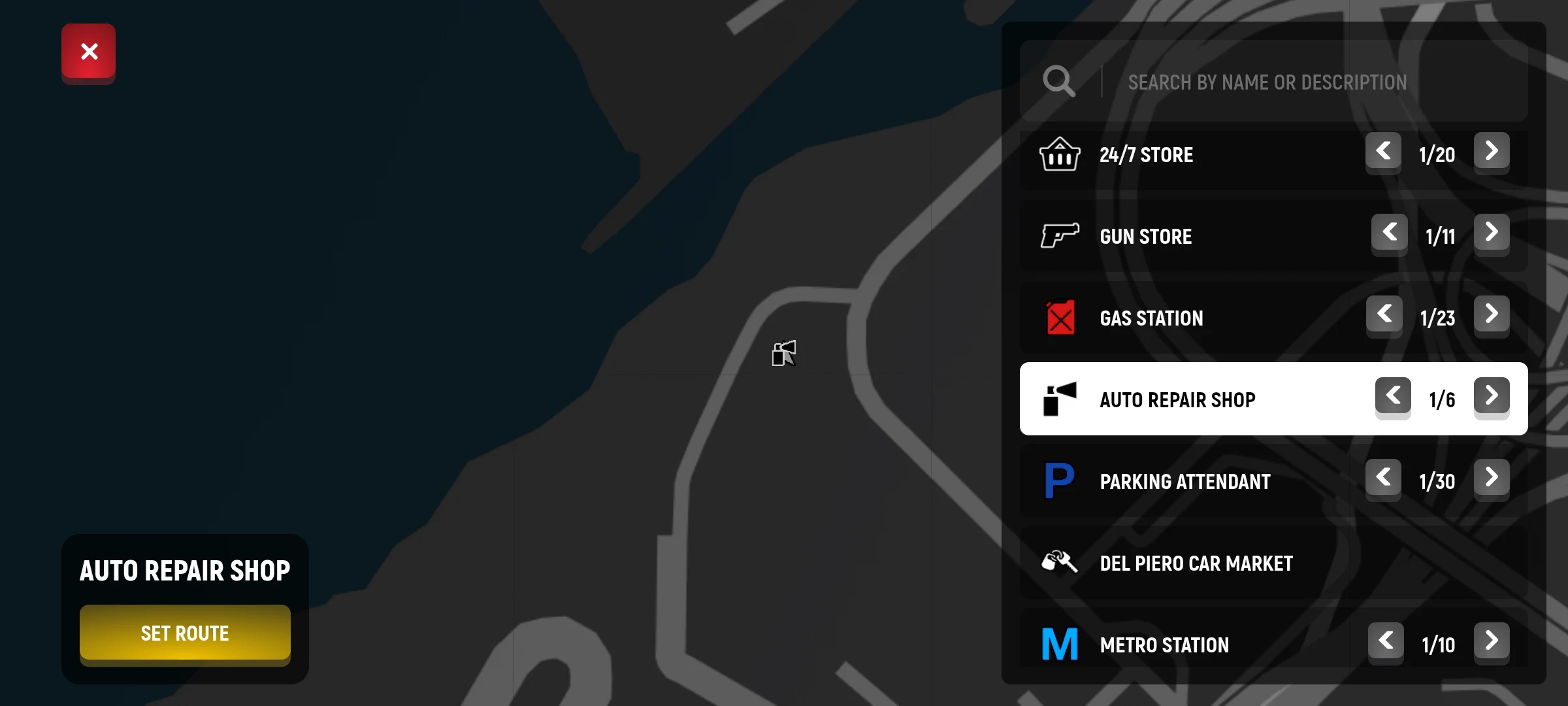
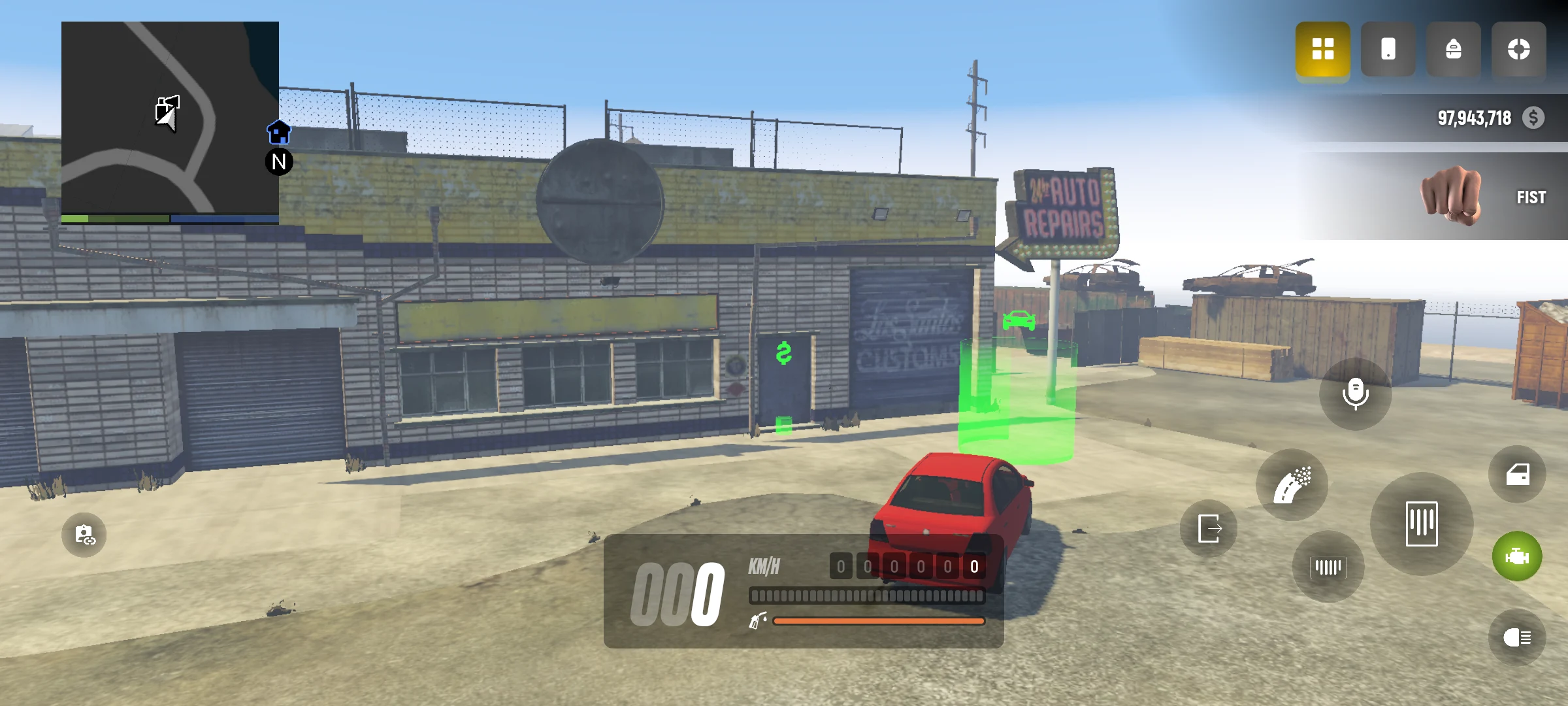
- Find a workshop on the map and approach the service site in your personal car and stay behind the wheel.
- Open the menu and select a change category.
- Look at the results and price.
- Confirm the selected service and check the car after application.
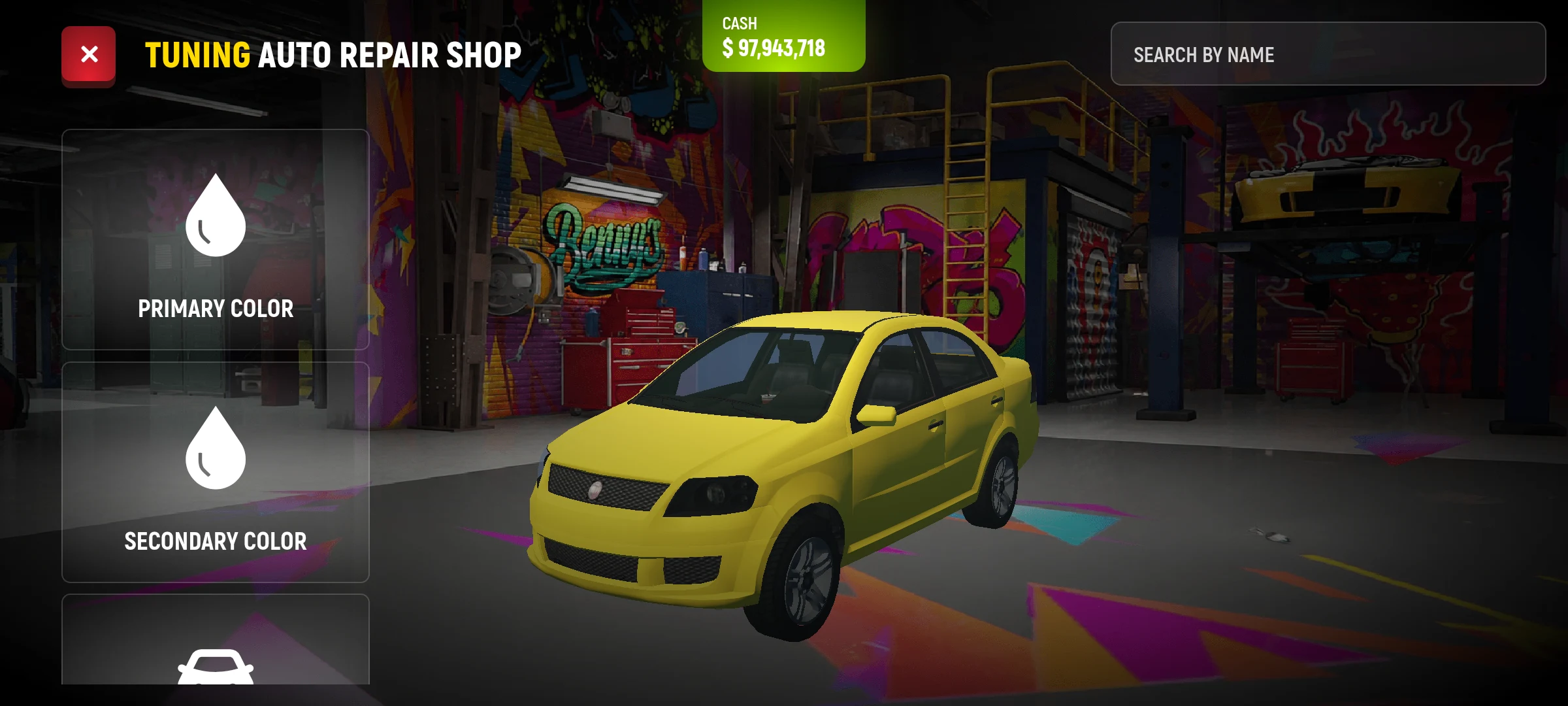
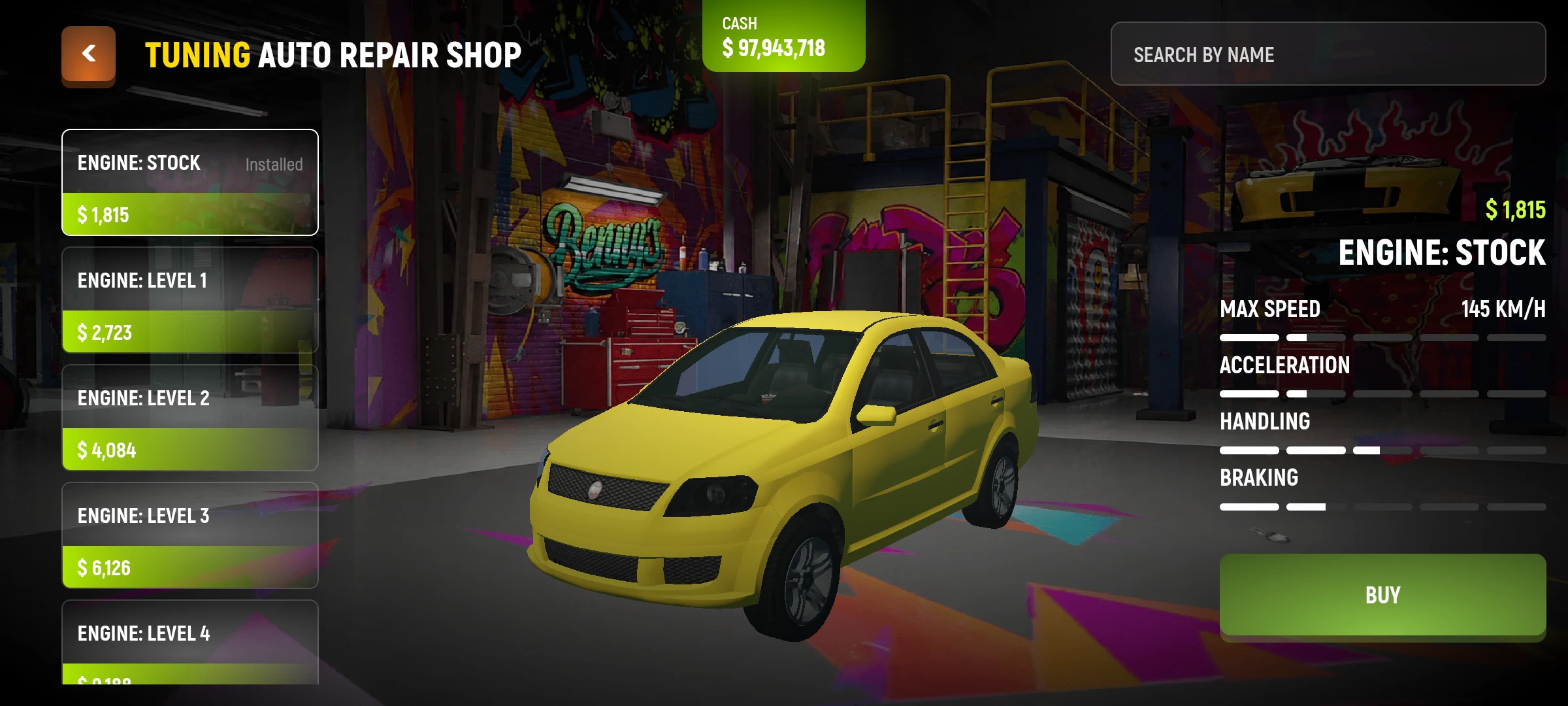
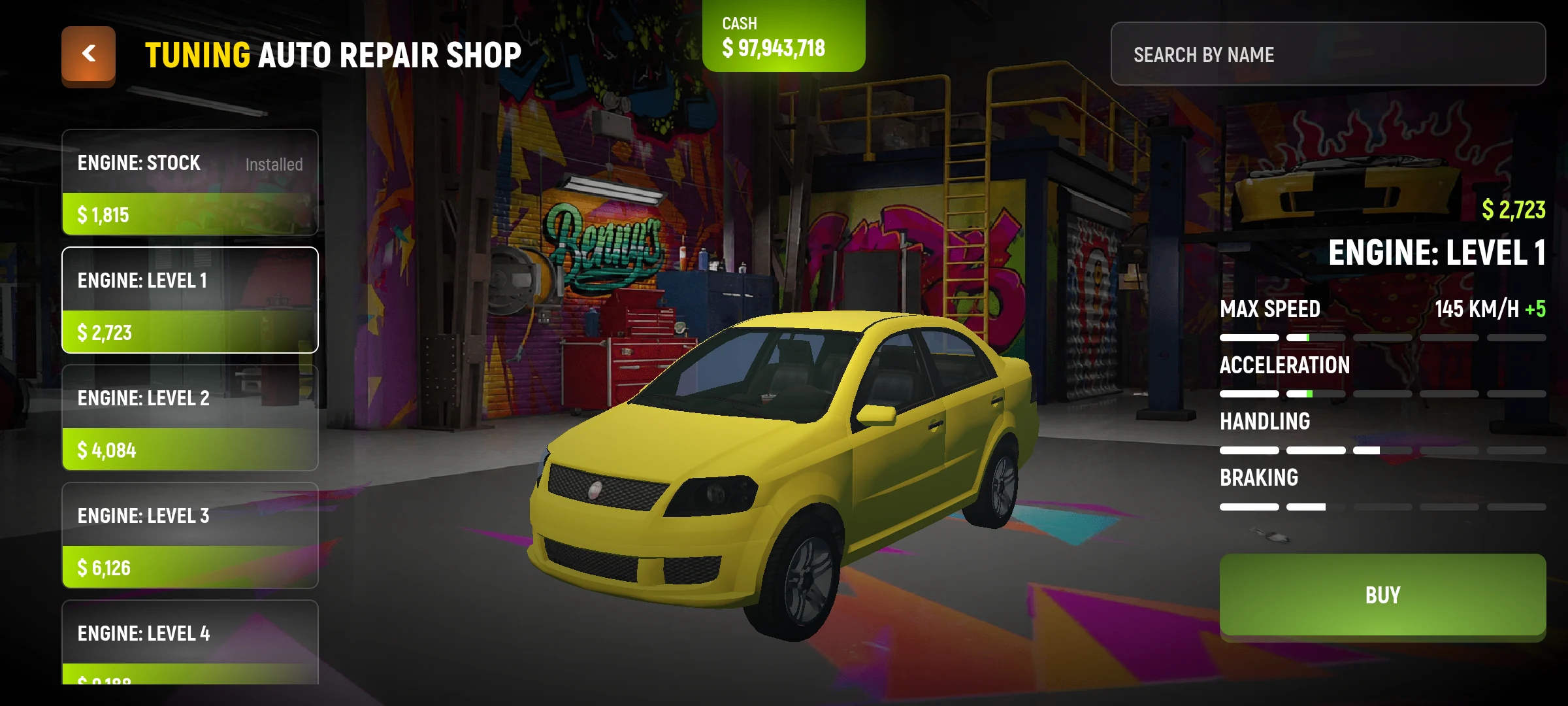
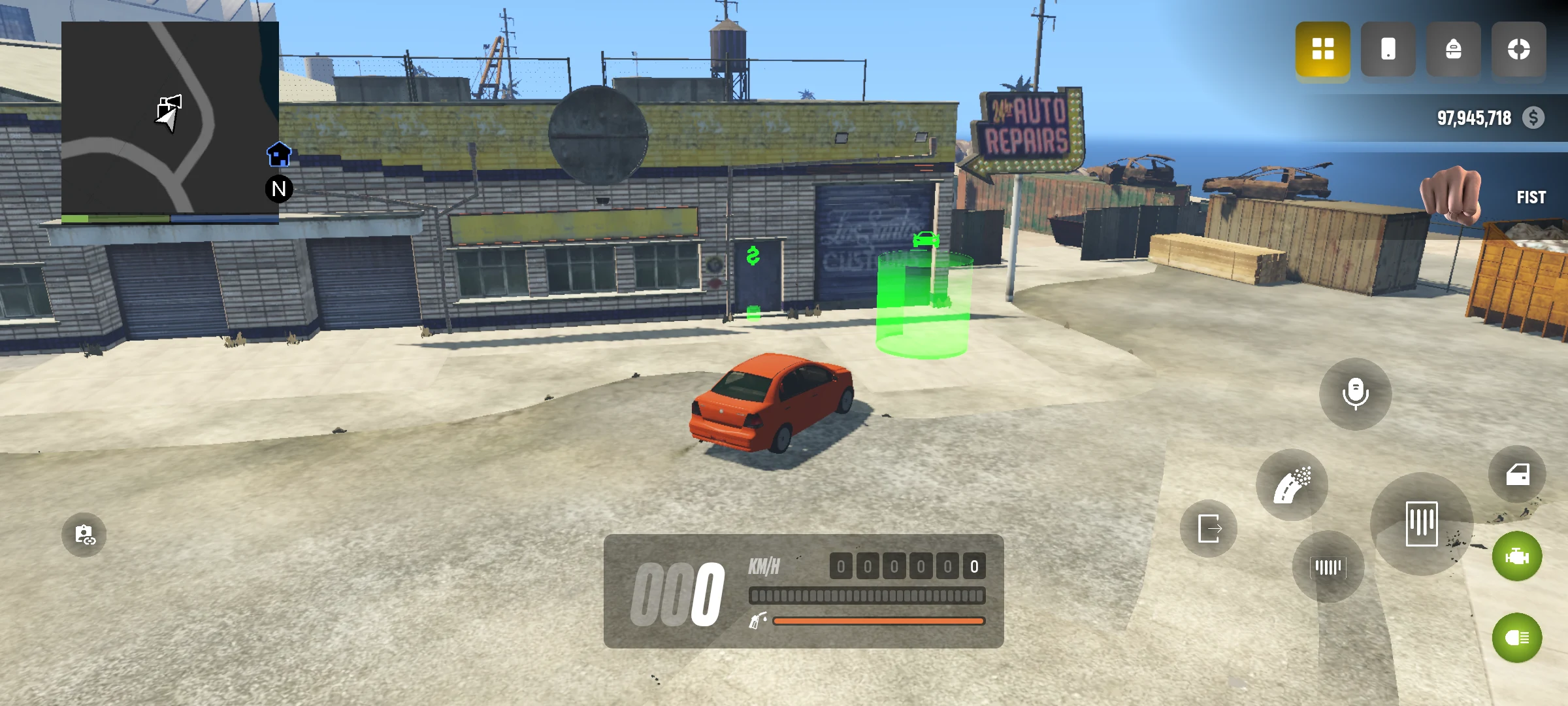
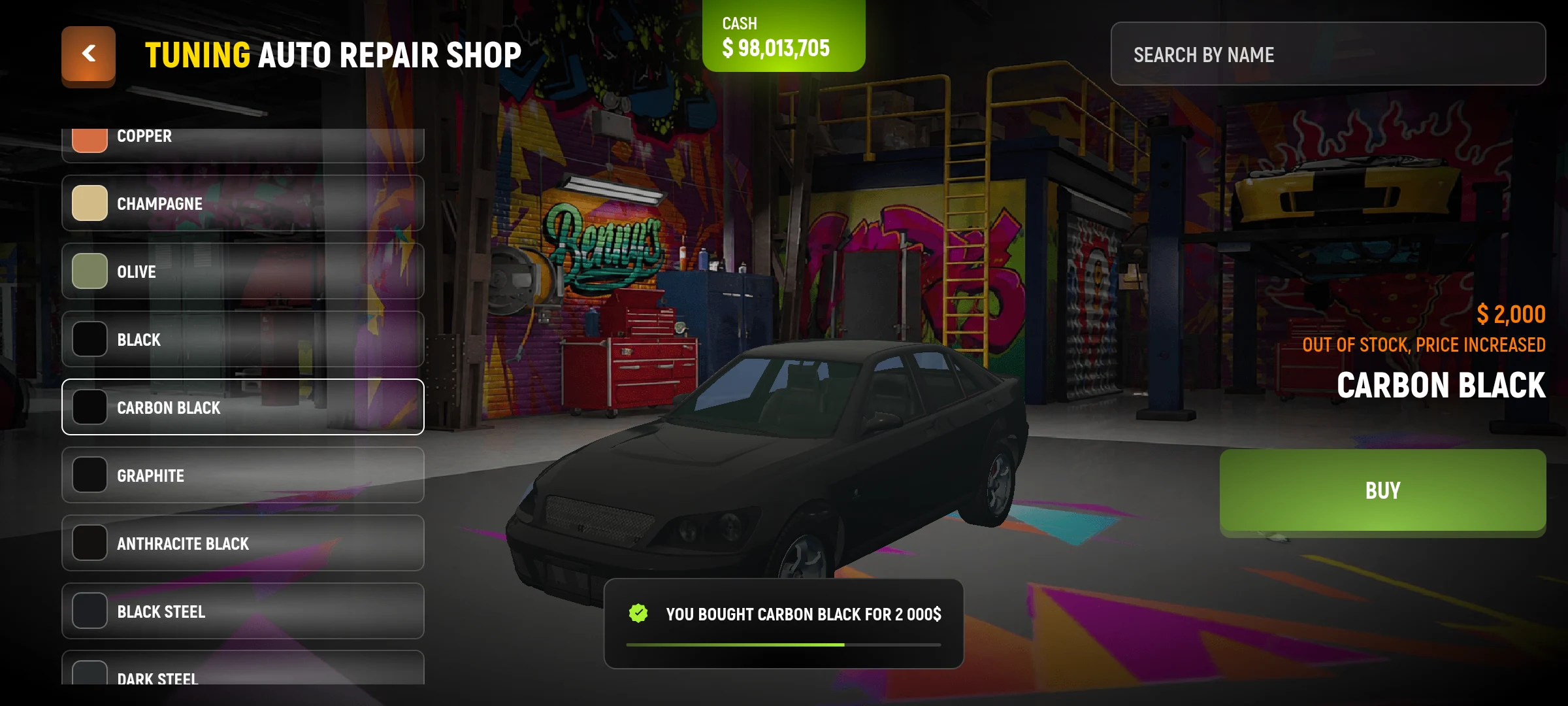
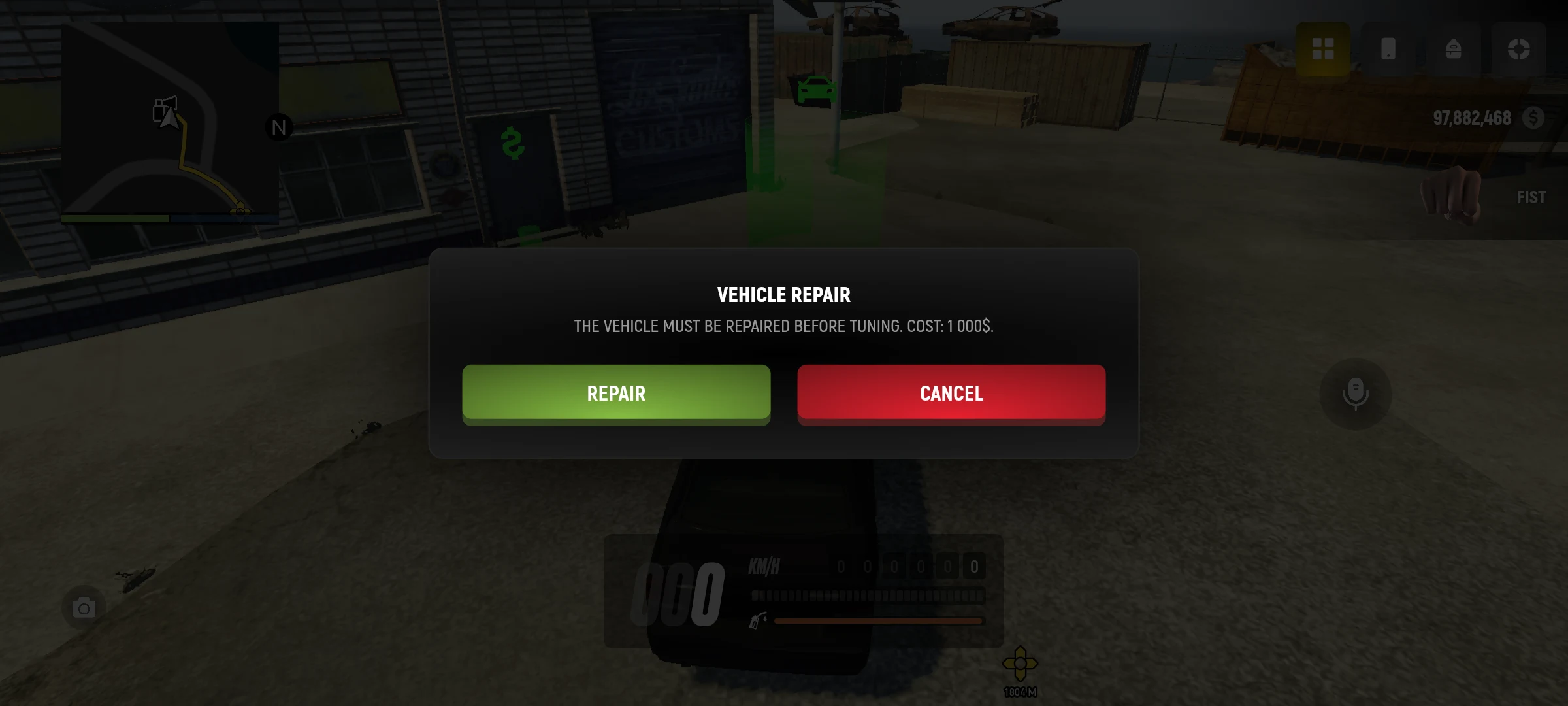
If the car is damaged, the game may first offer repair with a separate cost. Read the message and check the money before confirmation. If the service is not available, check the state of the machine and the workshop tips.
The mechanic may individually offer to restore the long-term condition of a personal car up to 80%. This is a separate service from the repair of current damage: cost and confirmation are shown in the game. What is the state of the car
What can be changed
| Section | What is Available |
|---|---|
| Painting | The first and second color of the body. |
| Appearance | Spoilers, bumpers, wheels and other parts, if available models. |
| Performance | Engine, brakes, gearbox, suspension and turbo - the set depends on the model. |
The sample shows a possible result; to save the change, it must be purchased. Temporary personal transportation has available colors, but parts installation is not available.
If the mechanic proposes to restore the state to 80%, the cost is calculated from the state price of the machine: 1% of its price for each restored percentage of the state. For example, for a machine worth $100,000 the recovery from 50% to 80% will be $30,000. The exact amount the game will show before confirmation. Repair damage and state recovery are paid separately.