To create a family, a suitable personal home is needed. $3,000,000 in cash. The house must have at least six seats in the garage; before creating check the requirements in the window. When creating the house is transferred to the family, so first read the conditions in the creation window.
Character
- Make sure that you are not in another family, own a suitable home and have prepared cash for payment.
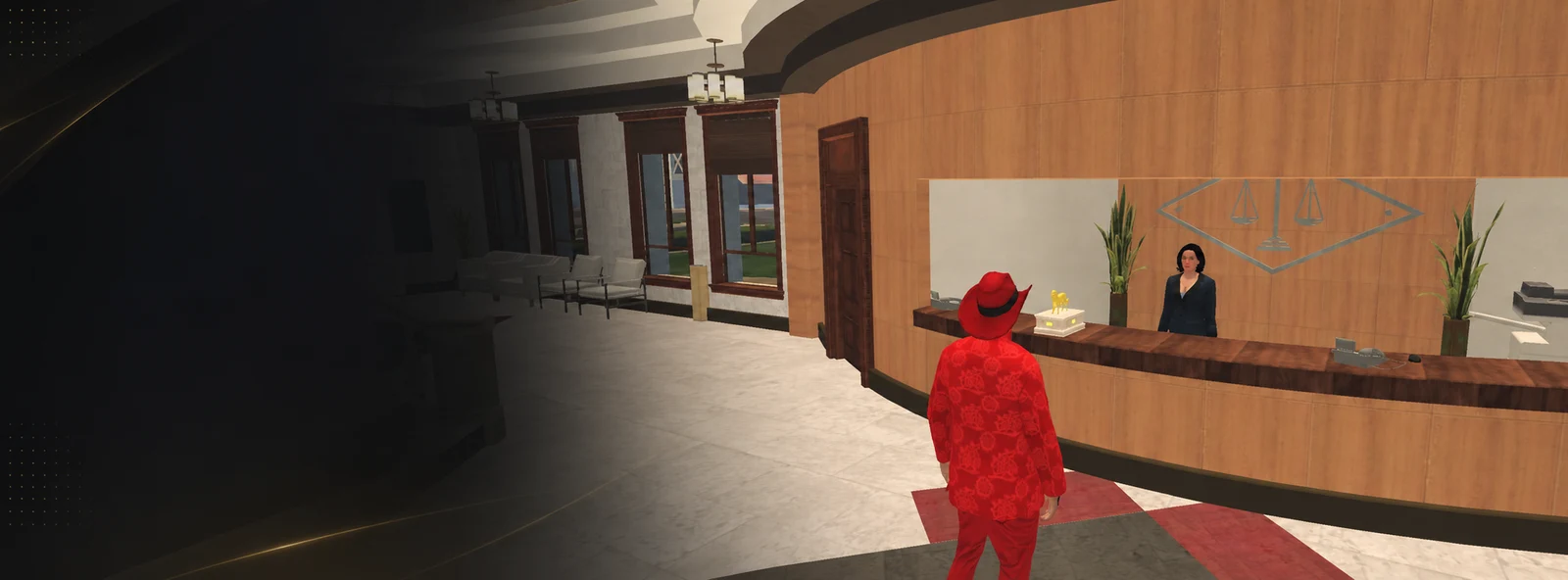
- Find the secretary-guide Margaret and choose to create a family in the conversation.
- Check the requirements and cost.
- Enter the name and other data that the game requires.
- Confirm creation and open the family app.
The family name should be between 4 and 20 characters long; letters and spaces are allowed. Tags - 2 to 4 characters, only Latin letters and numbers. Name and tag must be free.
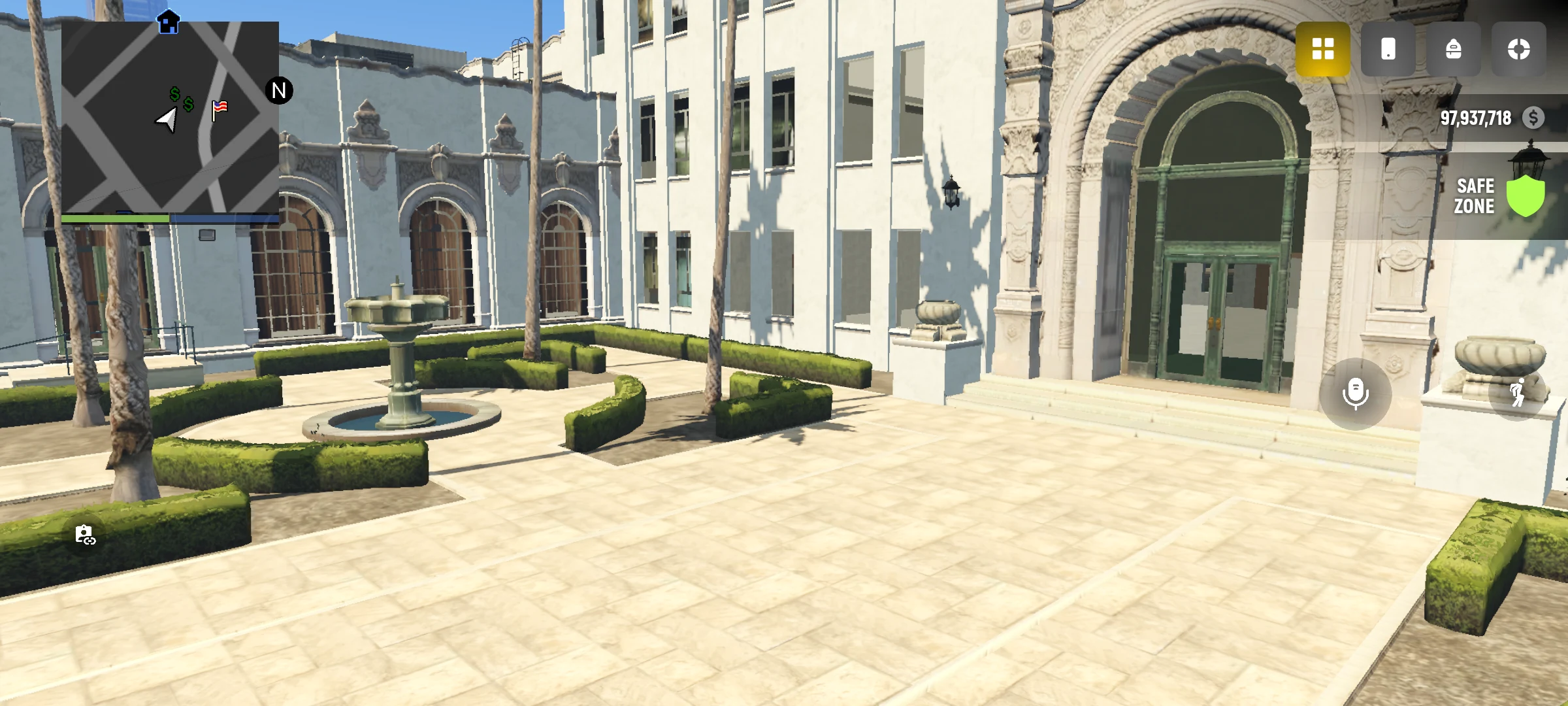
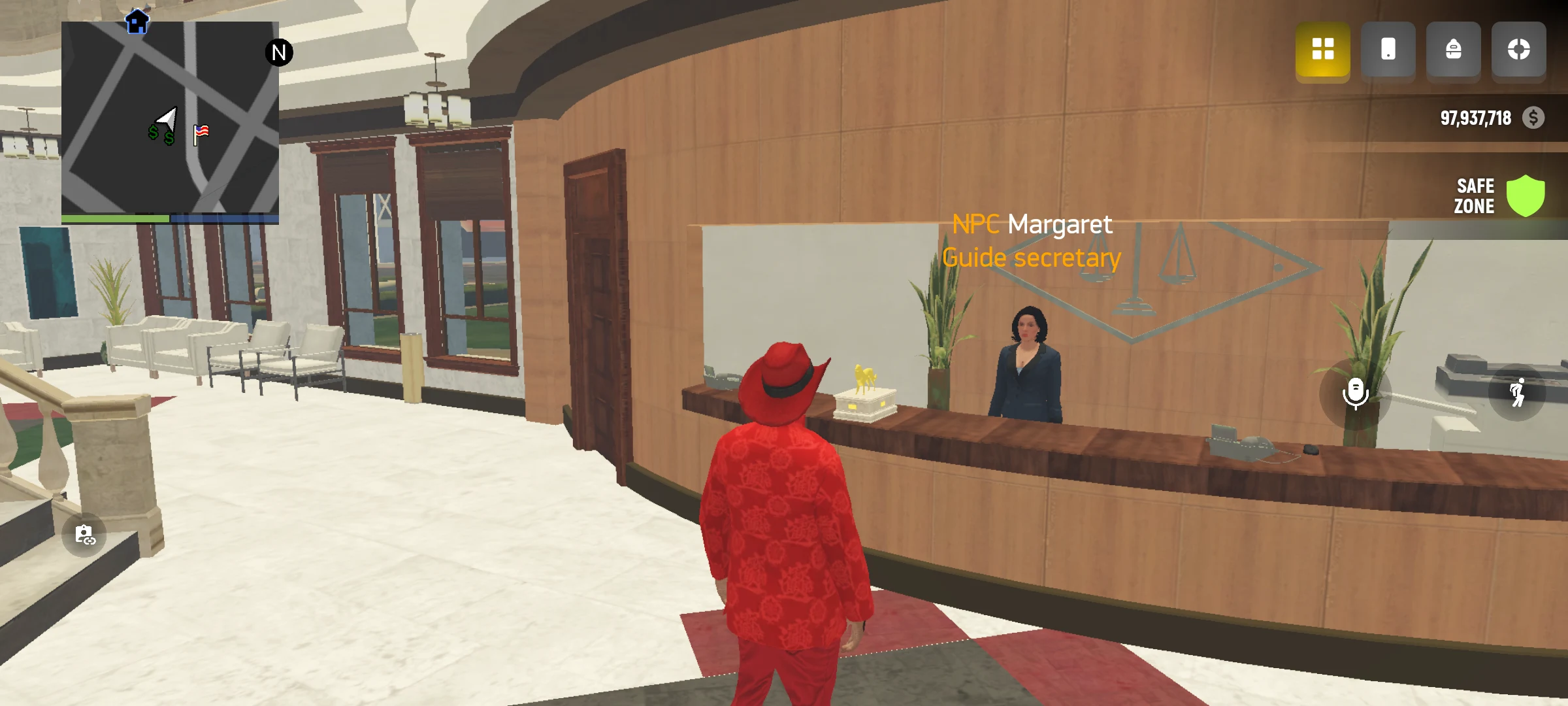
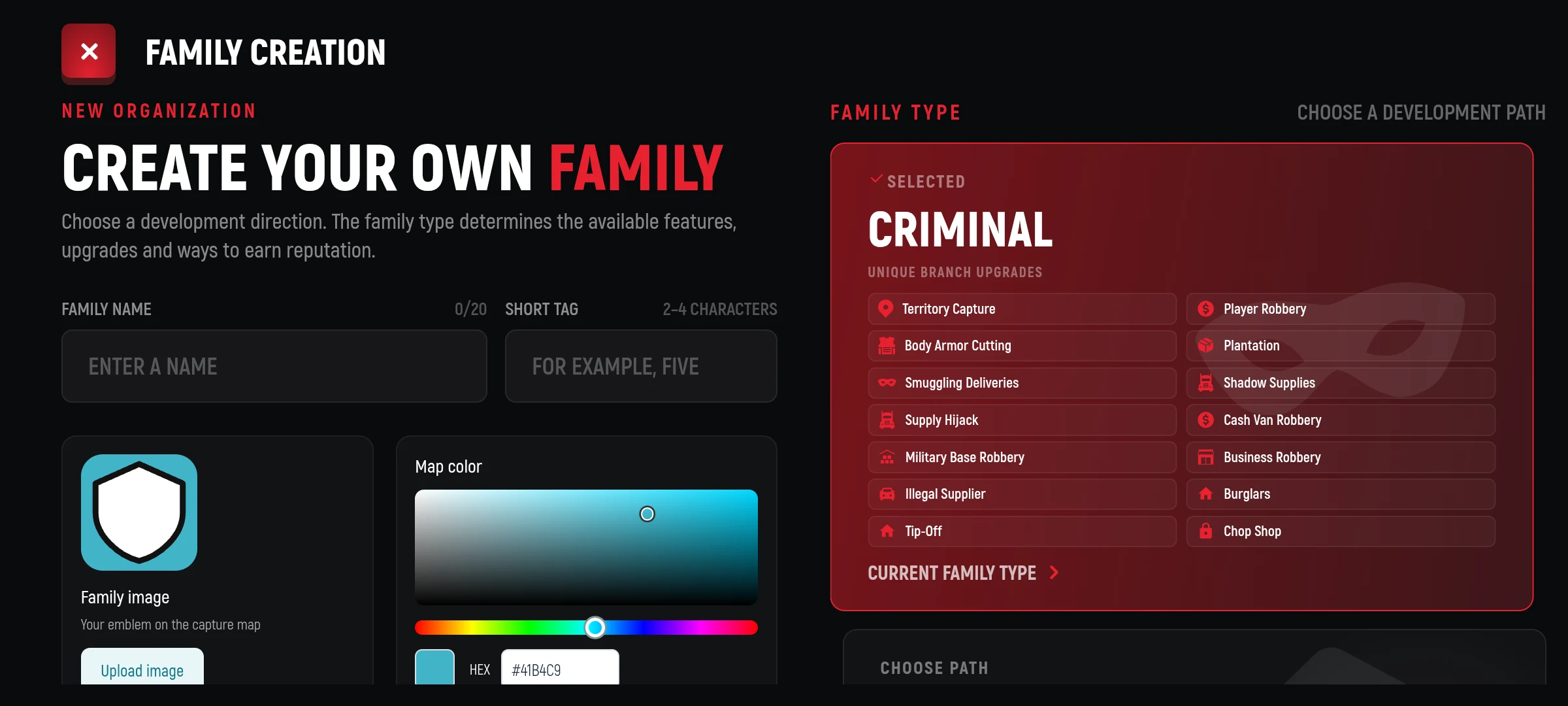
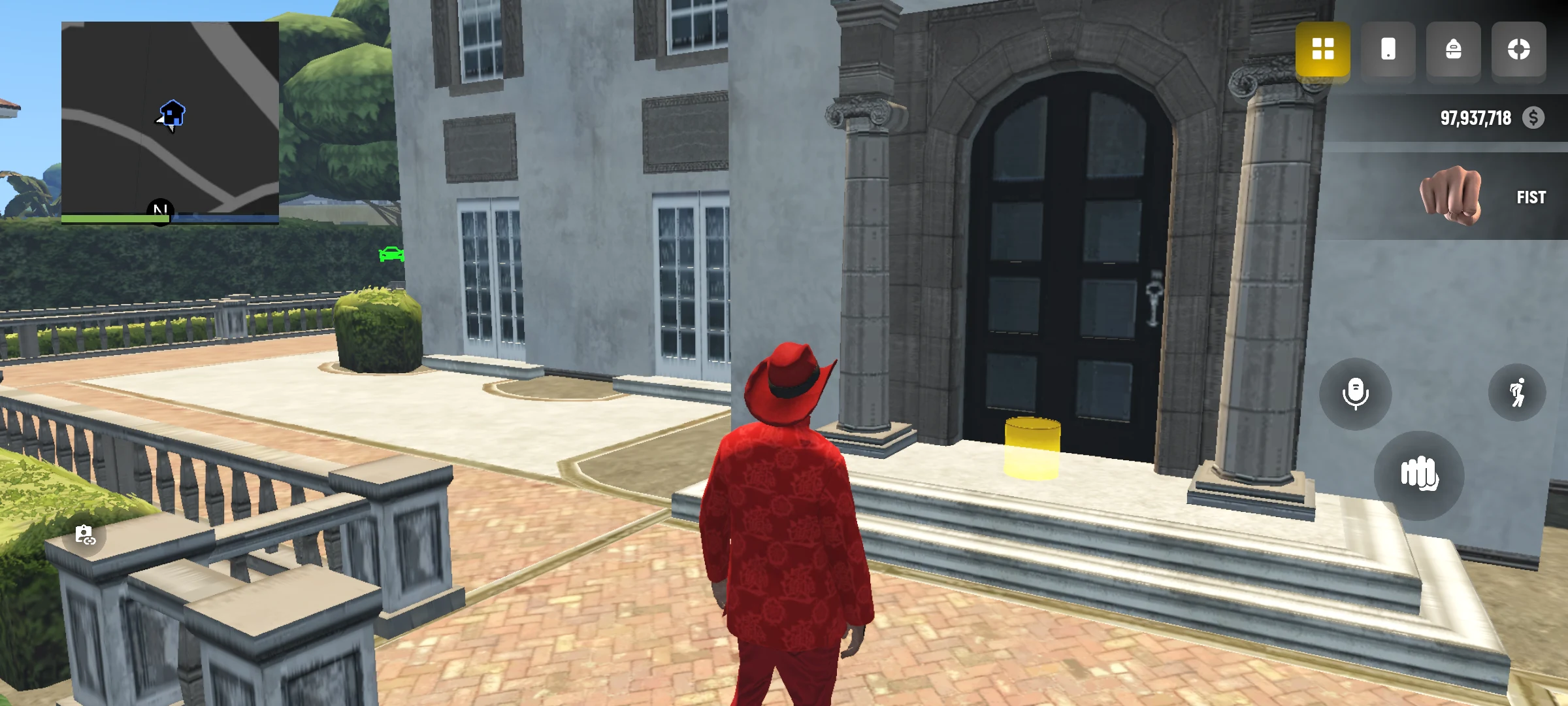
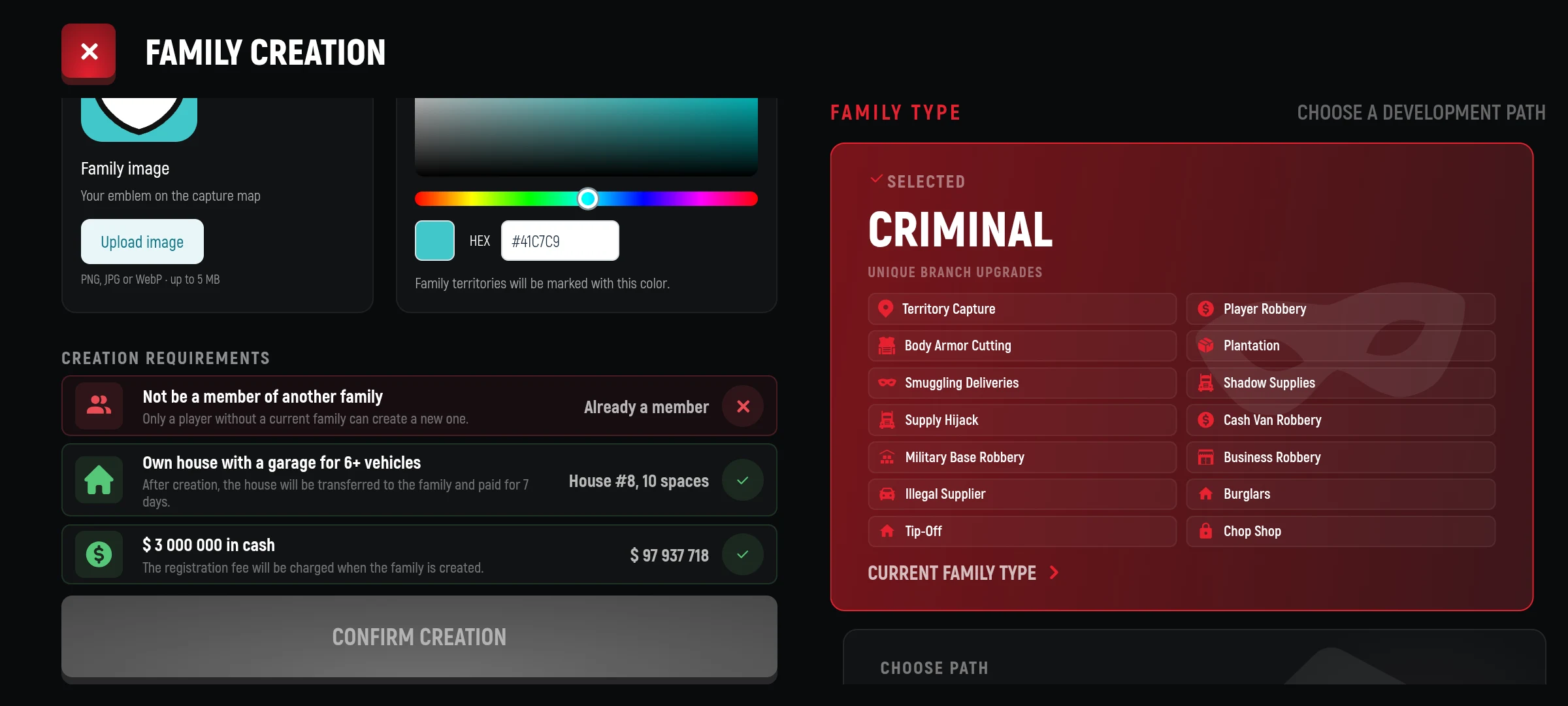
The transfer of a house changes its owner and the attachment of tenants. Cars are disconnected from the garage: those that are already in the world remain there; for the rest, transfer to public parking is provided. The rights of access to family property are then determined by family rights.
If the family wants to change direction
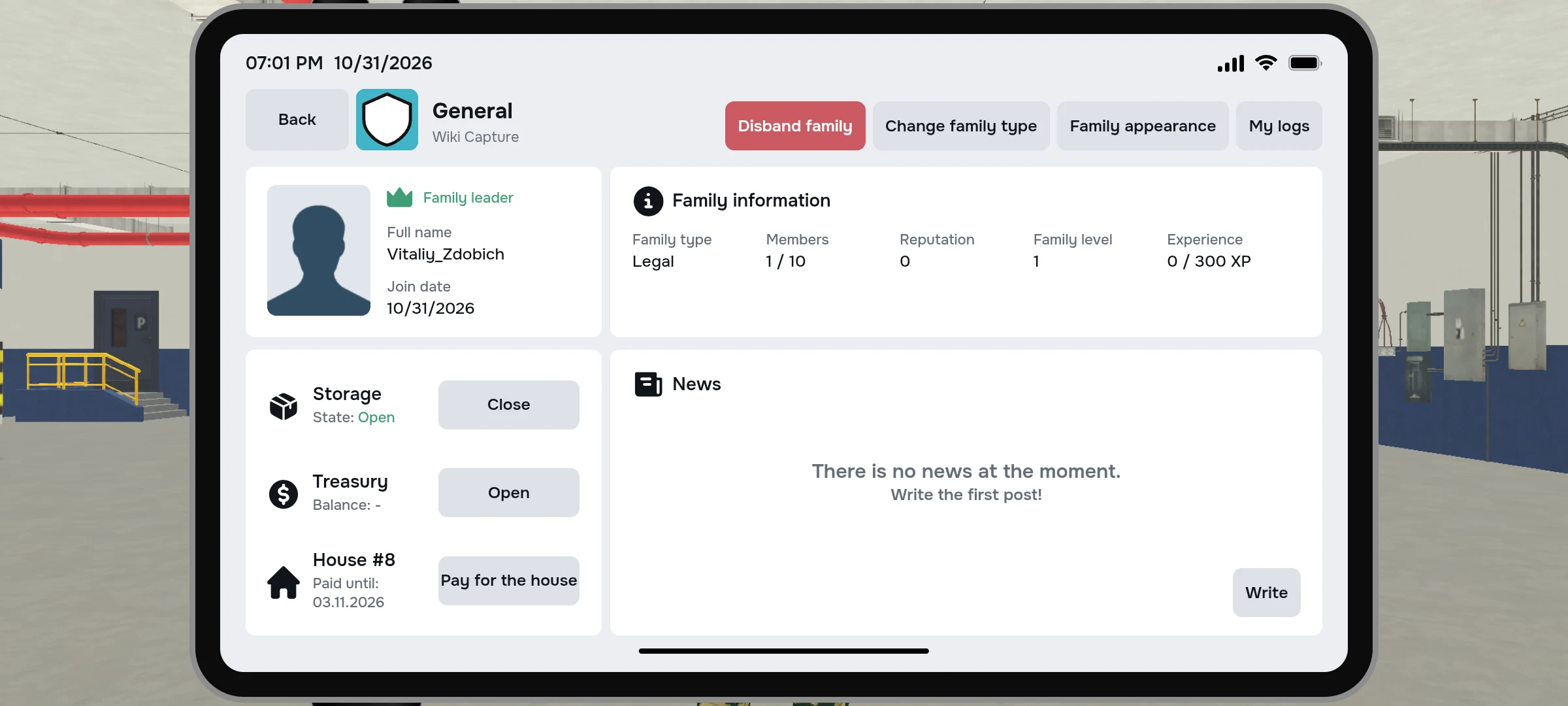
Only the manager can change the type in the Family Tablet’s “Basic” section. Change is worth $500,000 from the penalty. There should be no active family contract or remaining waiting on family contracts for her; after the change, it can be repeated in 7 days.
When you change, the purchased levels of contracts are dropped and the money for them is not returned. The reputation moves into a new direction with a loss of 5%. Read the game window carefully before confirming and discuss the decision with your family.
Keep an eye on home time.
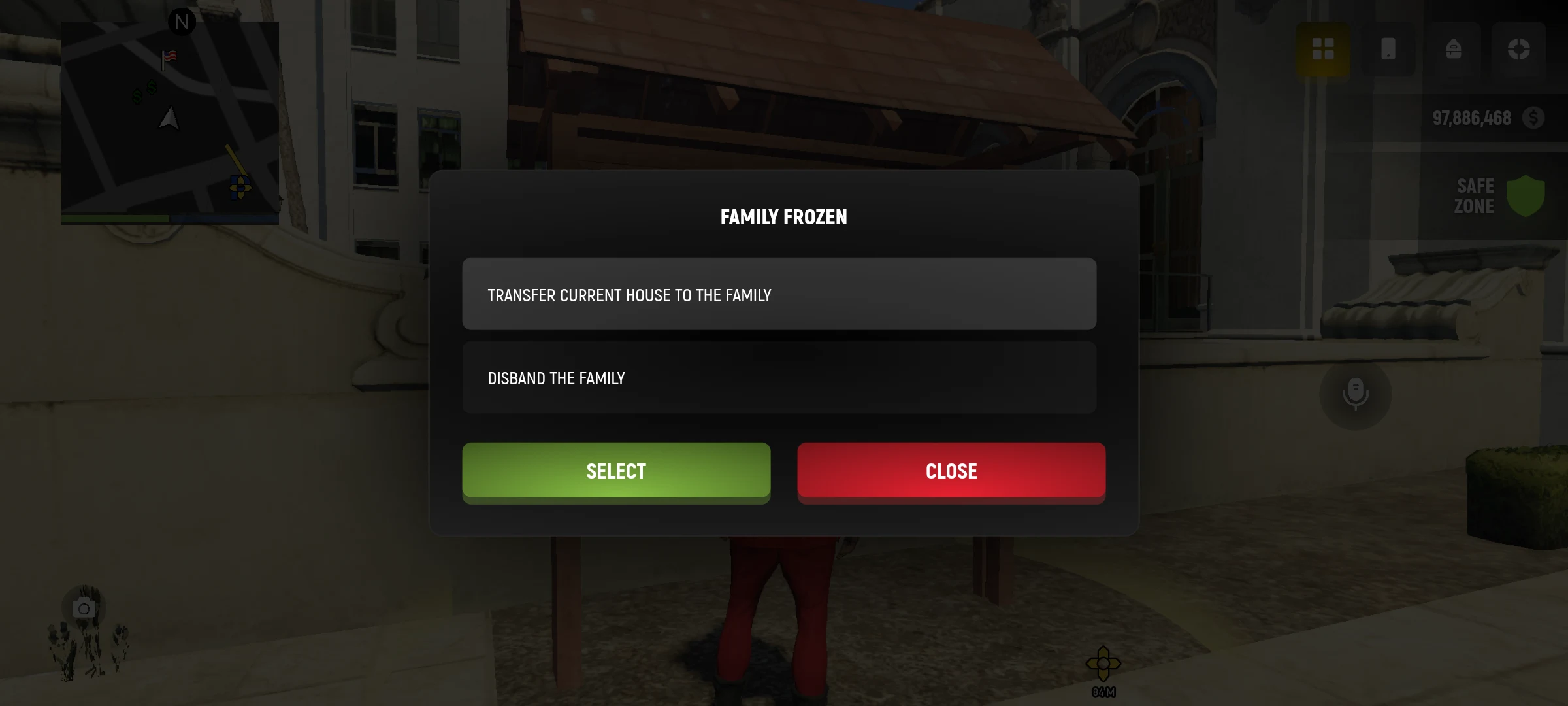
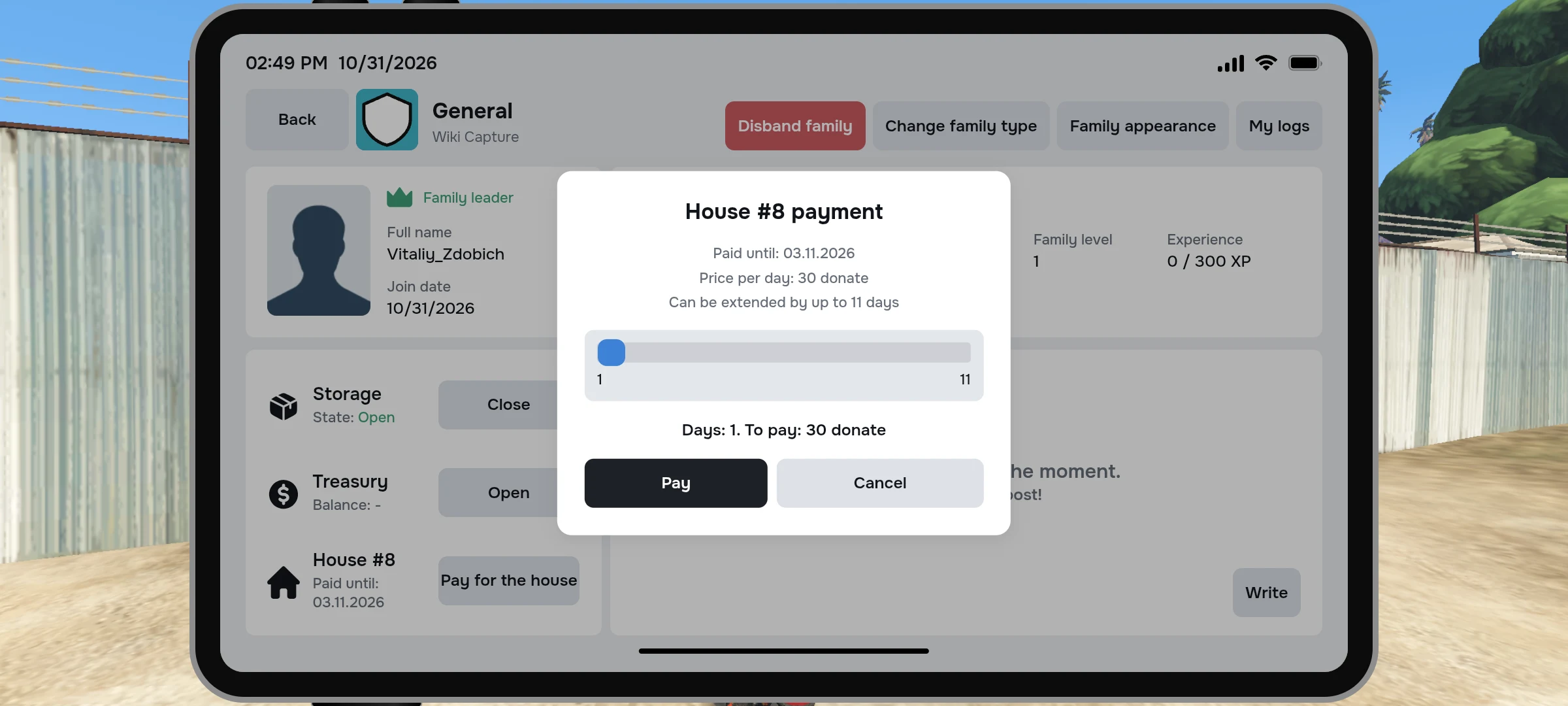
The family home must be paid in time. After the payment period ends, the family can be frozen and the house is auctioned. In the frozen state, the manager is offered available actions, such as transferring another suitable house or dissolving the family; the member can leave. Read carefully the conditions and consequences on the screen before choosing.