

Your inventory holds food, tools, documents and other items. Your main inventory has 20 slots.
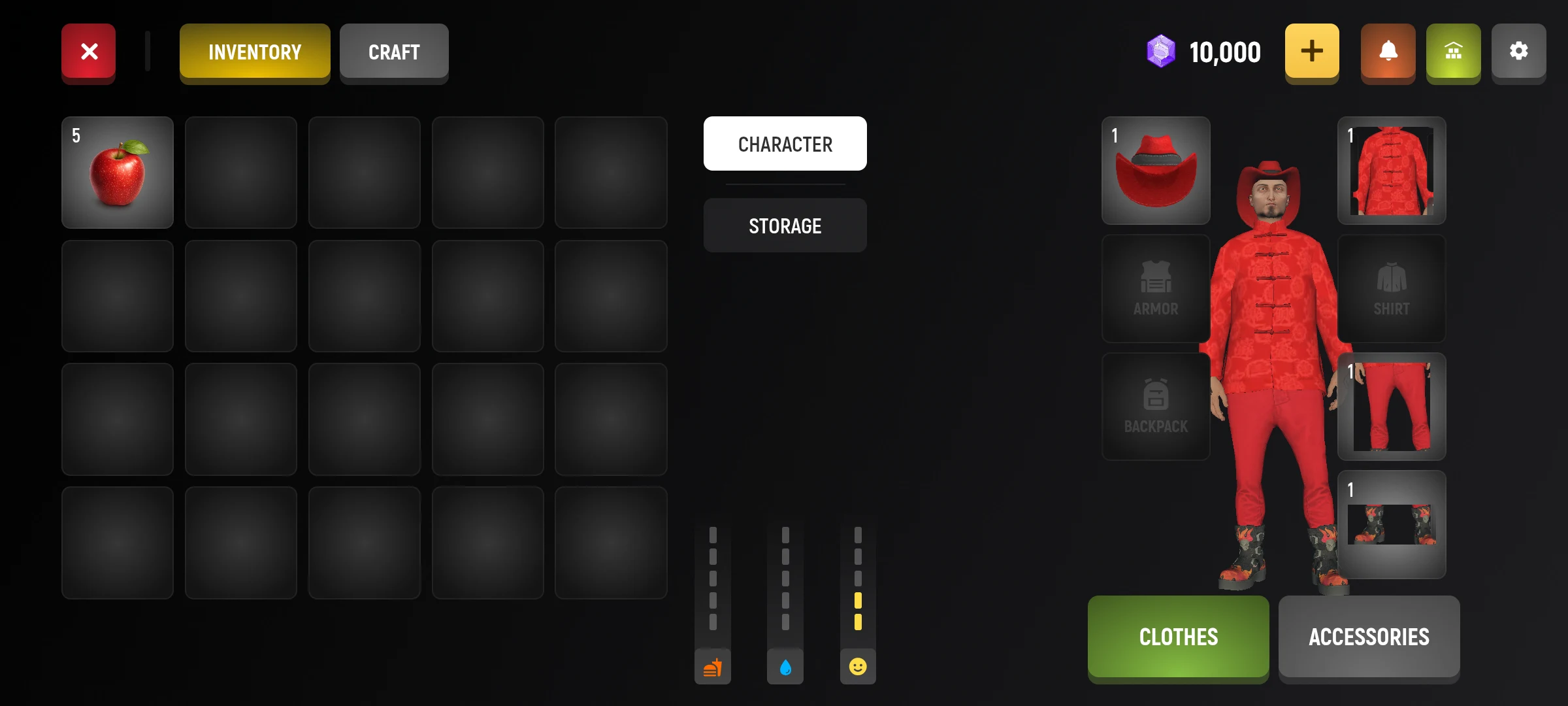
How to use the object
- Open the main menu and select “Inventory”.
- Find the right thing and choose it.
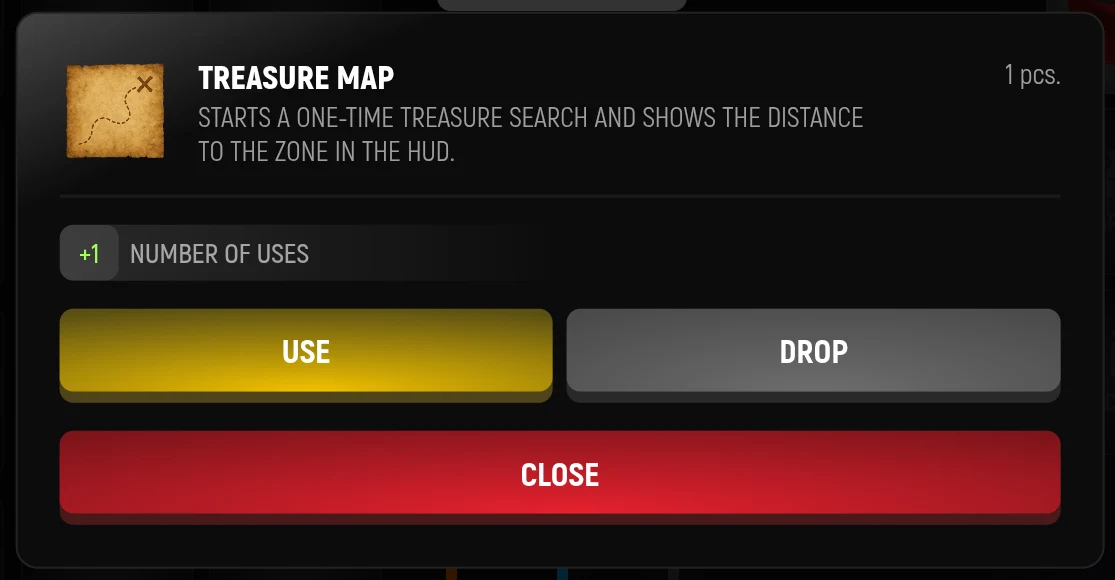
- If the object can be used, select the available action.
- Check the result on the screen or in inventory.
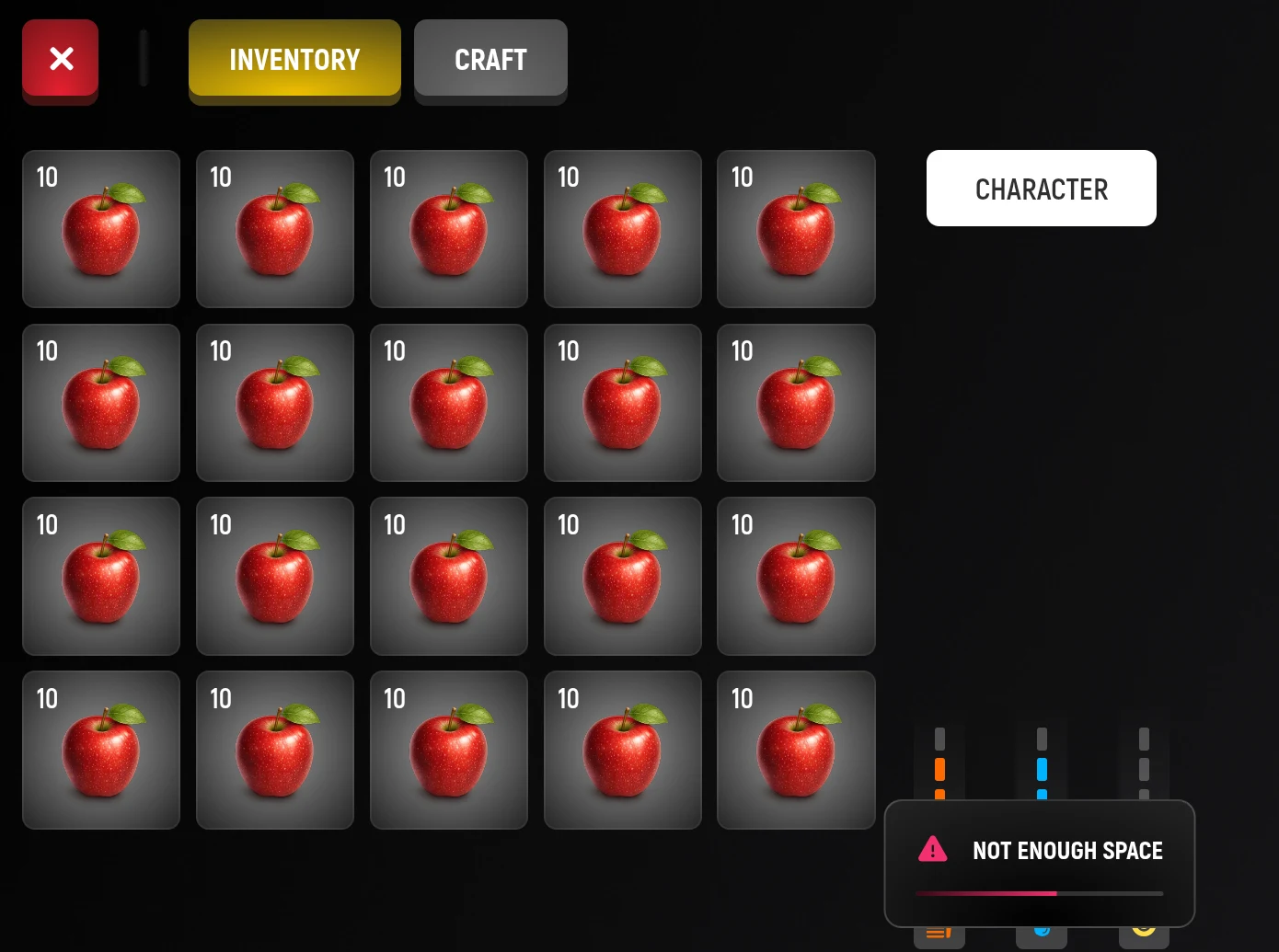
If there is a lack of space
Release space and try again. Some tasks give out the item after the action is done, so the place is better to check in advance. Unnecessary things can only be thrown into the garbage: just leave them on the ground cannot.
How to Throw A Thing Out
- Go to the trash, so that there is interaction with her.
- Open the inventory, select the unnecessary thing and press "Turn".
- If there are several things, choose how much to throw out. Check if the cell has been released.
If the game says there is no rubbish nearby, get closer. If the rubbish is full, find another. Do not throw away important documents and things until you know what they need: the item will fall into the rubbish that other players can approach.
The quantity and condition of things
Some identical objects are folded into one cell. Each species has its own limit of quantity in the cell: if it is reached, new objects will need more space. Working tools also have strength – check it before working.
Available actions depend on the subject: not every thing can be divided, thrown away or passed on. How to exchange with another player
How to move or divide things
- If there is another storage available nearby, select it in the inventory switch. Access depends on where you are and what rights you have.
- Transfer the thing to the appropriate cell. When transferring several identical items between inventories, the game may offer to choose a quantity.
- To divide the stack in inventory, select it and click on the available split action, then specify the amount.
- Check where the items were and how much is left in each batch.
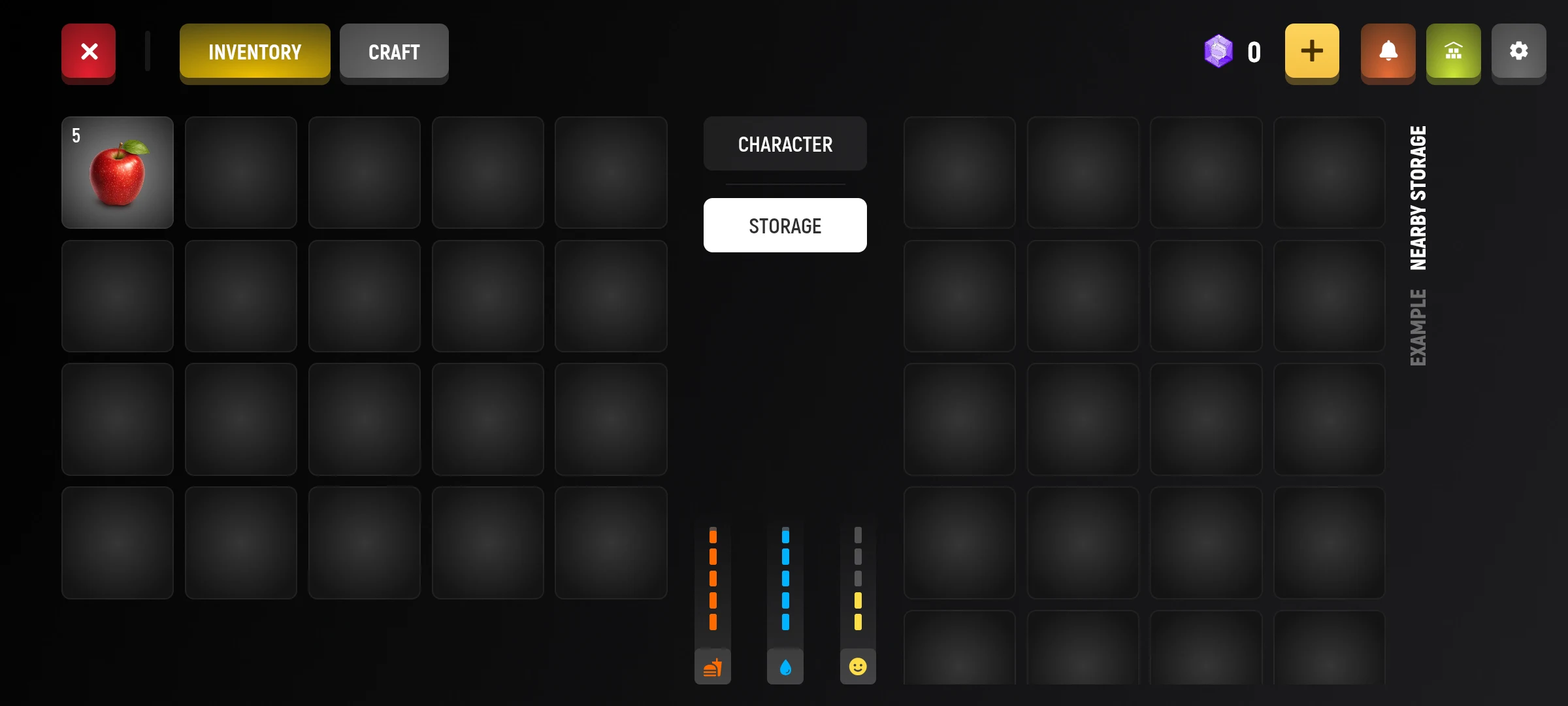
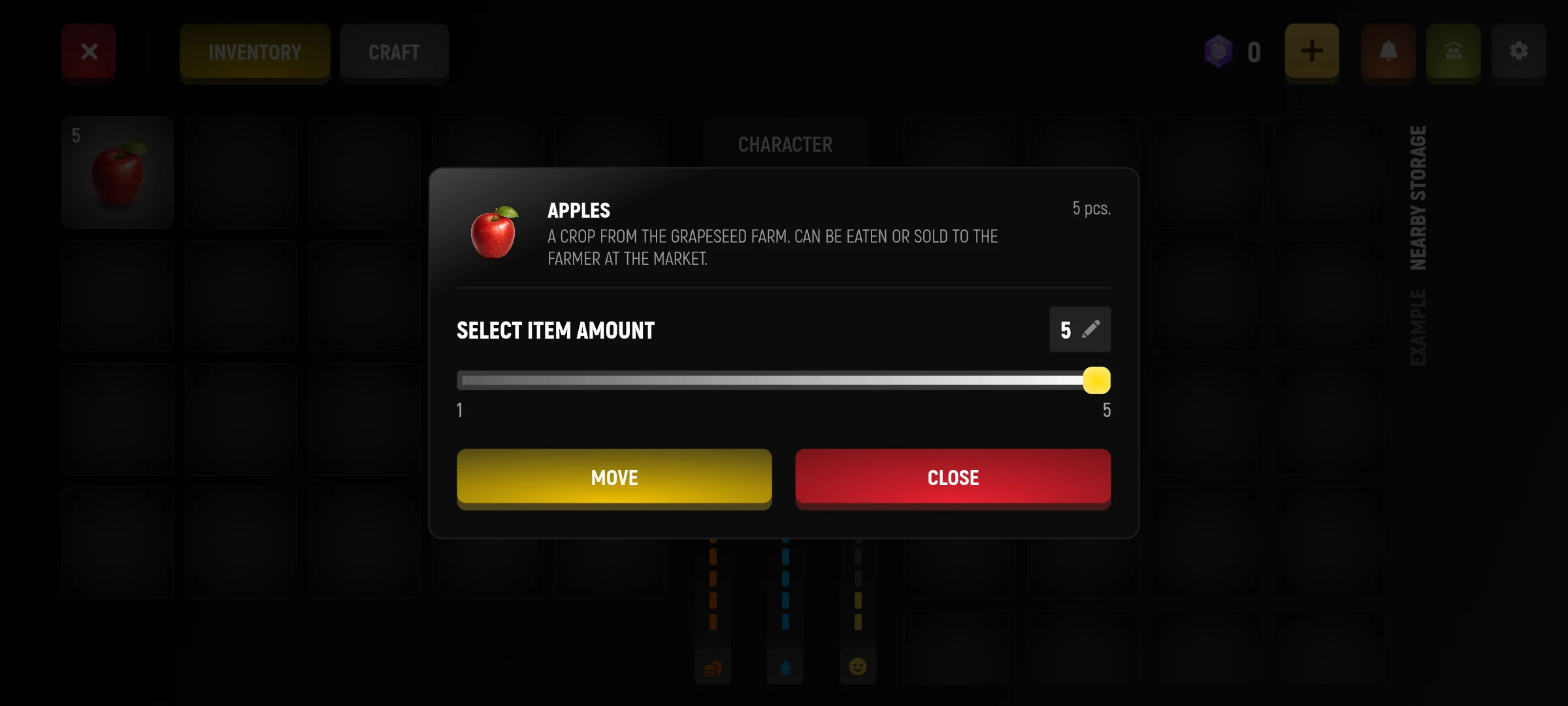
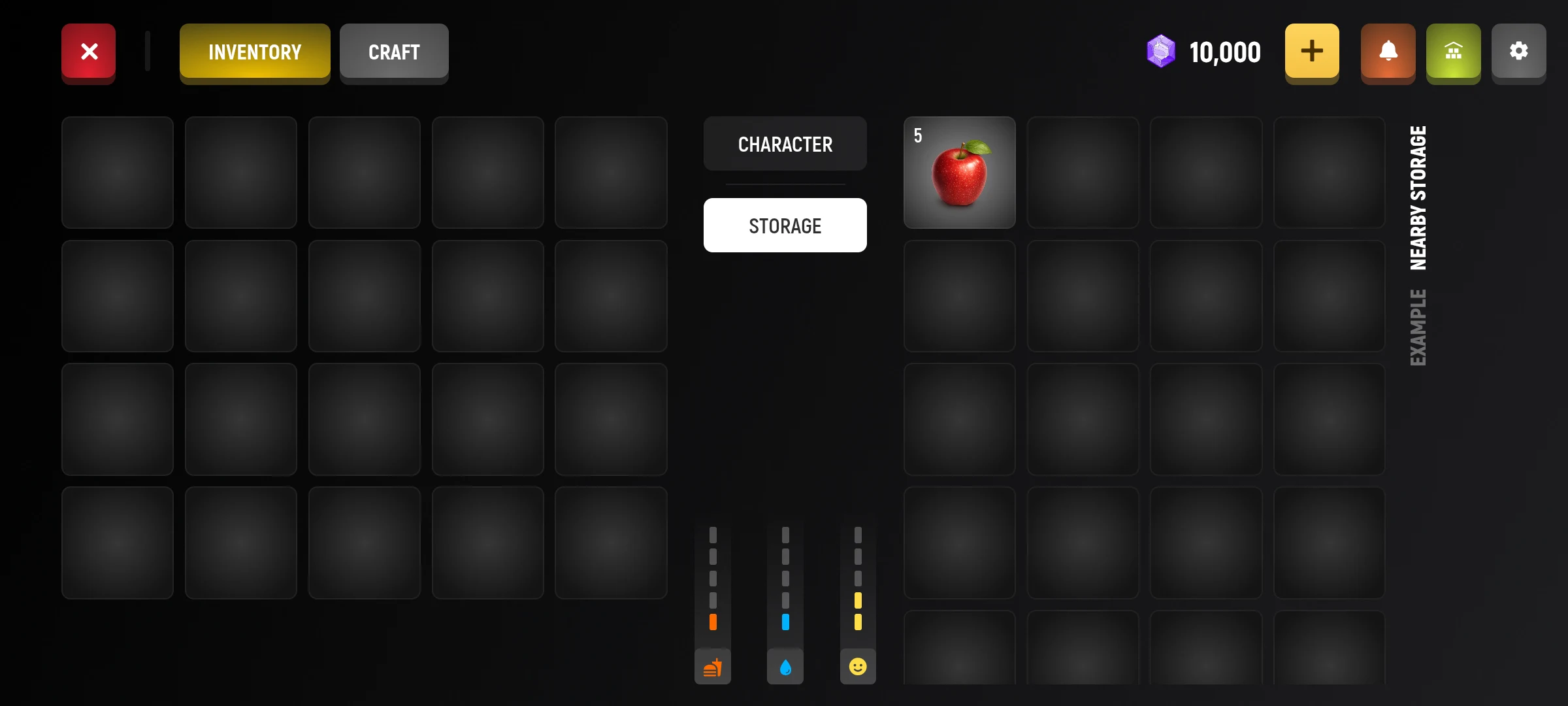
For a family storage, the game separately checks the rights to place and receive things; for the use of things from the storage also requires the right to receive. Donate inventory - a separate section: if the received prize is not among the usual things, check the place of receipt in the description of the prize.