

The improvements open up new opportunities for the family. Available branches and their cost are shown in the family app.
How to Check Improvement
- Open the Improvement section.
- Choose a branch of interest and read the conditions.
- Check the price and right to purchase.
- After the purchase, see what actions are available.
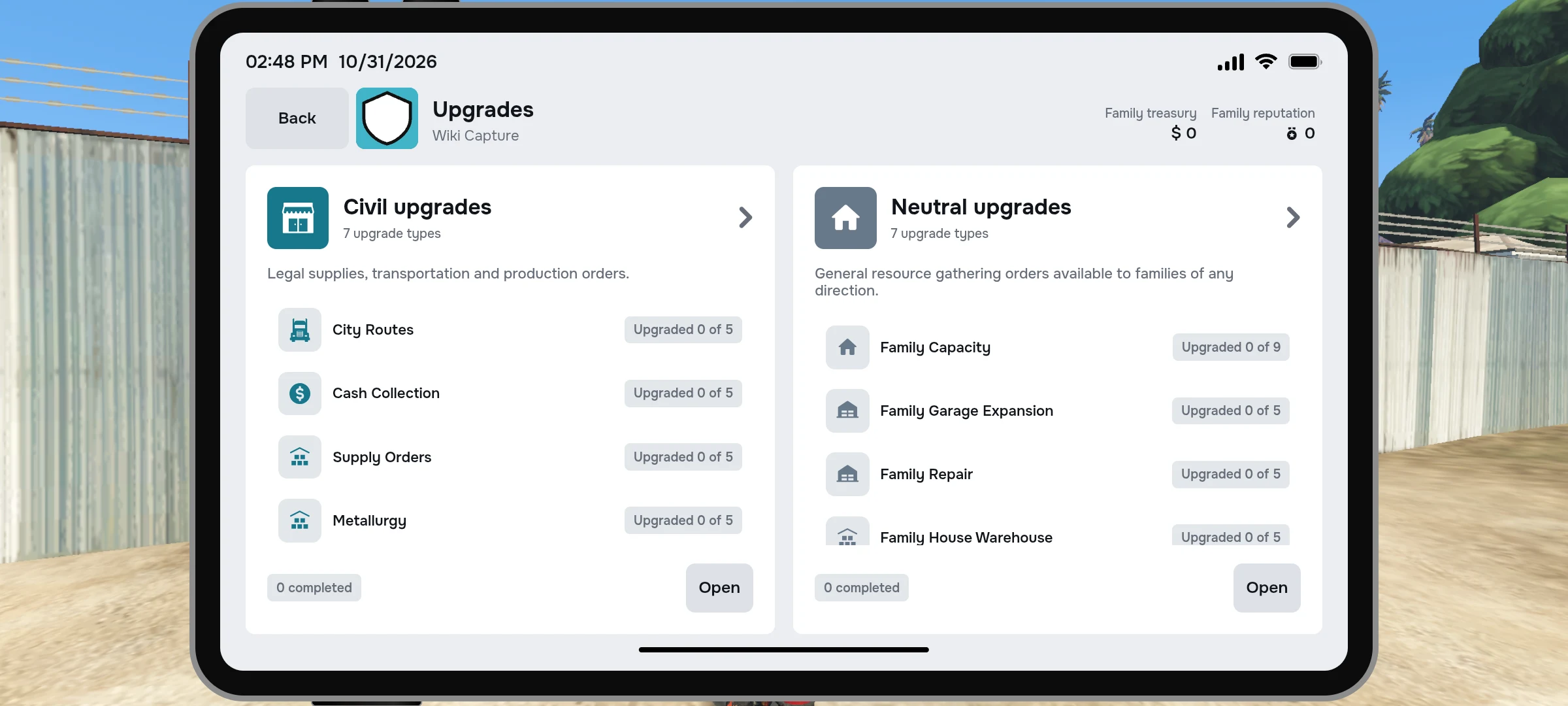
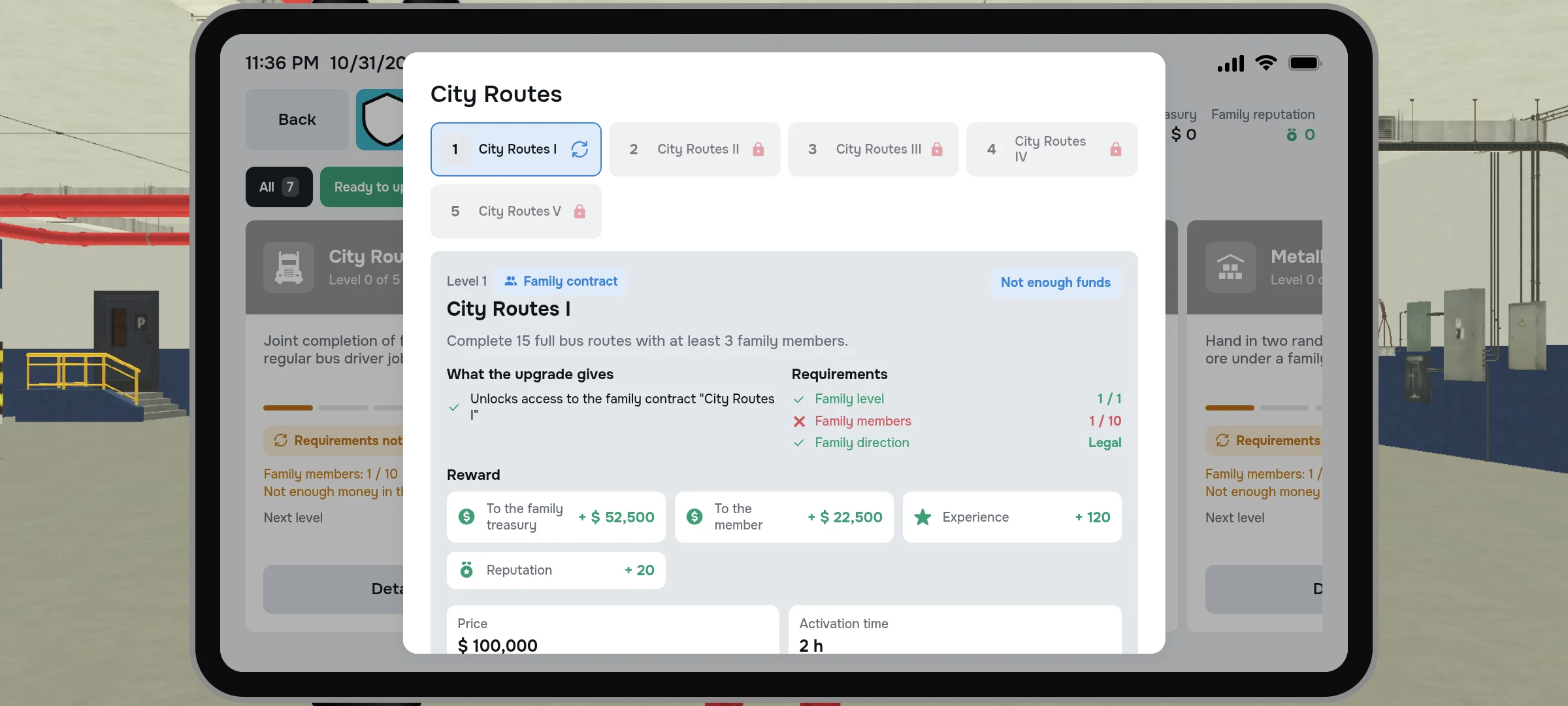
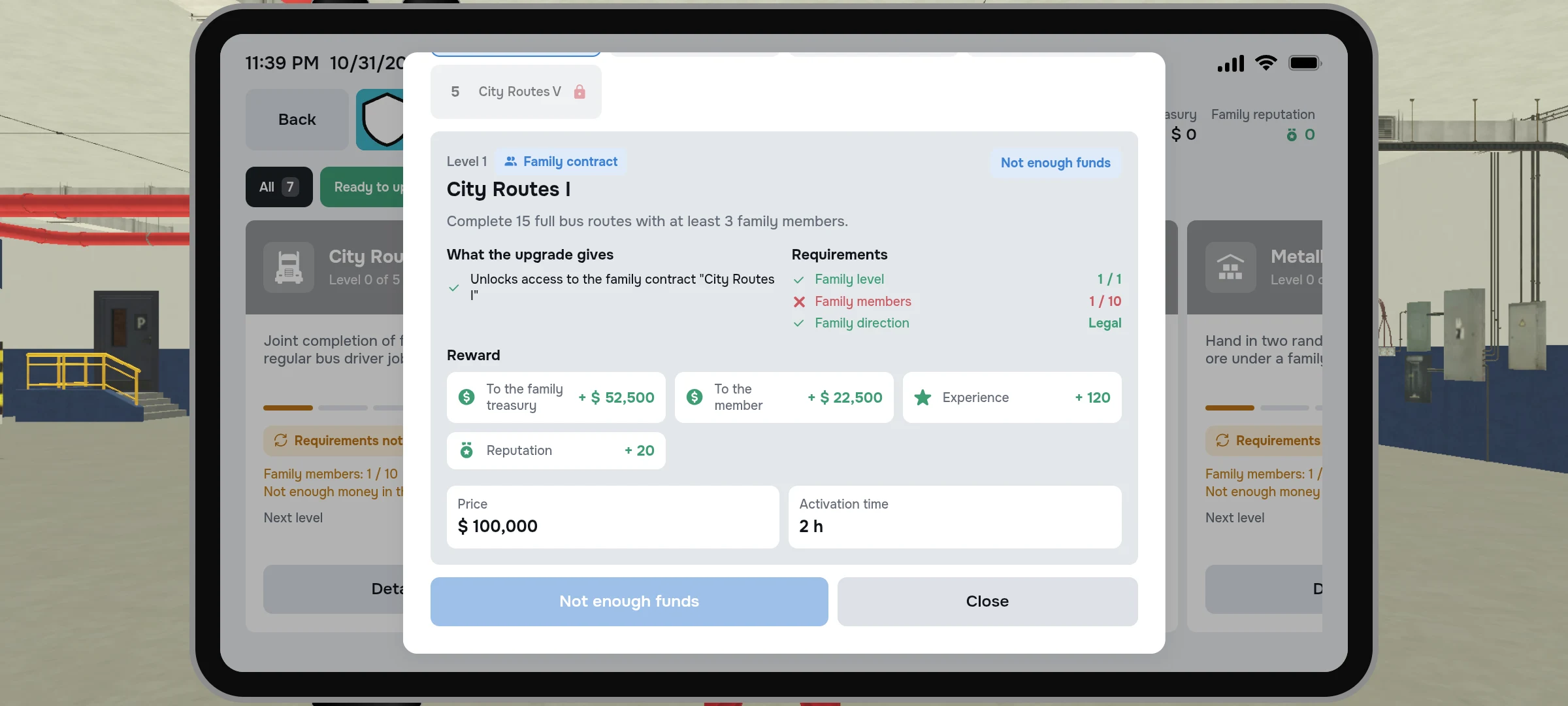
Some contracts are opened through improvements. For example, individual transportation requires an open branch of suitable family transport.
Capacity of the family
Without improvement, the family can have up to 10 members. Each next level of expansion adds another 10 seats. For purchase, check the family level, current number of participants, previous level of improvement and money; after purchase you need to wait for activation.
| Level of Expansion | All places | Price |
|---|---|---|
| 1 | 20 | $270 000 |
| 2 | 30 | $430 000 |
| 3 | 40 | $690 000 |
| 4 | 50 | $1 100 000 |
| 5 | 60 | $1 770 000 |
| 6 | 70 | $2 830 000 |
| 7 | 80 | $4 530 000 |
| 8 | 90 | $7 250 000 |
| 9 | 100 | $11 600 000 |