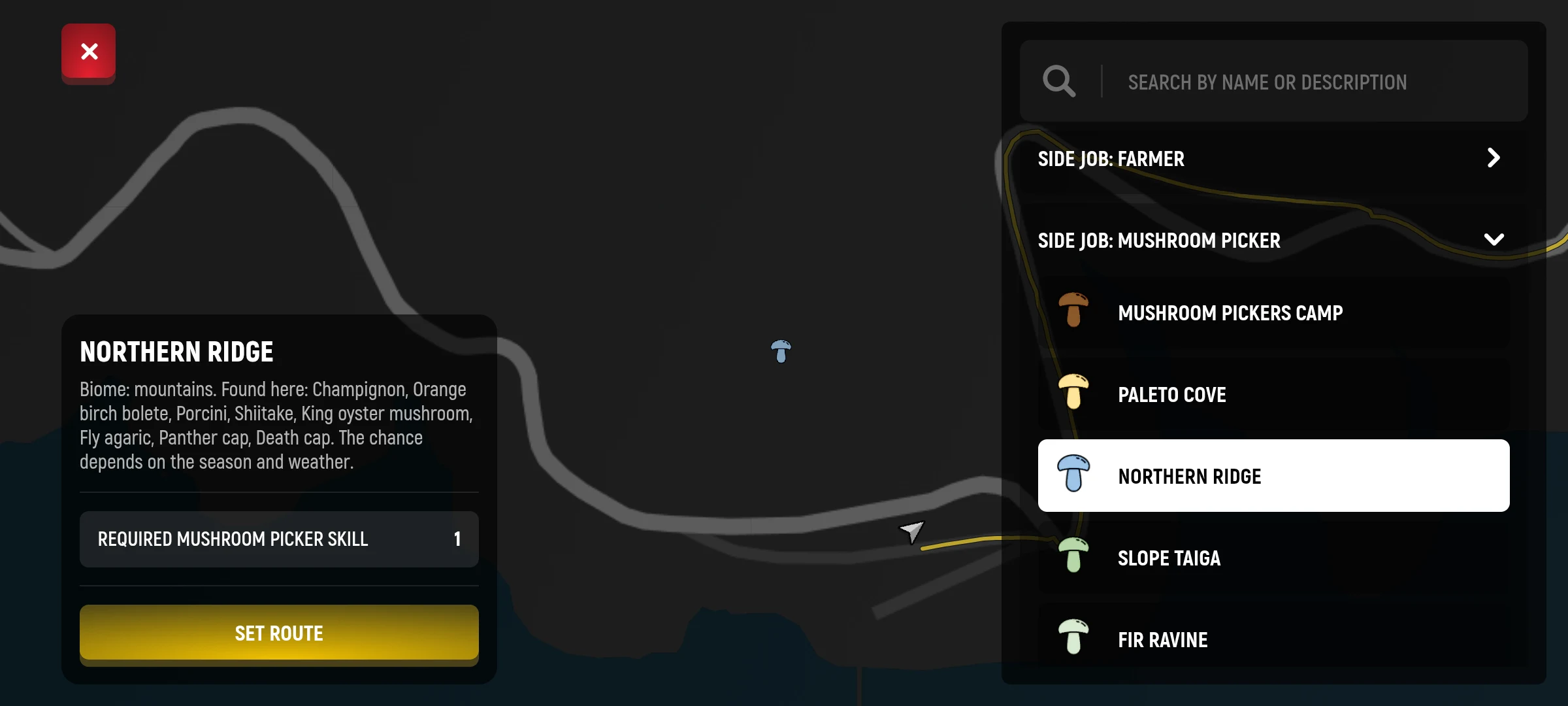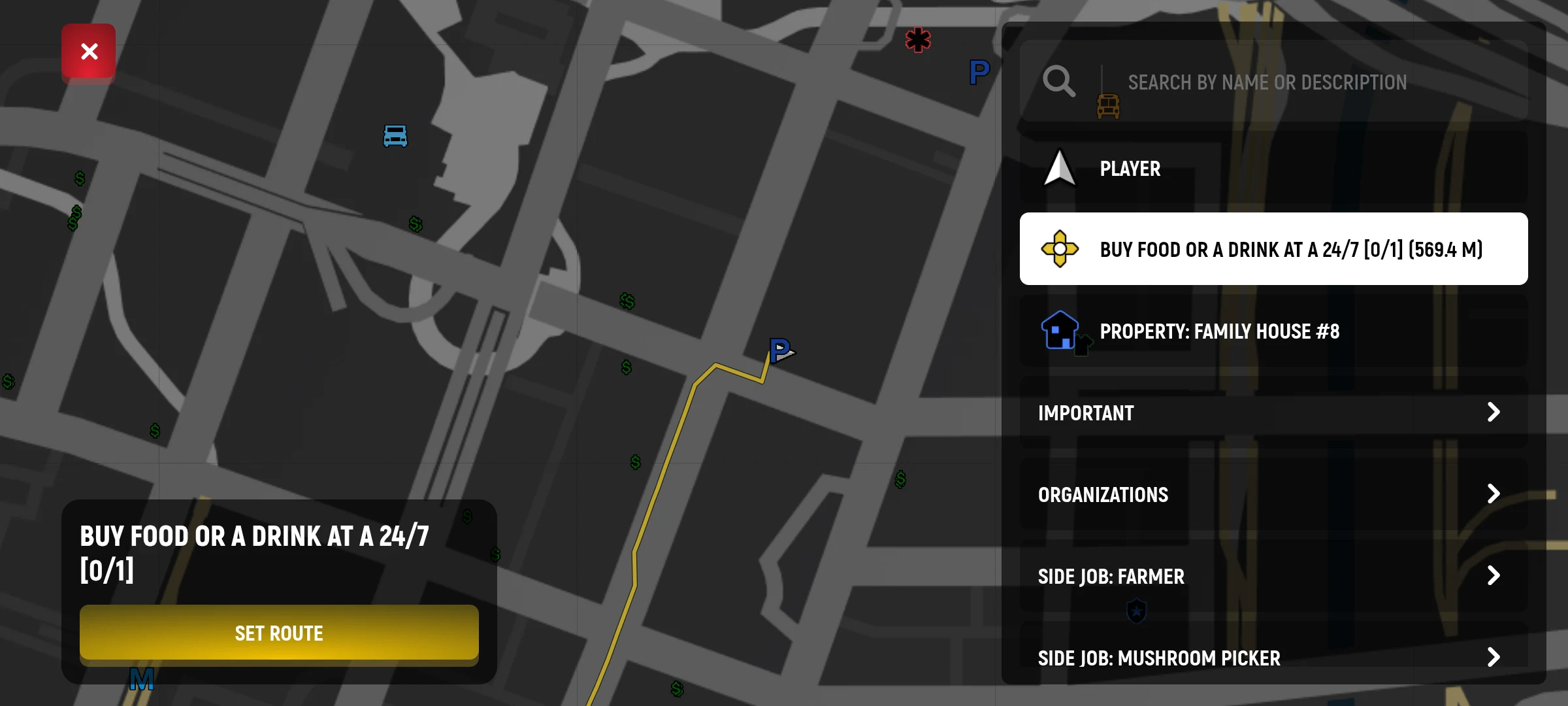
The map helps to find the right place and shows the way to it. For example, with its help you can find a ATM.
How to put a label
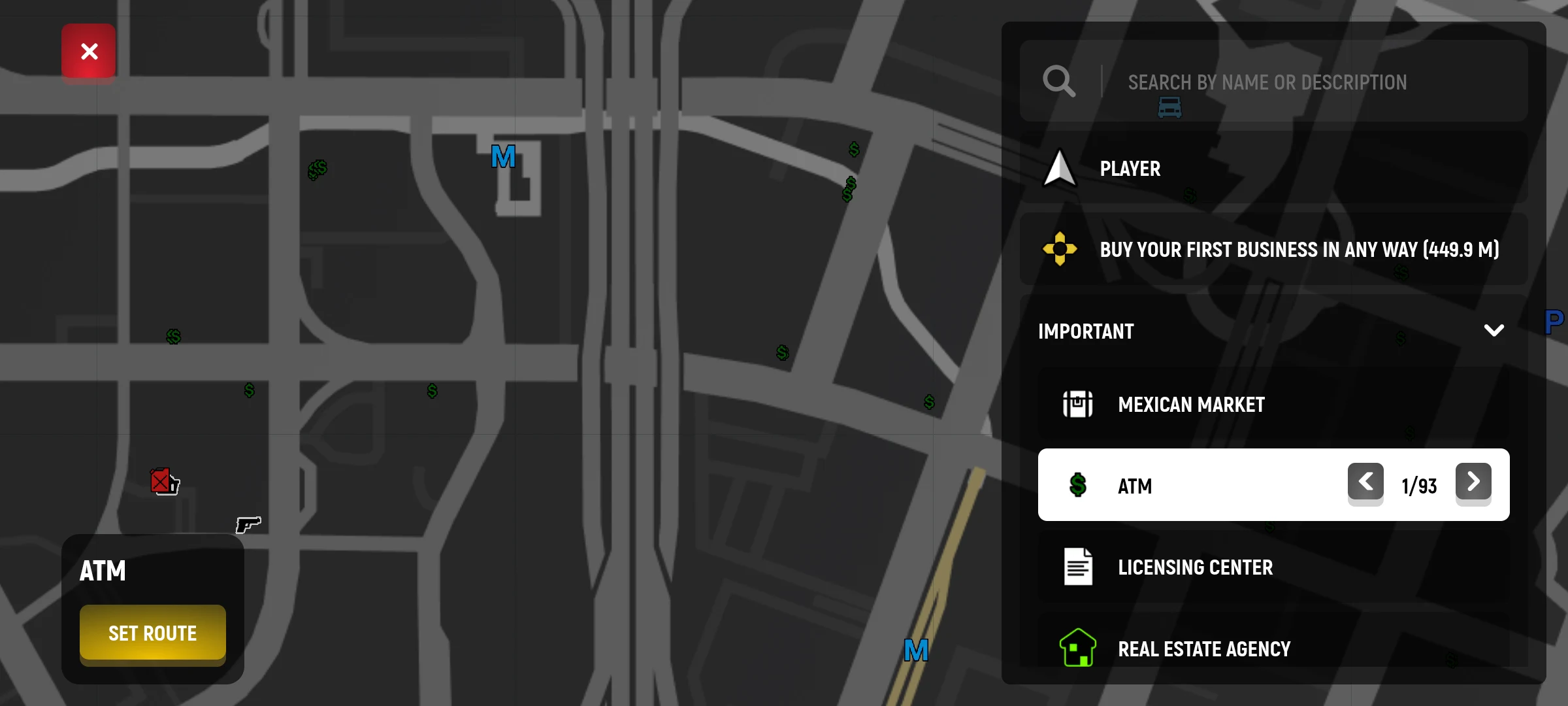
- Click on the mini-card in the upper left corner of the screen.
- In the list to the right, open the “Important” section and choose “Bankomat”. You can choose another place.
- In the card that appears, click “Planning Route”.
- Close the map and follow the lines on the mini-map.
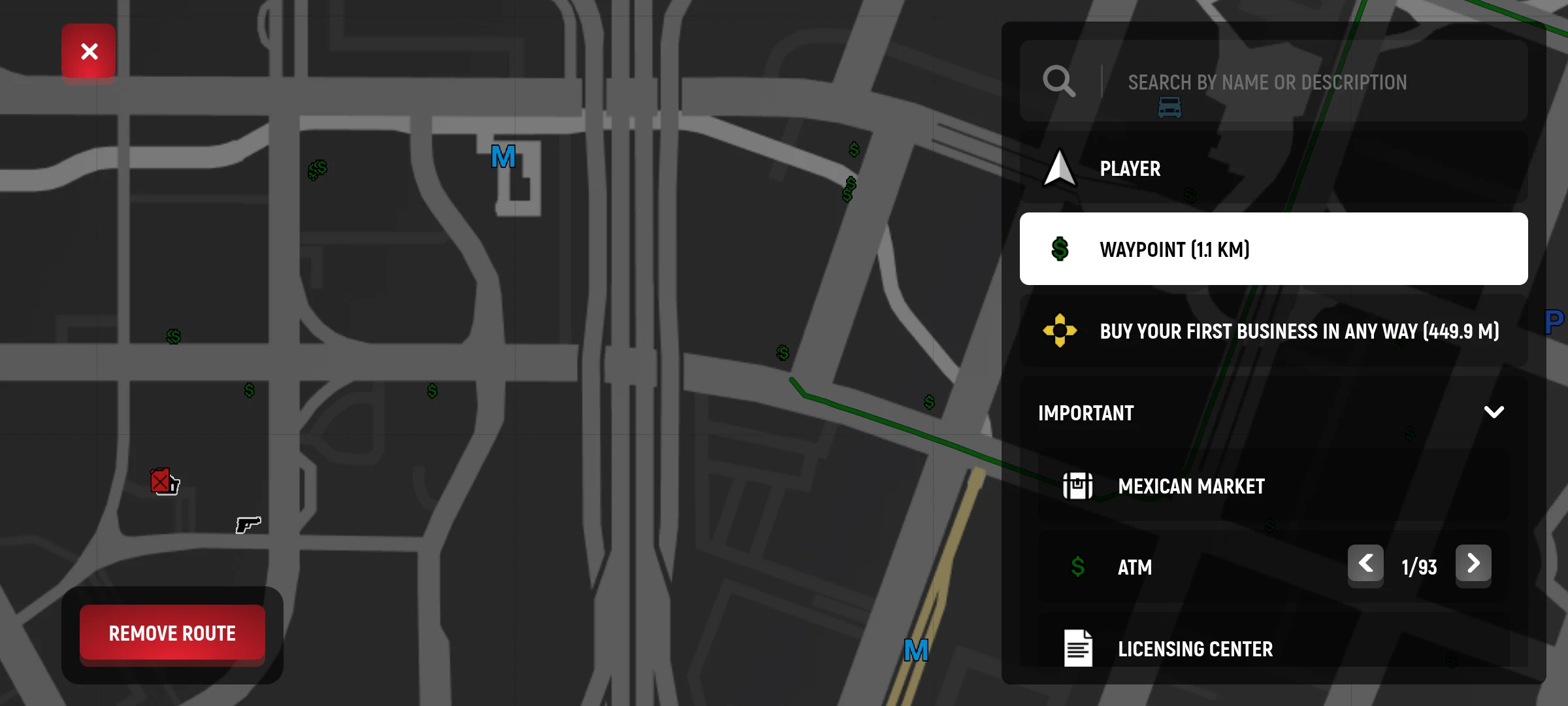
If you have changed your mind, open the map again and press “Delete Route”. Tasks may have their own labels: check the name of the destination before you go on your way.
If the route does not appear
Make sure that the right point is selected and the route is clicked on its card. For the task, first check its current stage: the goal may be different or not have a route tag. How to monitor tasks
What the place card shows
Some points besides the name have a description and additional conditions, such as the required level of skill or tool. Open the card and check them before traveling. List sections help find different types of places: for example, jobs, services and important points.
Your route and some routes created by the game itself are managed separately. If you want to remove a particular game tag, first select it on the map and check the available action. Cancellation of the route does not necessarily cancel the task itself.