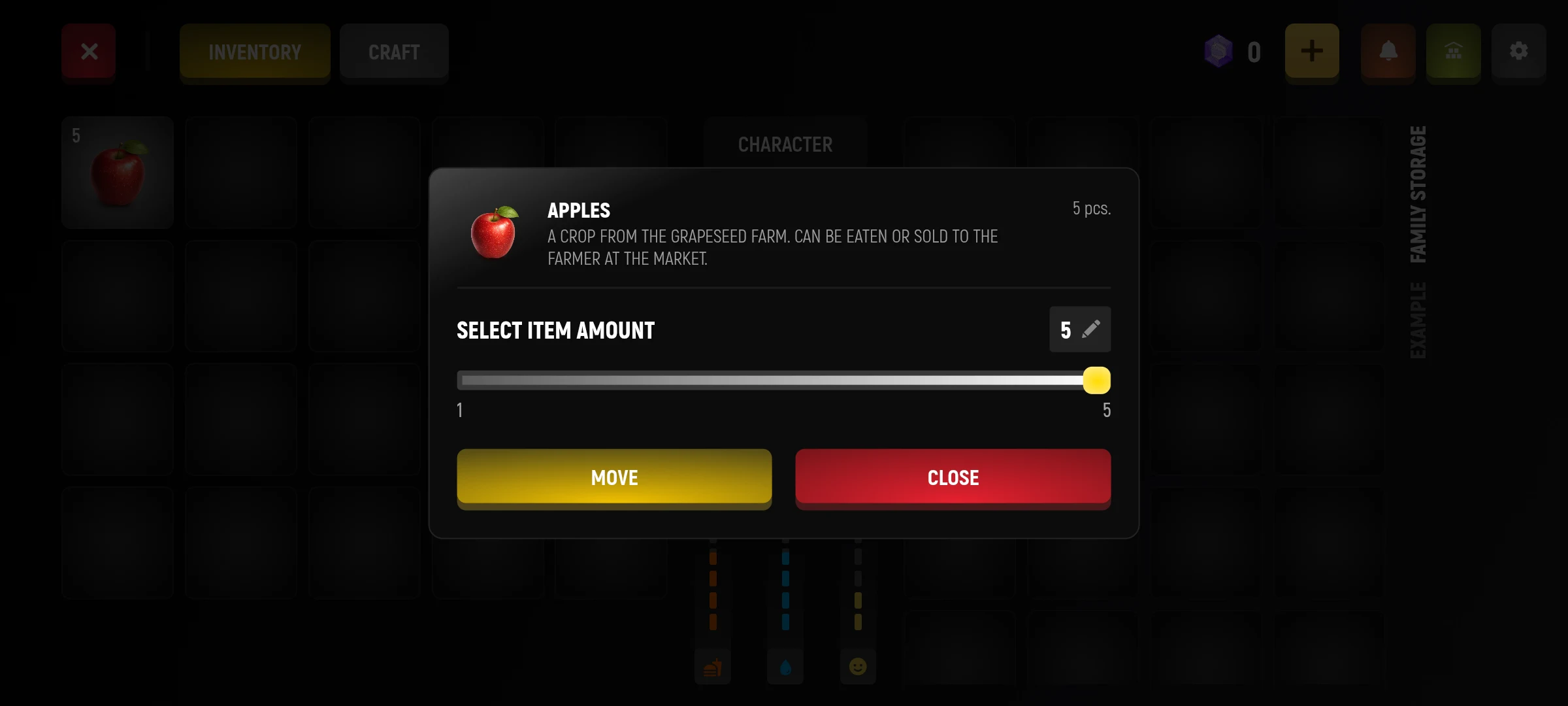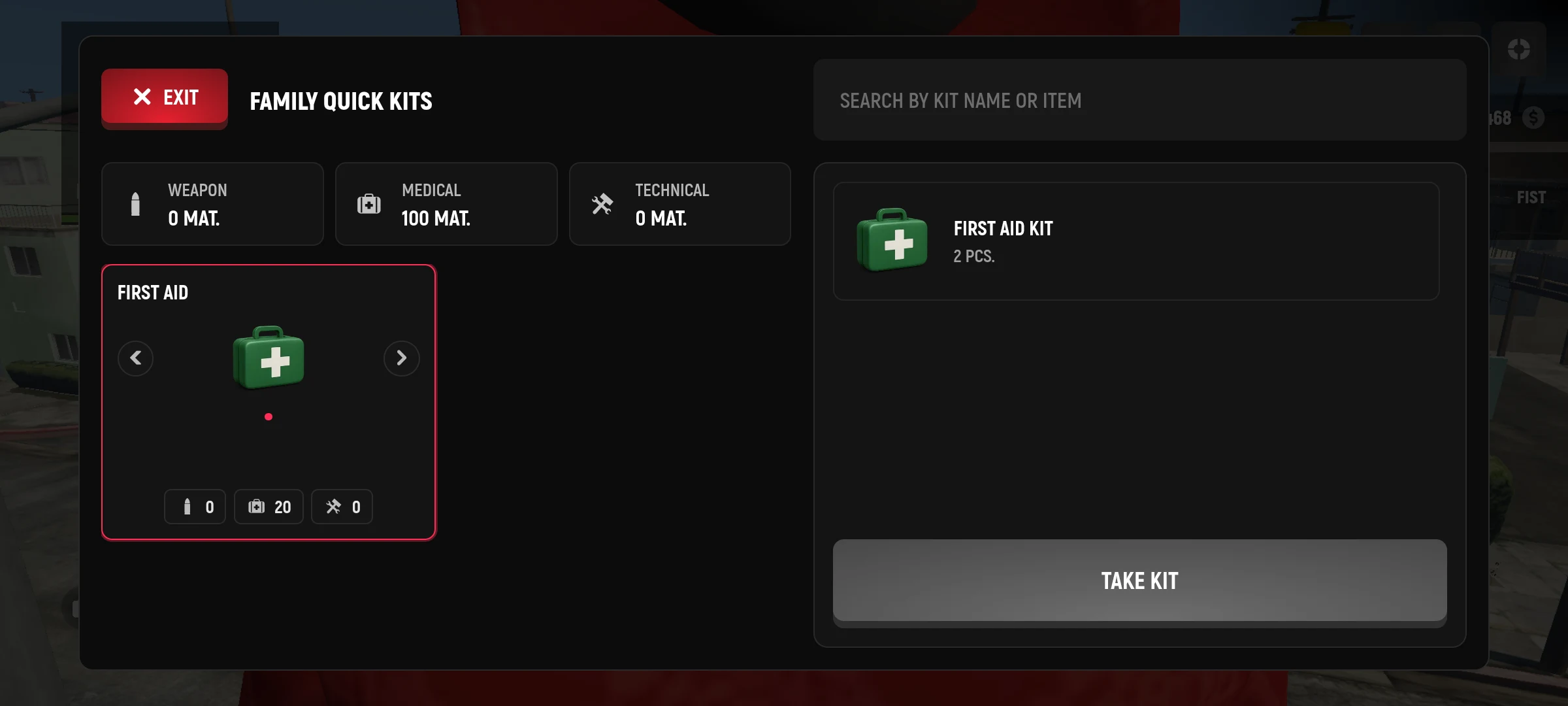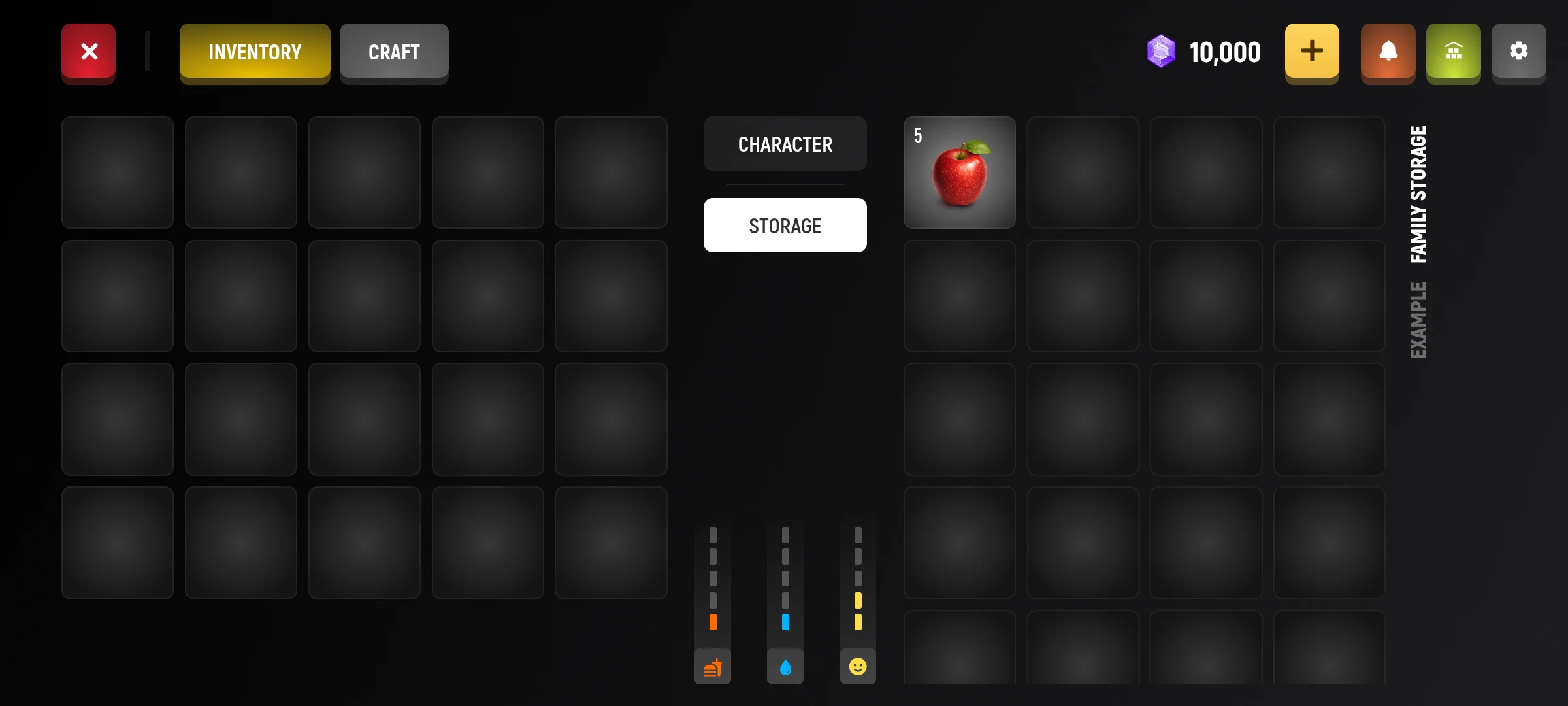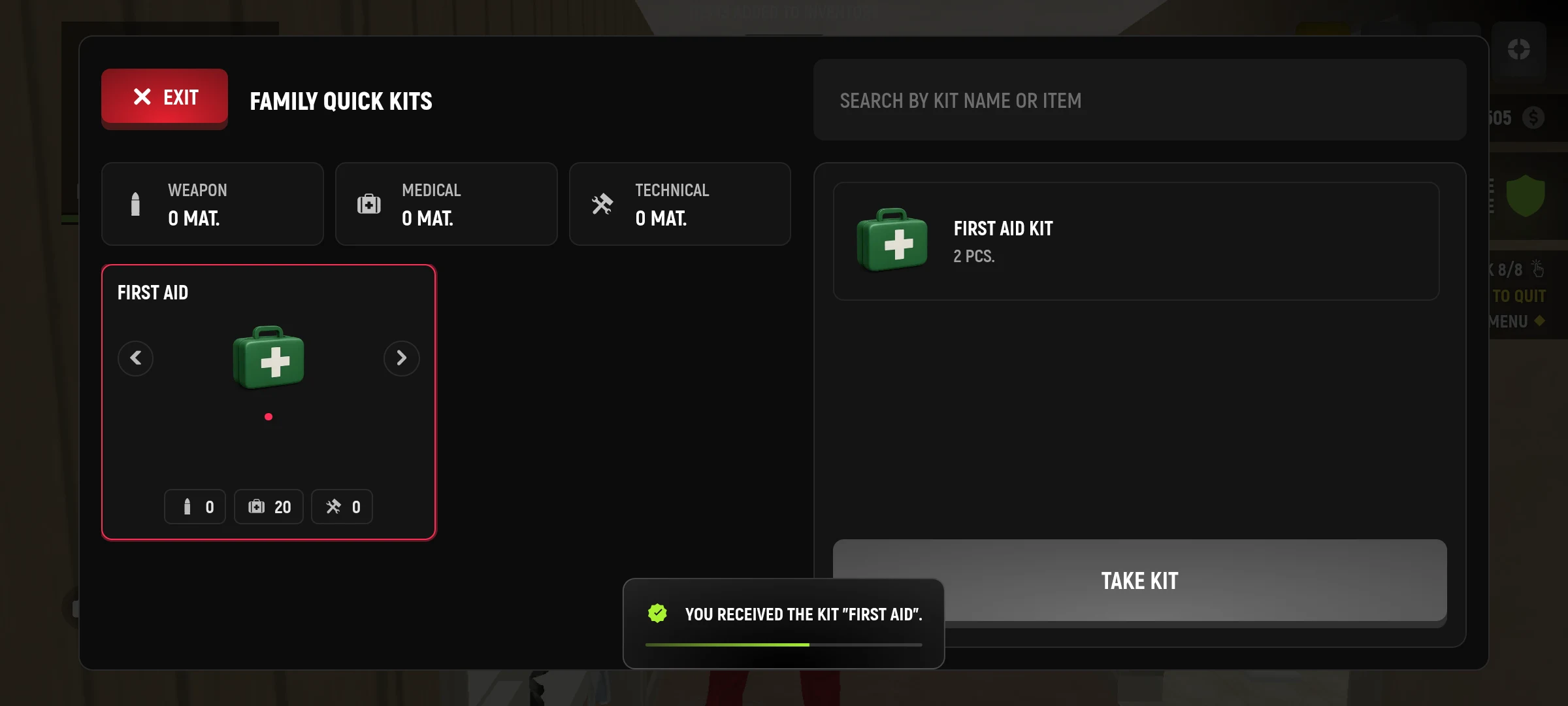
The family manages the shared property through the rights of the participants. The manager can allocate access by rank.
Where to see opportunities
- Open the family app on the tablet.
- Find composition, rankings and available actions.
- To work with a warehouse, treasury or transportation, check if you have the right.
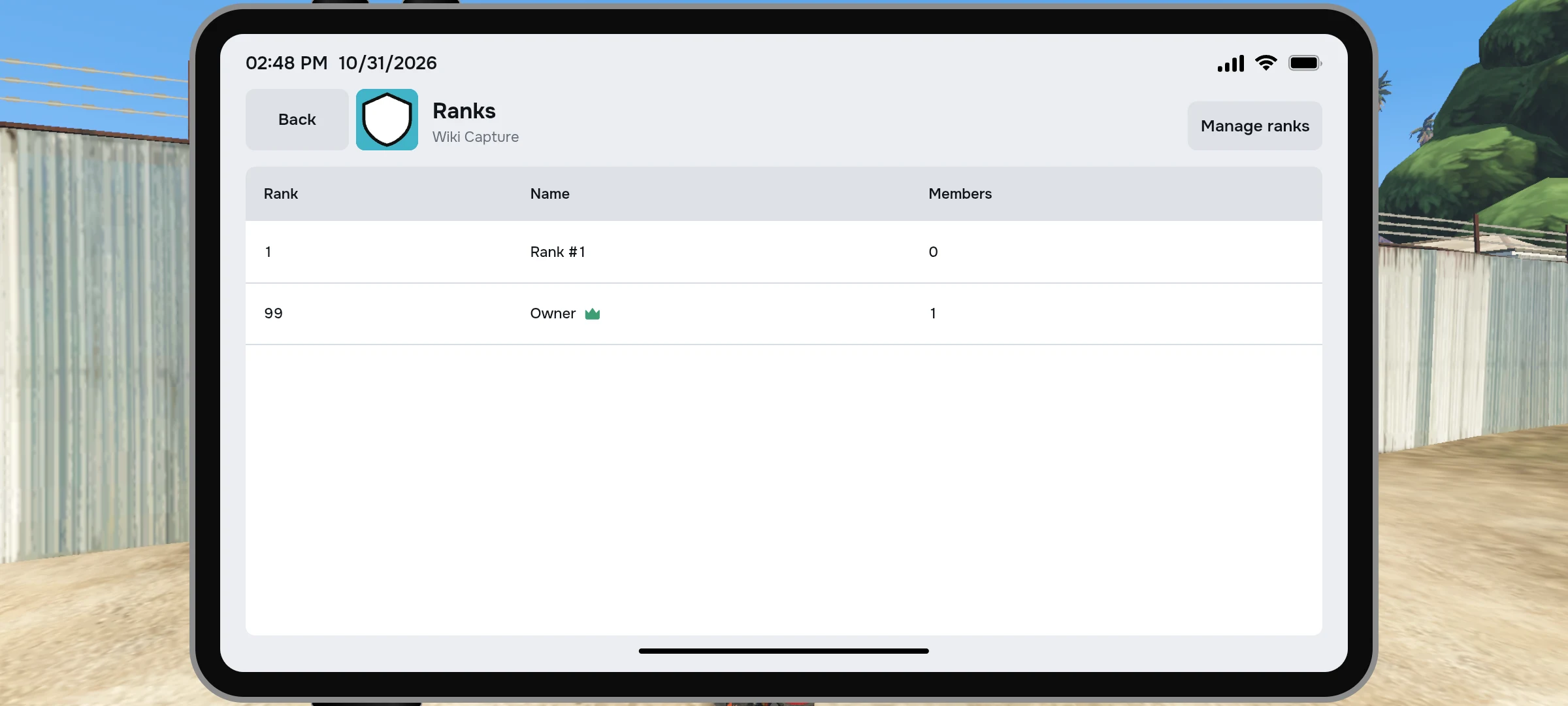
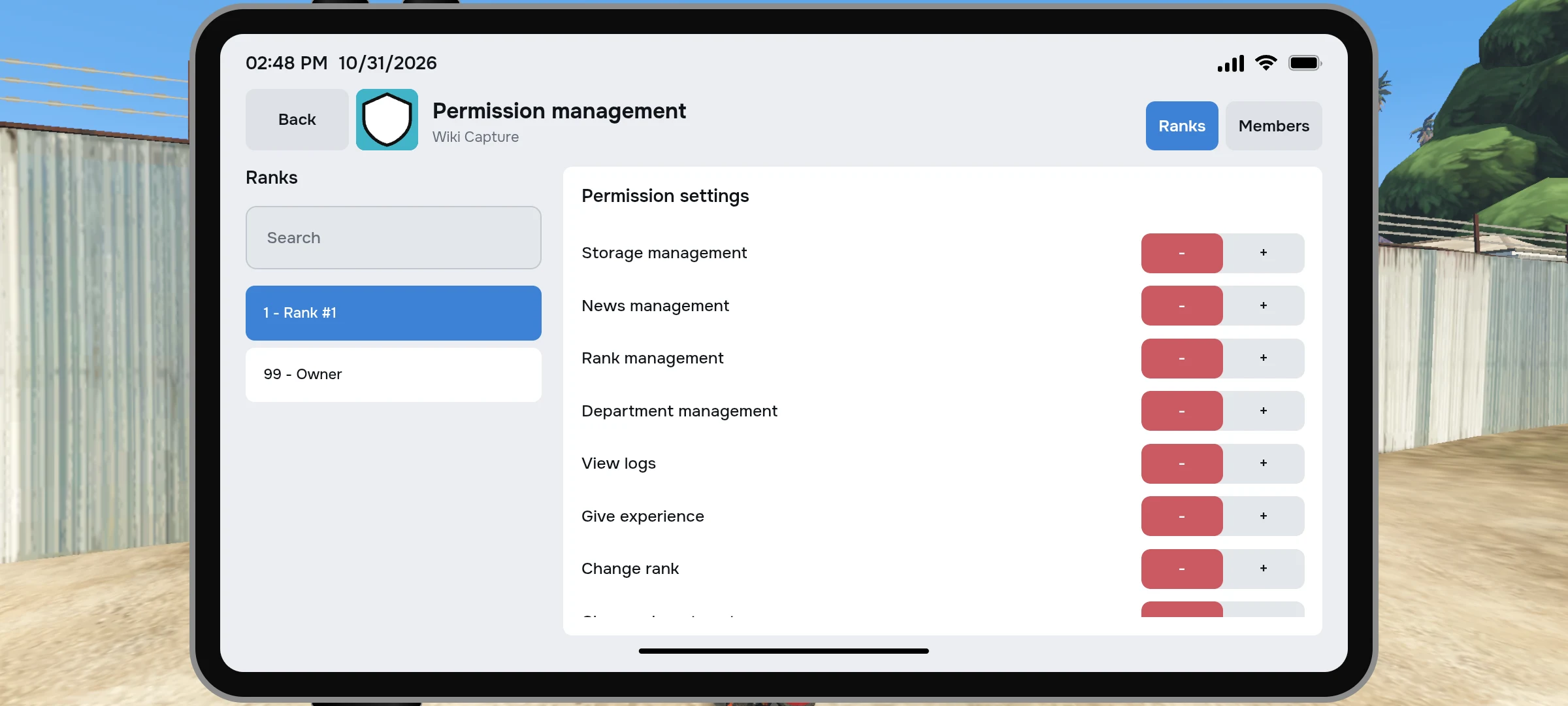
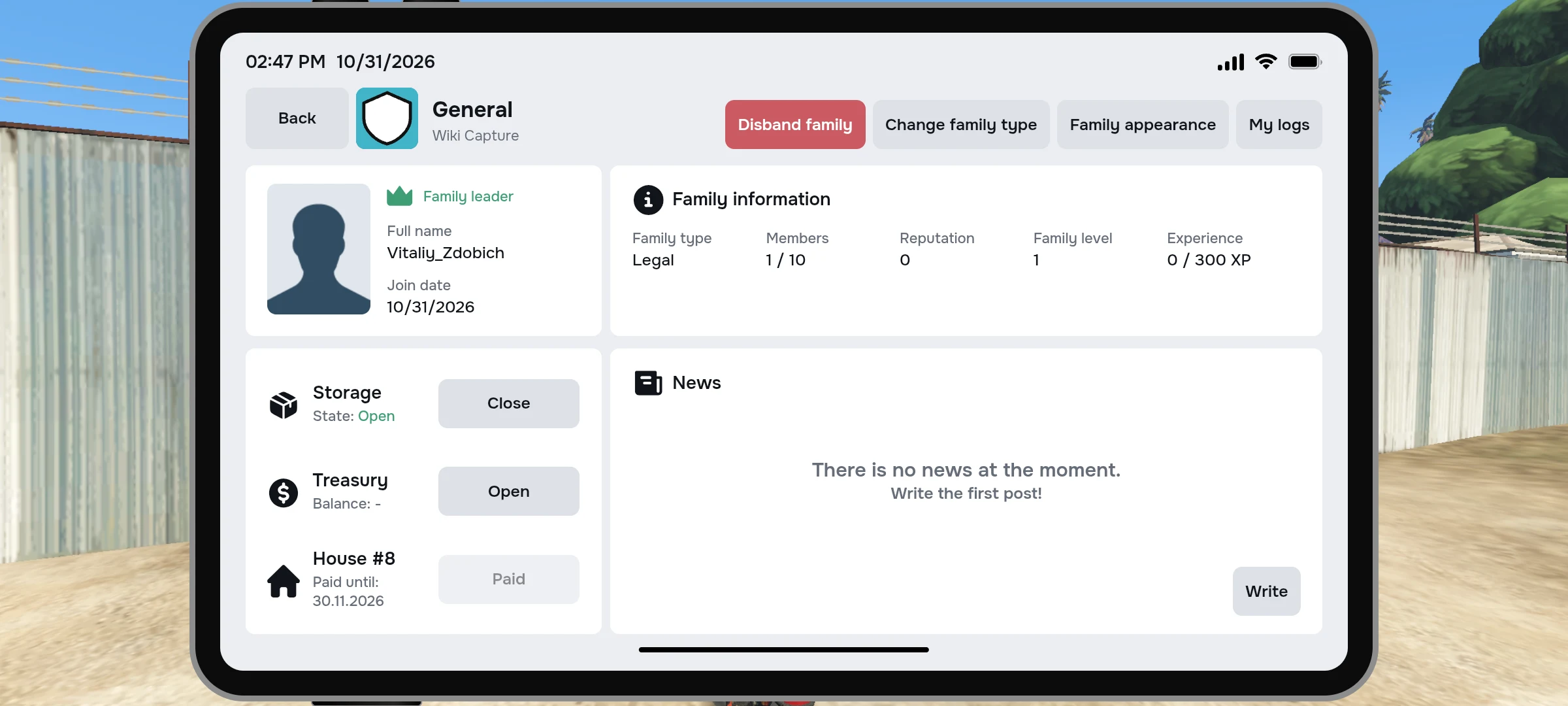
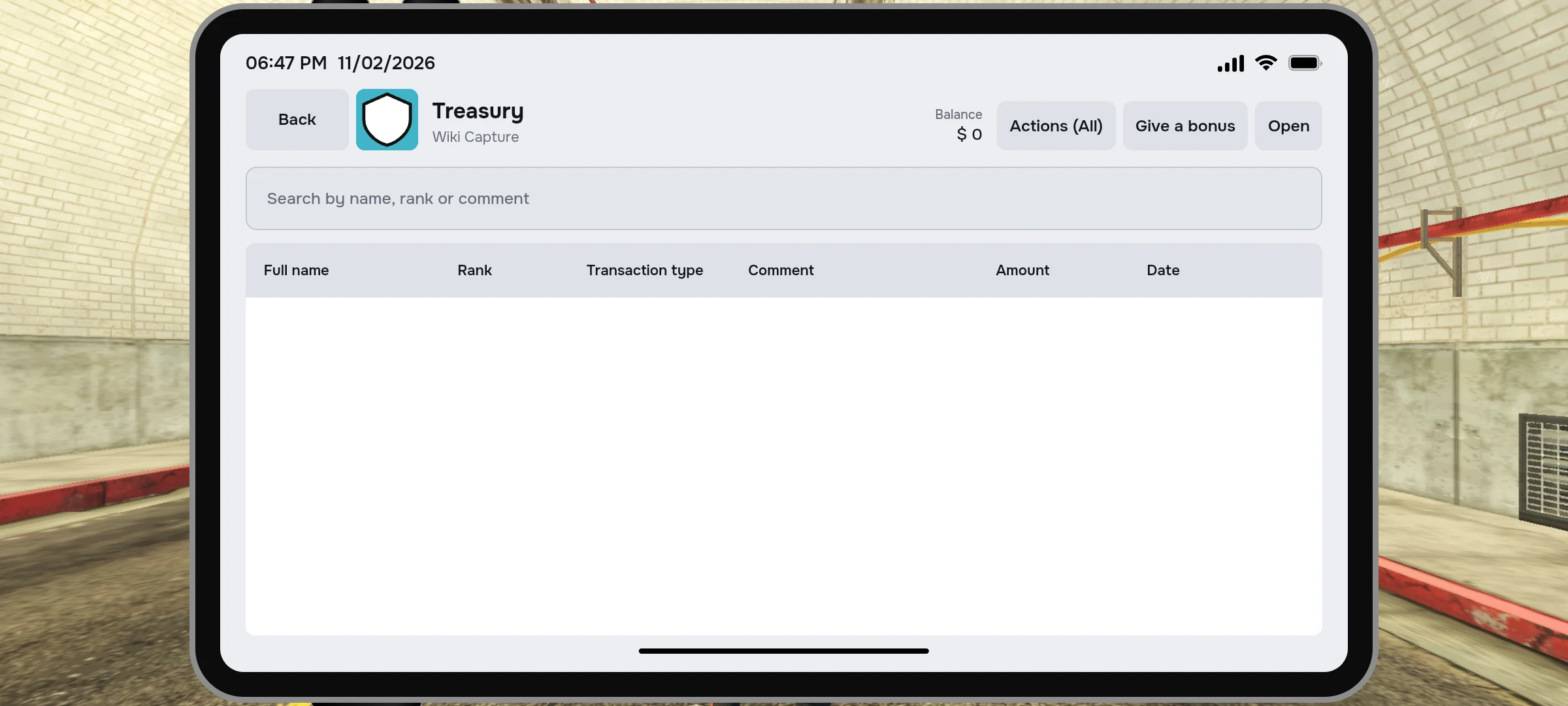
Not all participants can run or cancel family tasks, take things out of the warehouse, or manage common money. If the action is not available, contact the manager.
Family storage capacity
The warehouse opens and expands with the improvement of the family. These slots are in stock; the purchase of each level also requires a sufficient level of family, membership and reputation. Look at the improvement card before buying.
| Level of warehouse | Slots | Fast access sets |
|---|---|---|
| 1 | 100 | 2 |
| 2 | 150 | 4 |
| 3 | 200 | 6 |
| 4 | 250 | 8 |
| 5 | 300 | 10 |
What Rights Differ
| Action | What needs |
|---|---|
| Opening the warehouse | Right of view and activated improvement of the warehouse. |
| Put things | Right to place objects. |
| Take or use things. | Right to obtain objects. |
| Use or edit sets | Separate right to use or edit the sets. |
| Start or cancel a contract | A separate right to start or cancel a task. |
| Buying or transferring family transport | The right to family transportation. |
Some things cannot be put into a family warehouse: for example, temporary items and items with transmission limitation. If the game does not accept a thing, check its description and error message.