The phone helps to connect with other players and services. The character needs a number for normal communication.
How to get a number
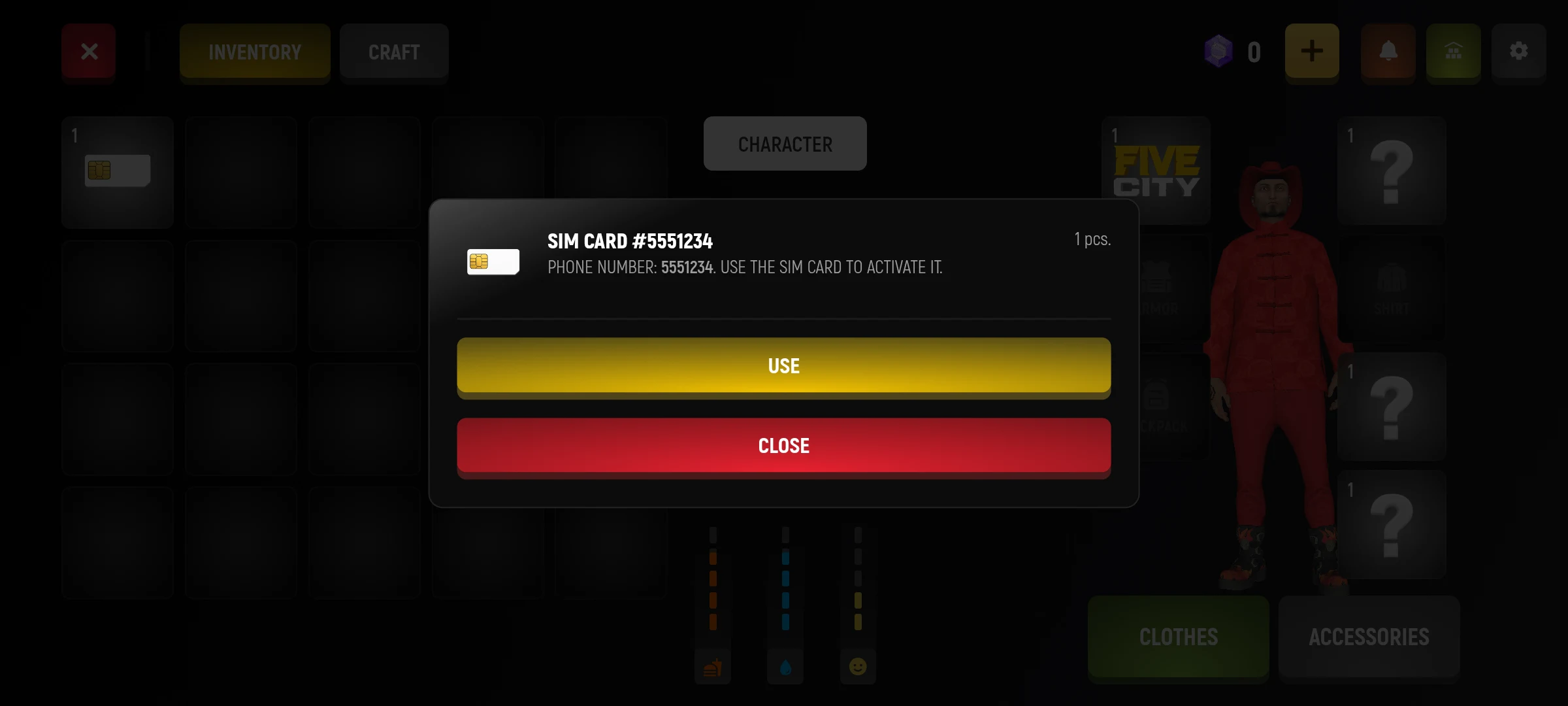
- Find the SIM card in the inventory.
- Choose it and use it.
- Open your phone and check your number.
How to maintain contact
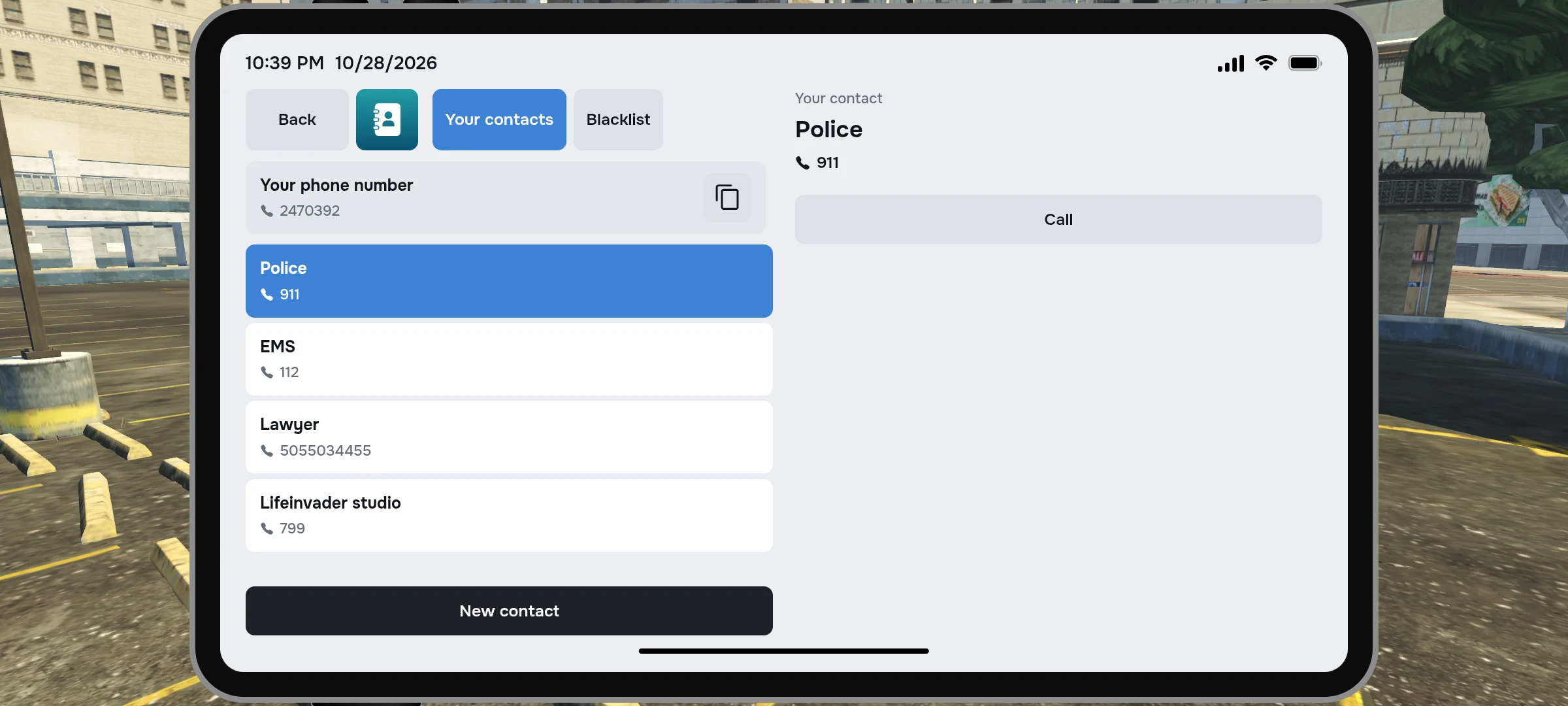
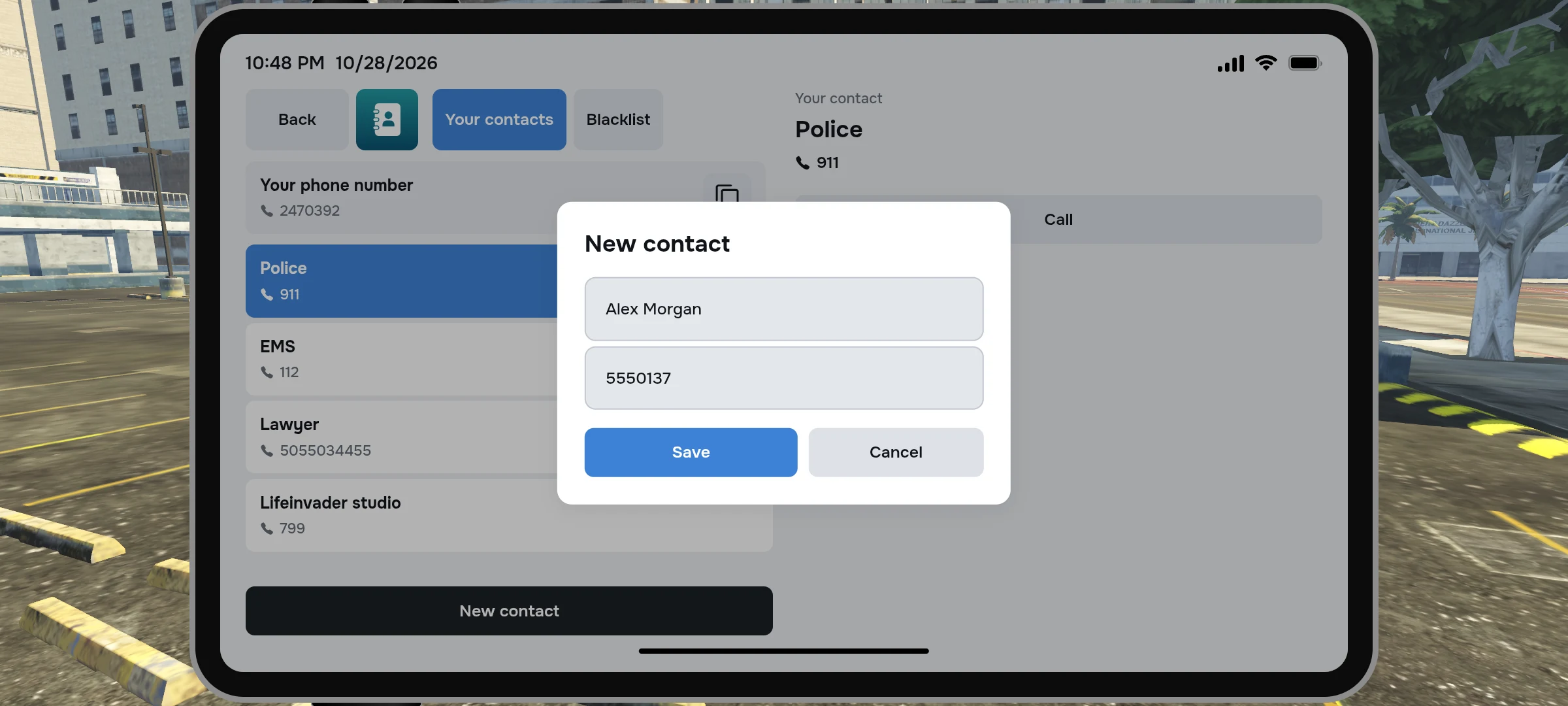
- Open the phone book and click “New Contact”.
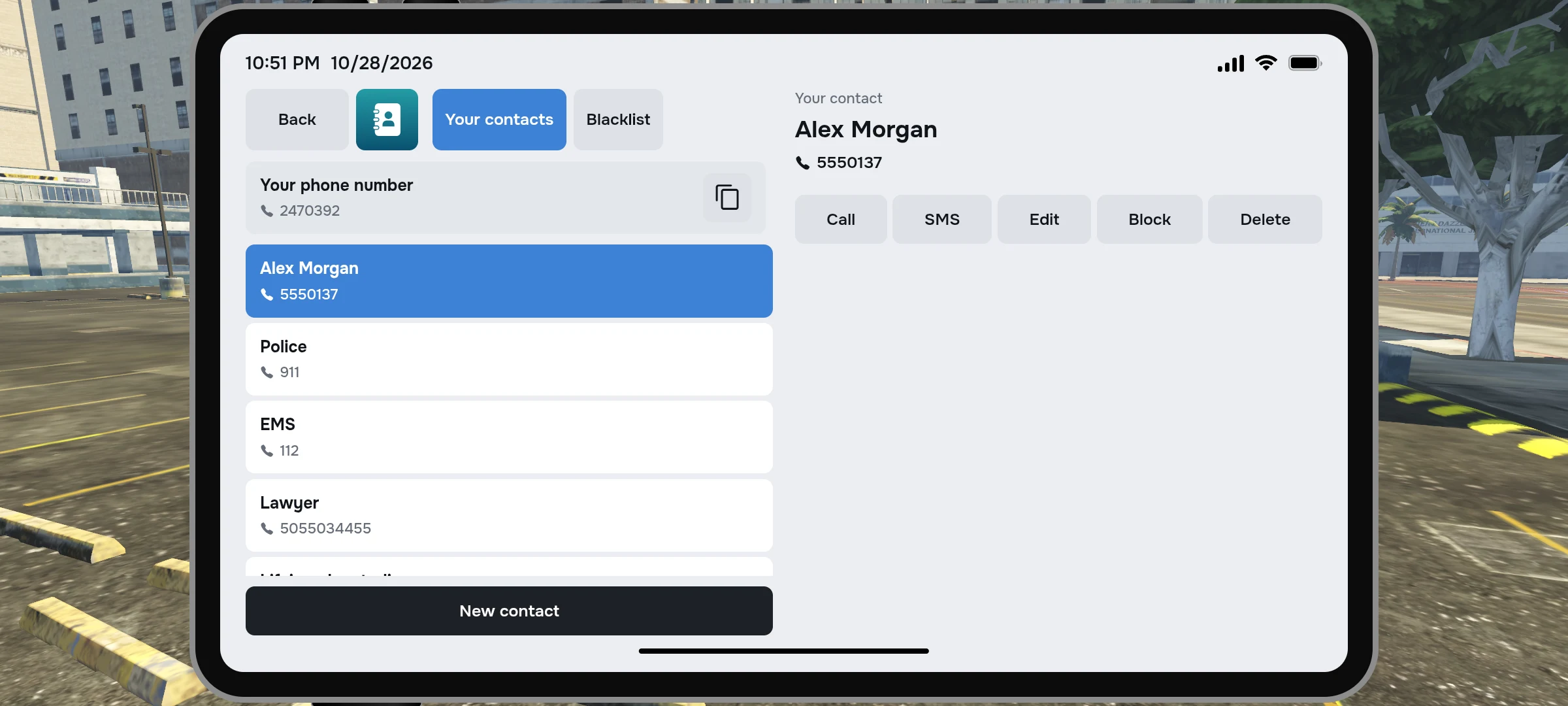
- Enter your name and game number, then save the contact.
- Select it in the list to call or write a message.
If the training SIM is missing
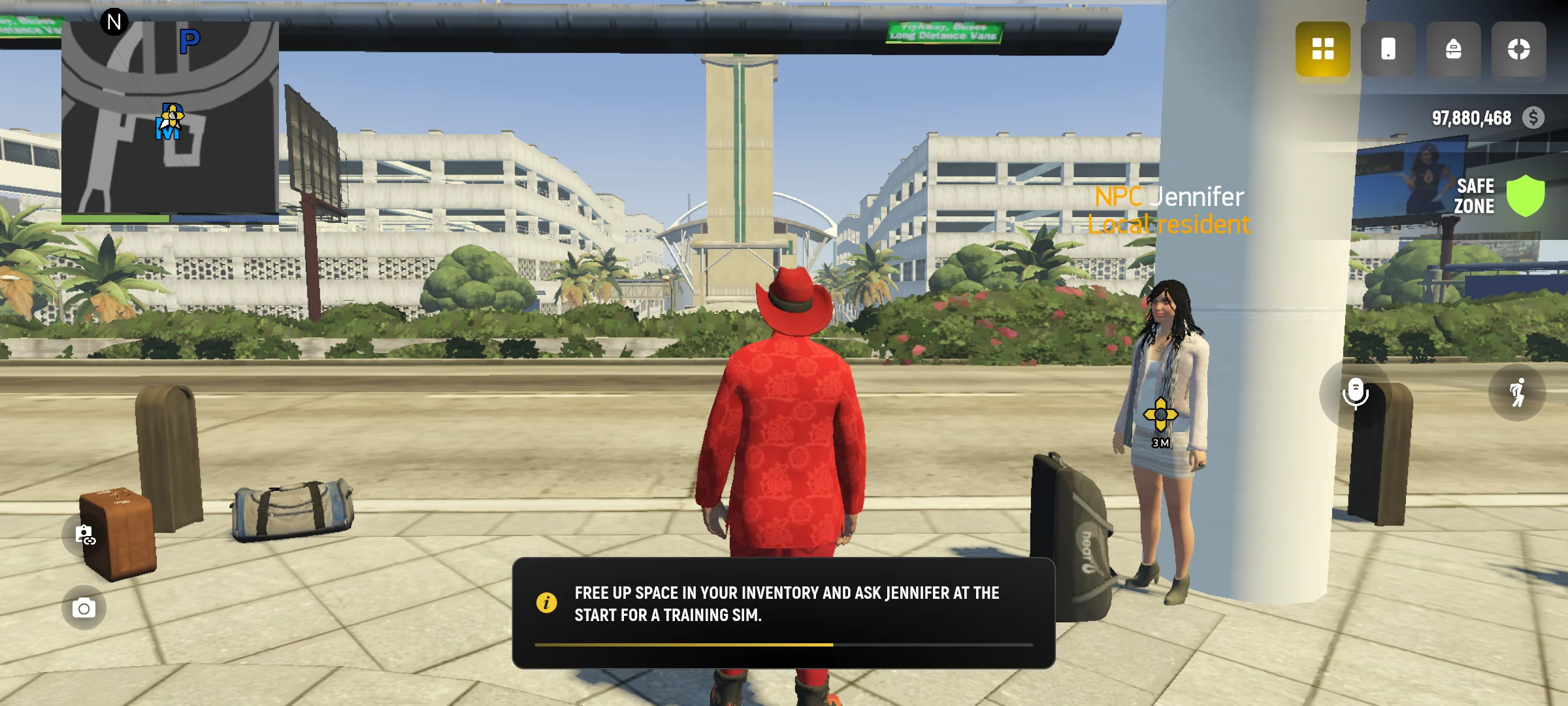
If you are still doing a step with the training SIM, there is no number and the card is missing, free up space in the inventory and return to your starting character. In the case provided by the game, it will help restore the training SIM.
A normal message costs $20. The call costs $100 per minute: the first minute is paid immediately after answering, then the money is deducted every minute. Payment by calling from a bank account. Service calls are processed separately from normal calls.
Useful numbers
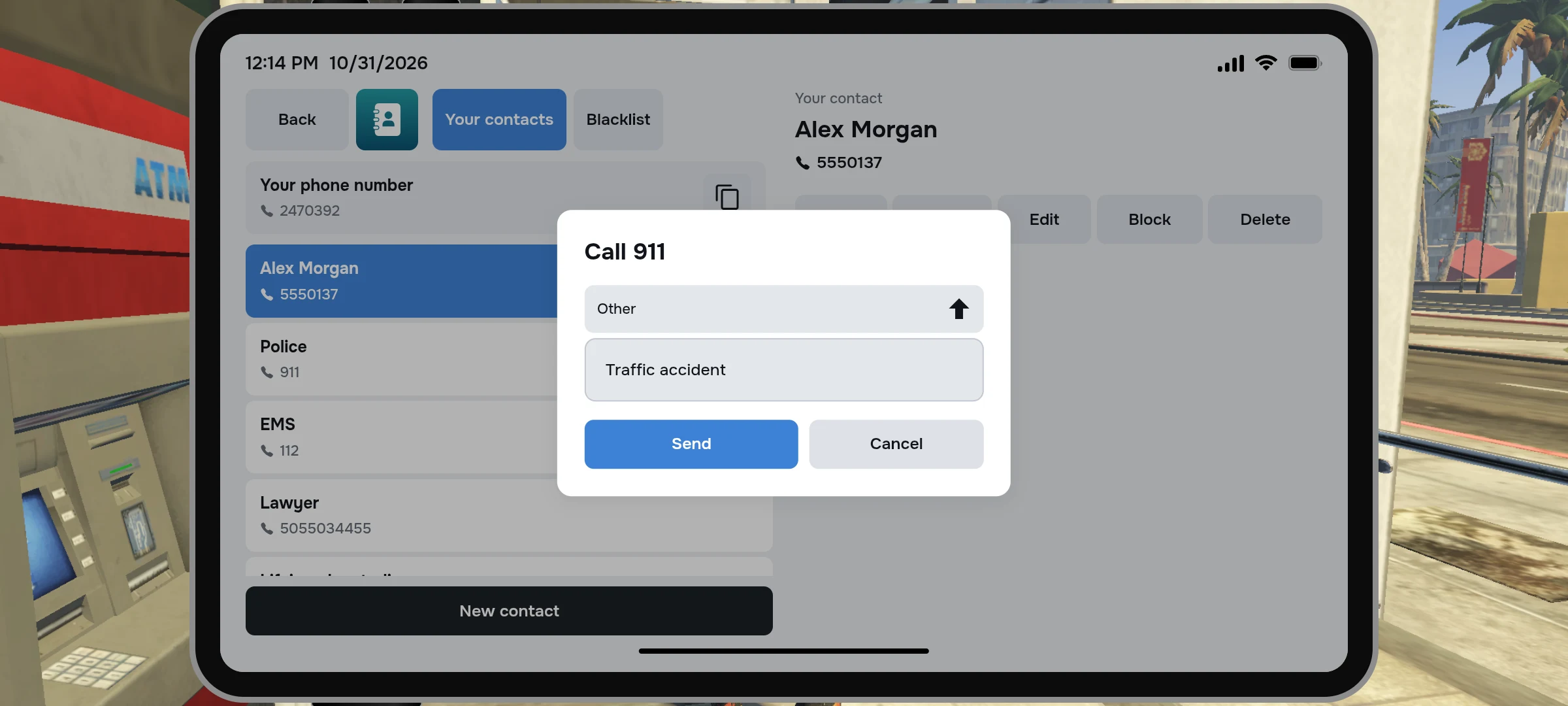
Business contacts are already in the phone book. Select the number you want and describe the reason for the call if the game asks.
| Number | Where you turn |
|---|---|
| 911 | Police |
| 112 | Medical Service |
| 5055034455 | Lawyer |
| 799 | Lifeinvader studio |
The service call is different from the usual call to a player: the application must be processed by employees. In an emergency, follow the instructions on the screen.
Replacement of SIM and contact blocking
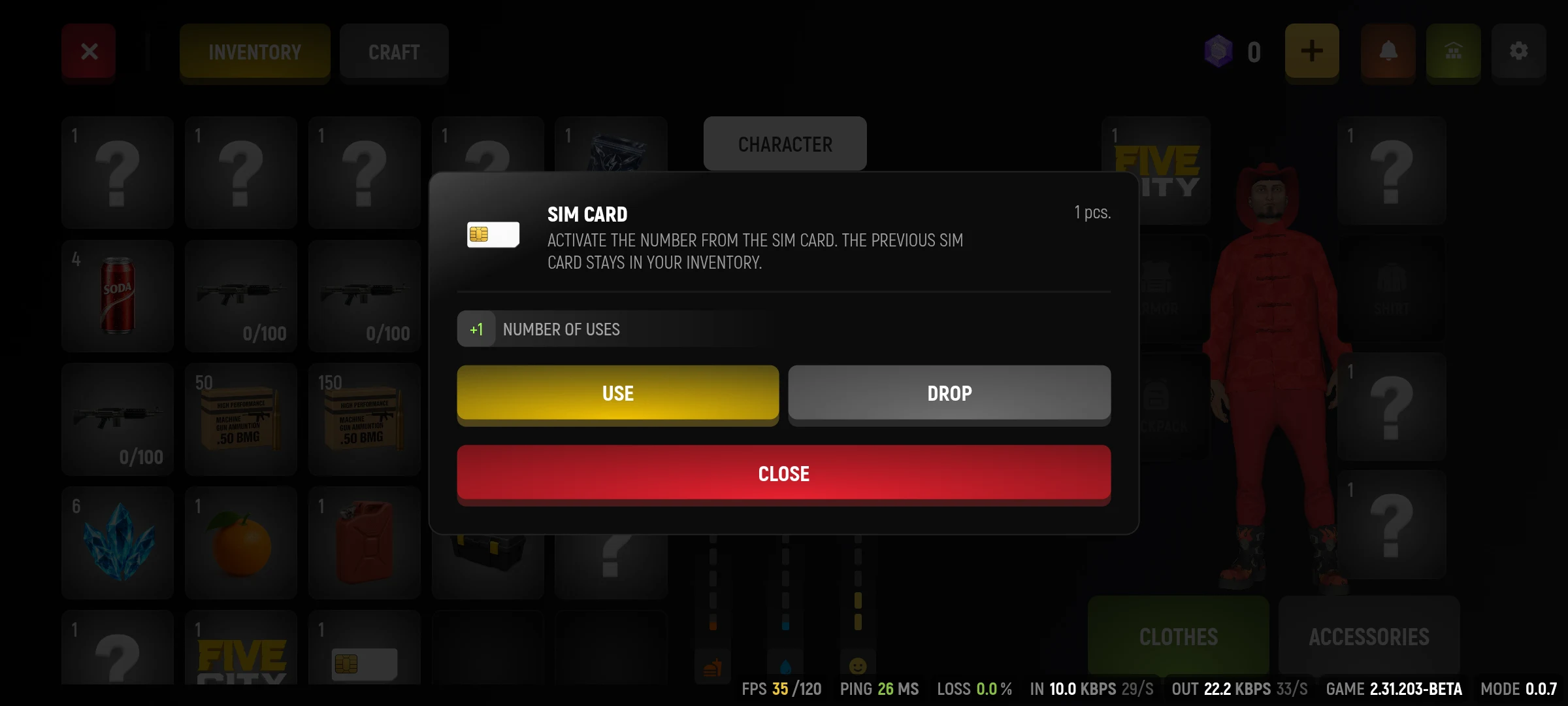
If you activate another SIM card, the previous card with its number will remain in inventory. When replacing the card from the stack, you may need a free cell for the old SIM. Save it if you want to use the previous number again later.
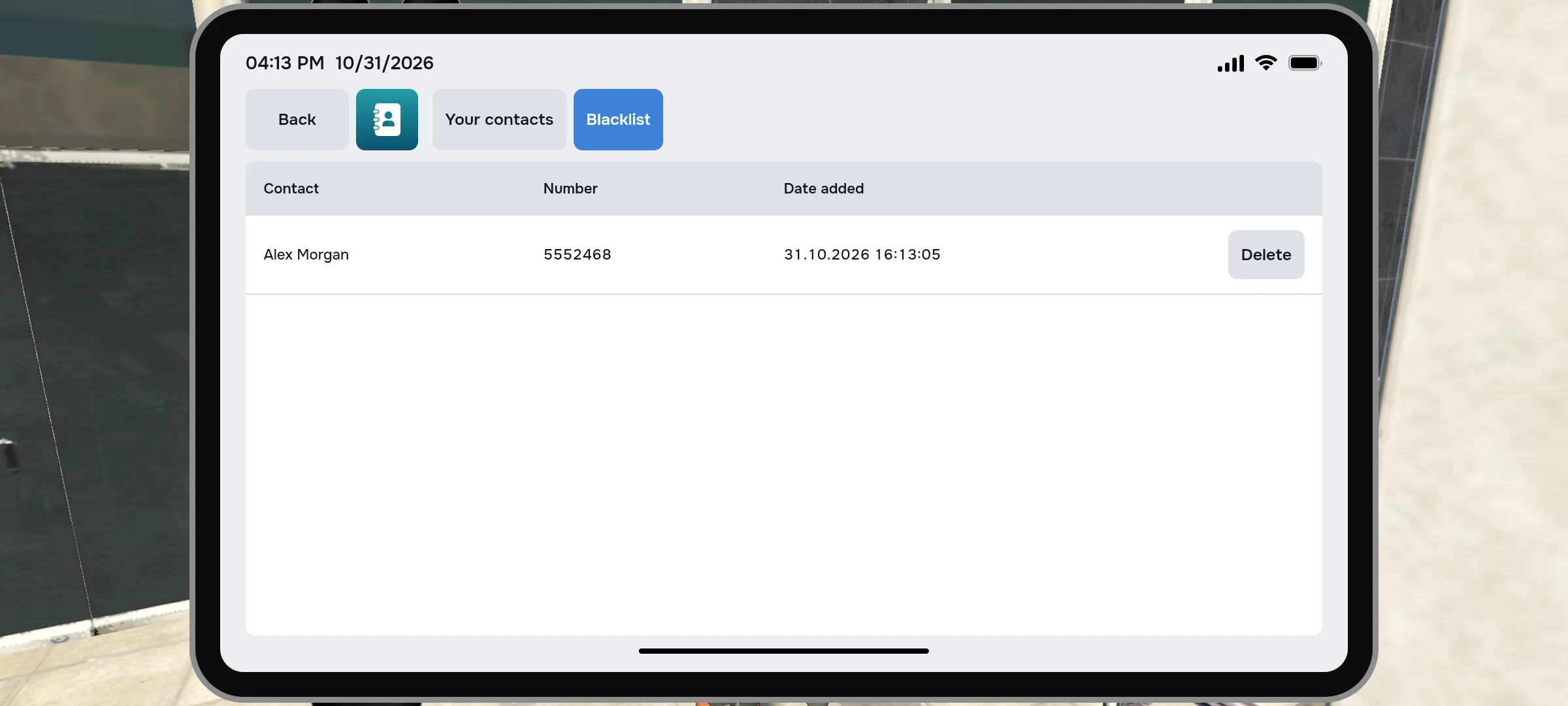
In the phone book, you can block a regular contact and later remove the blacklist block. Service numbers cannot be deleted or blocked. If the call does not pass, check the number, bank balance, interlocutor availability and blocking.