Your character is your hero in the city. On the character screen, you can choose a already created hero or start creating a new one if there is a free slot available. On one server for the account provided up to three characters.
How to create a character
- Select the server and go to the character screen.
- Choose to create a new character in the available slot.
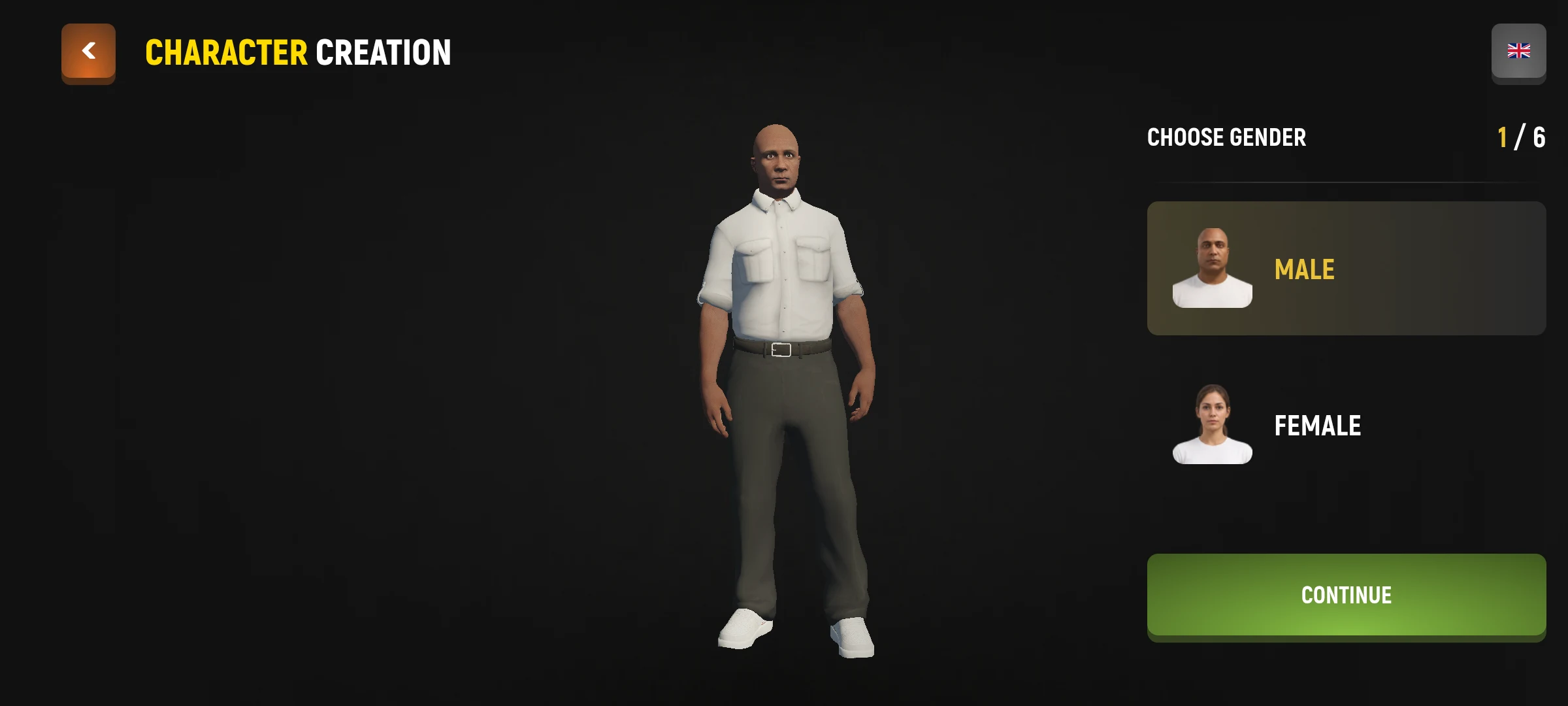
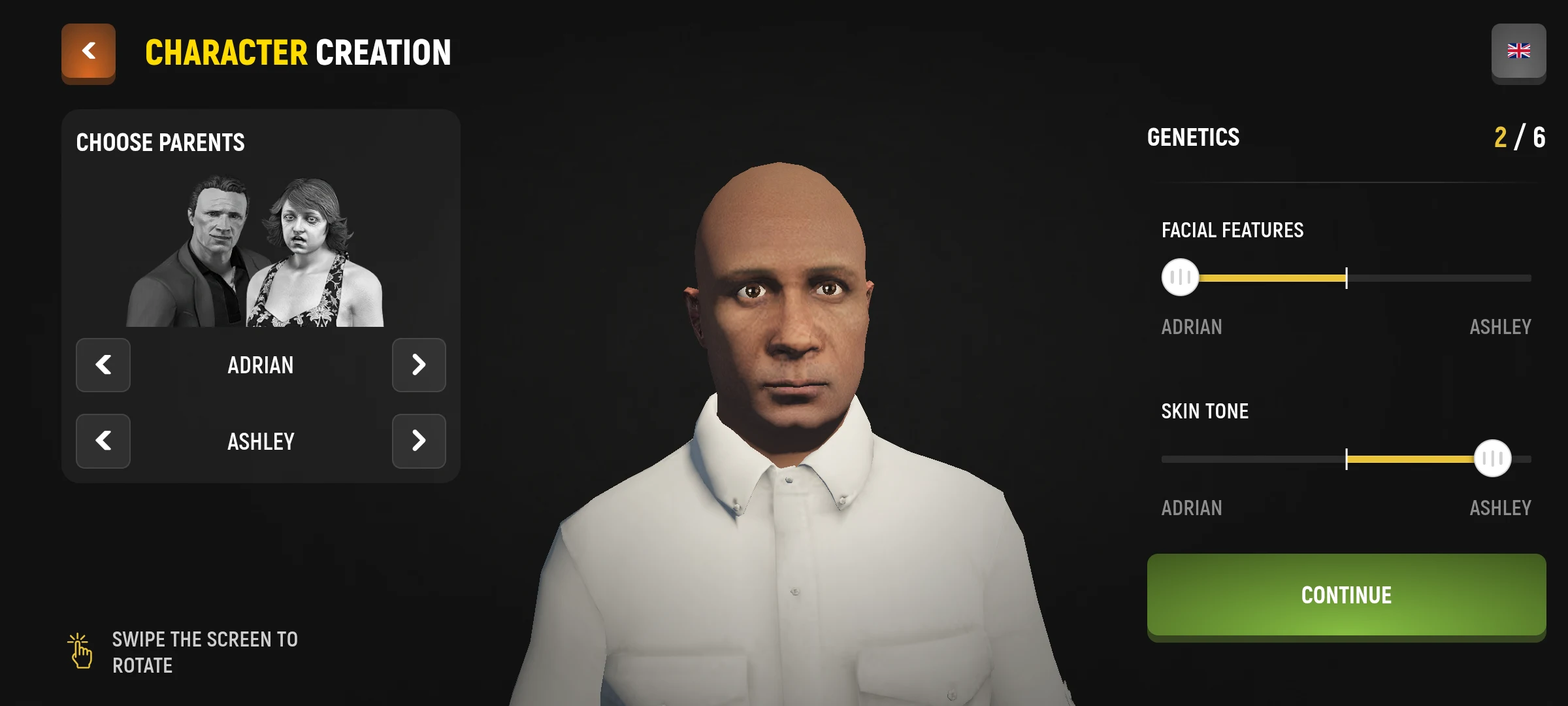
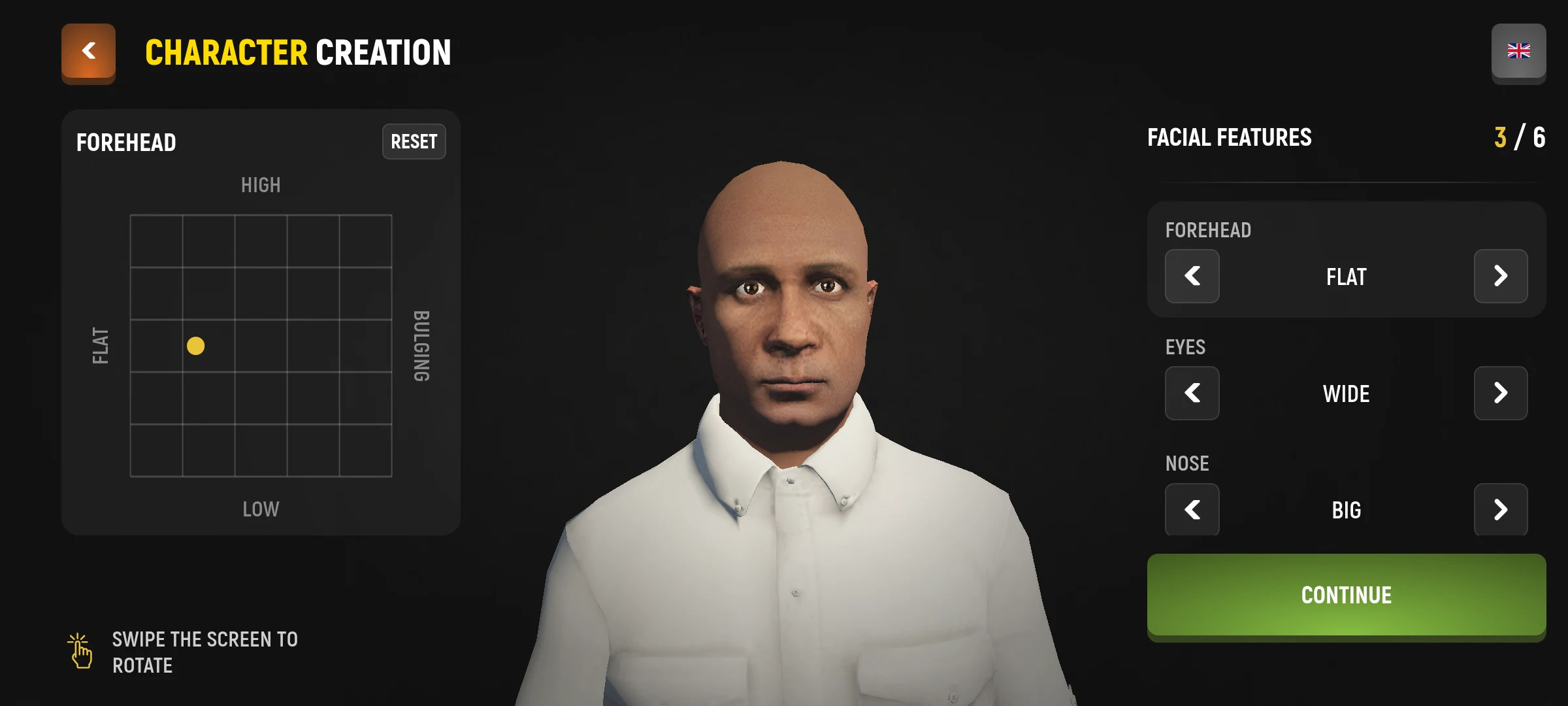
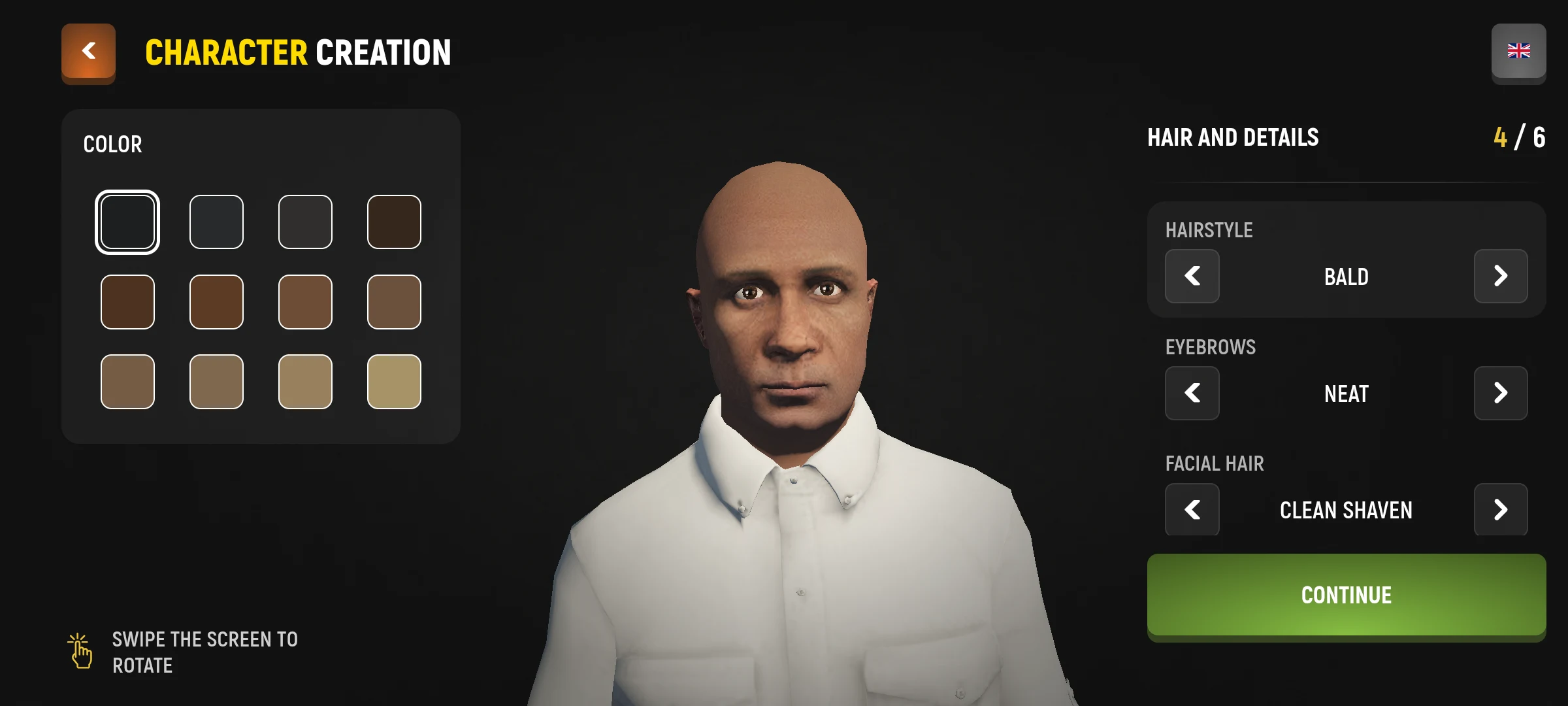
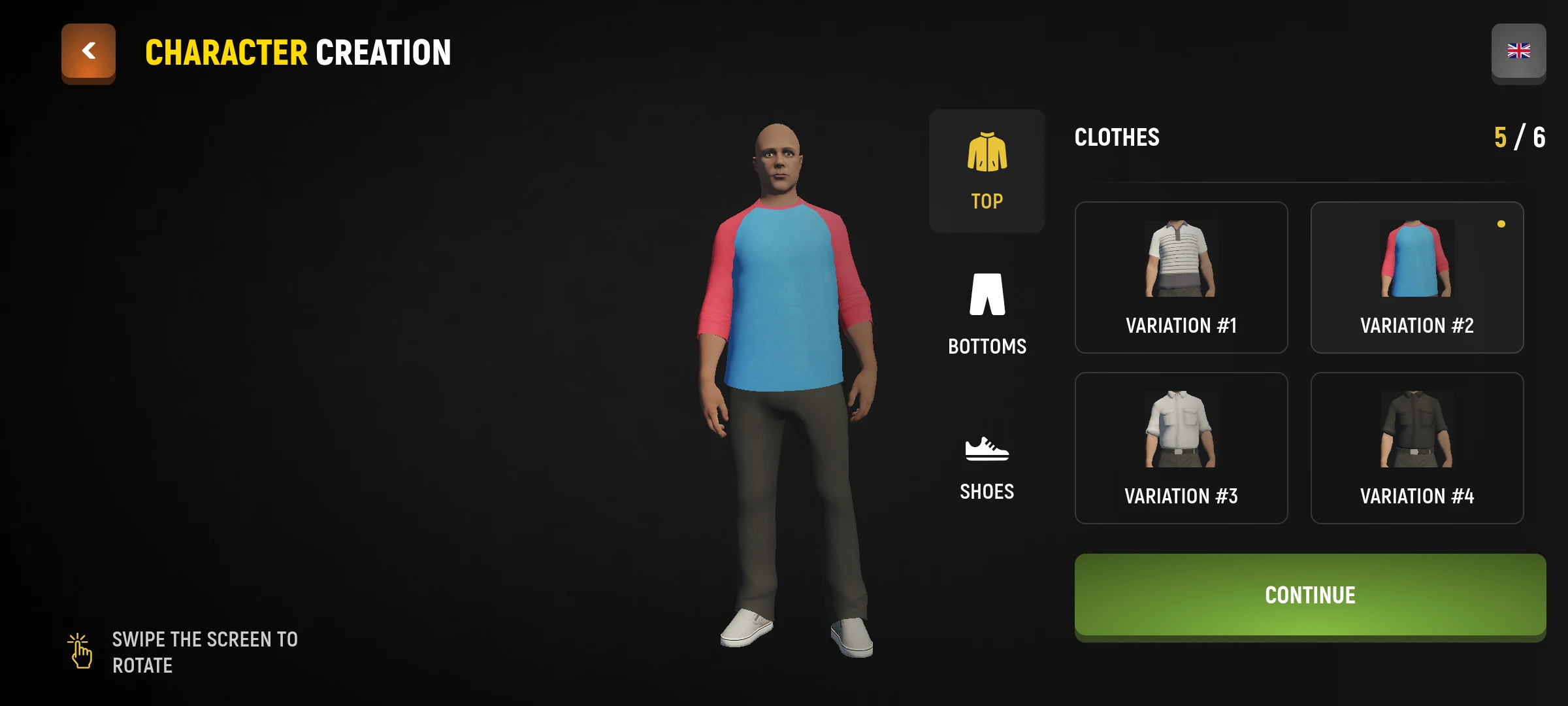
- Go through the configuration steps: choose gender and parents, adjust face and appearance, then clothes.
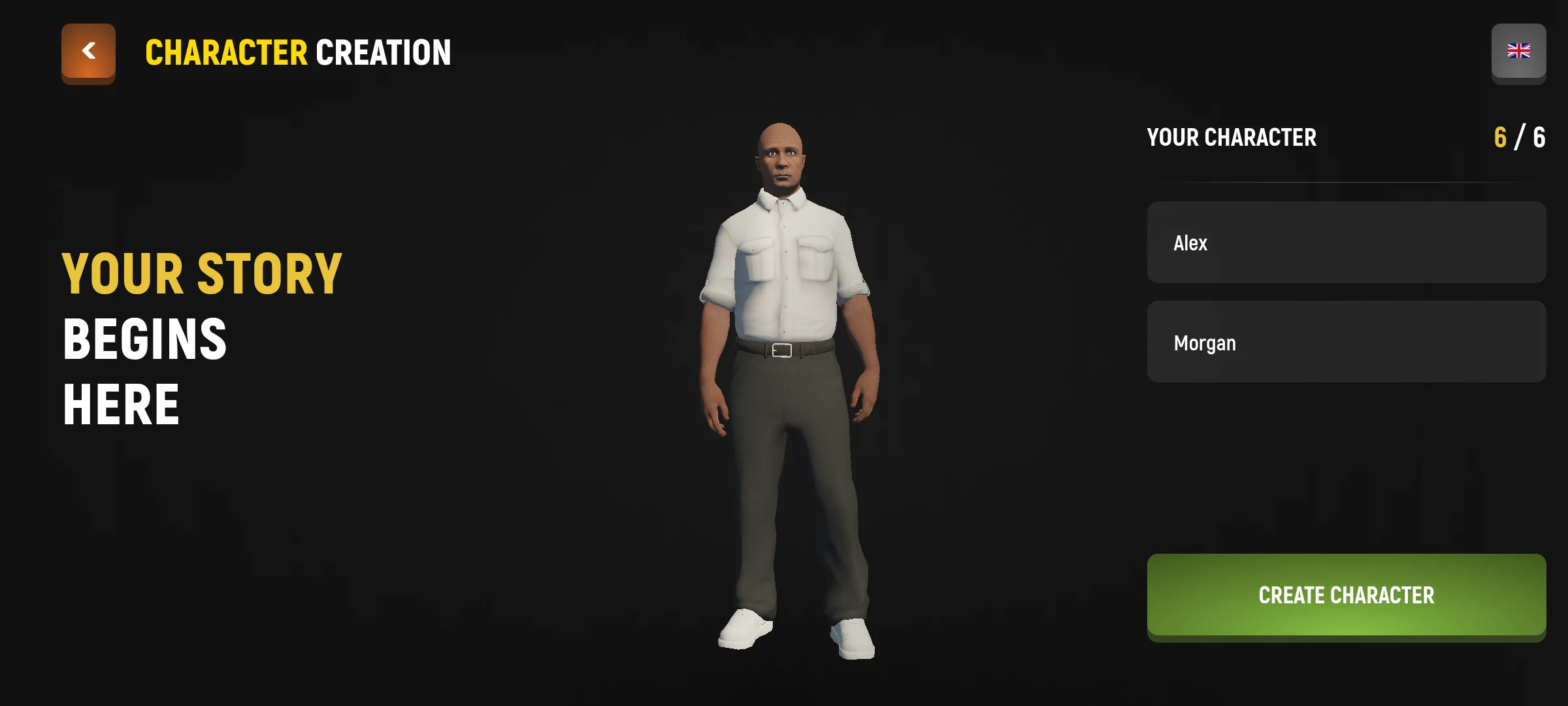
- In the final step, enter your name and surname. The fields are accepted by Latin letters.
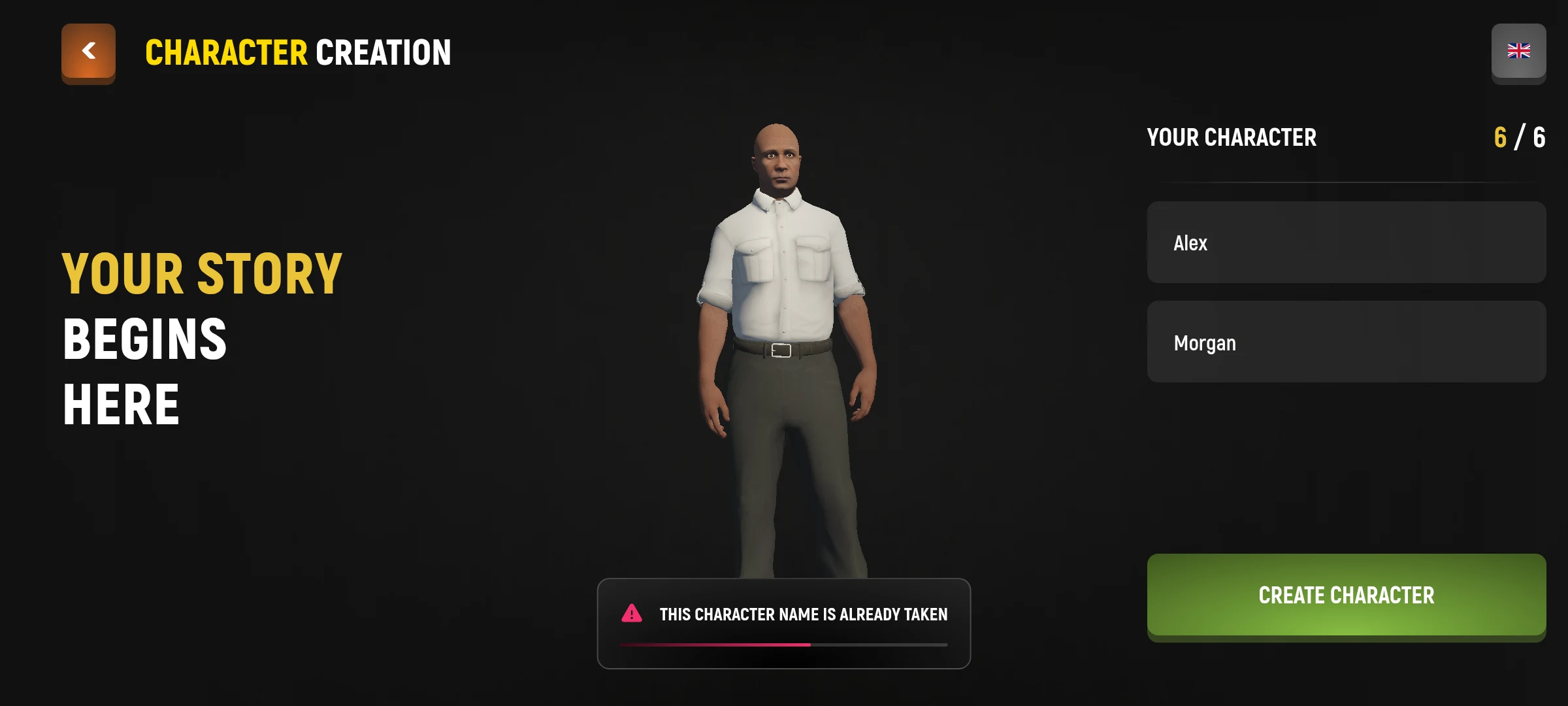
- Check the selected data and follow the finish button on the screen. If the name and surname combination is already occupied, select another.

How to enter the game
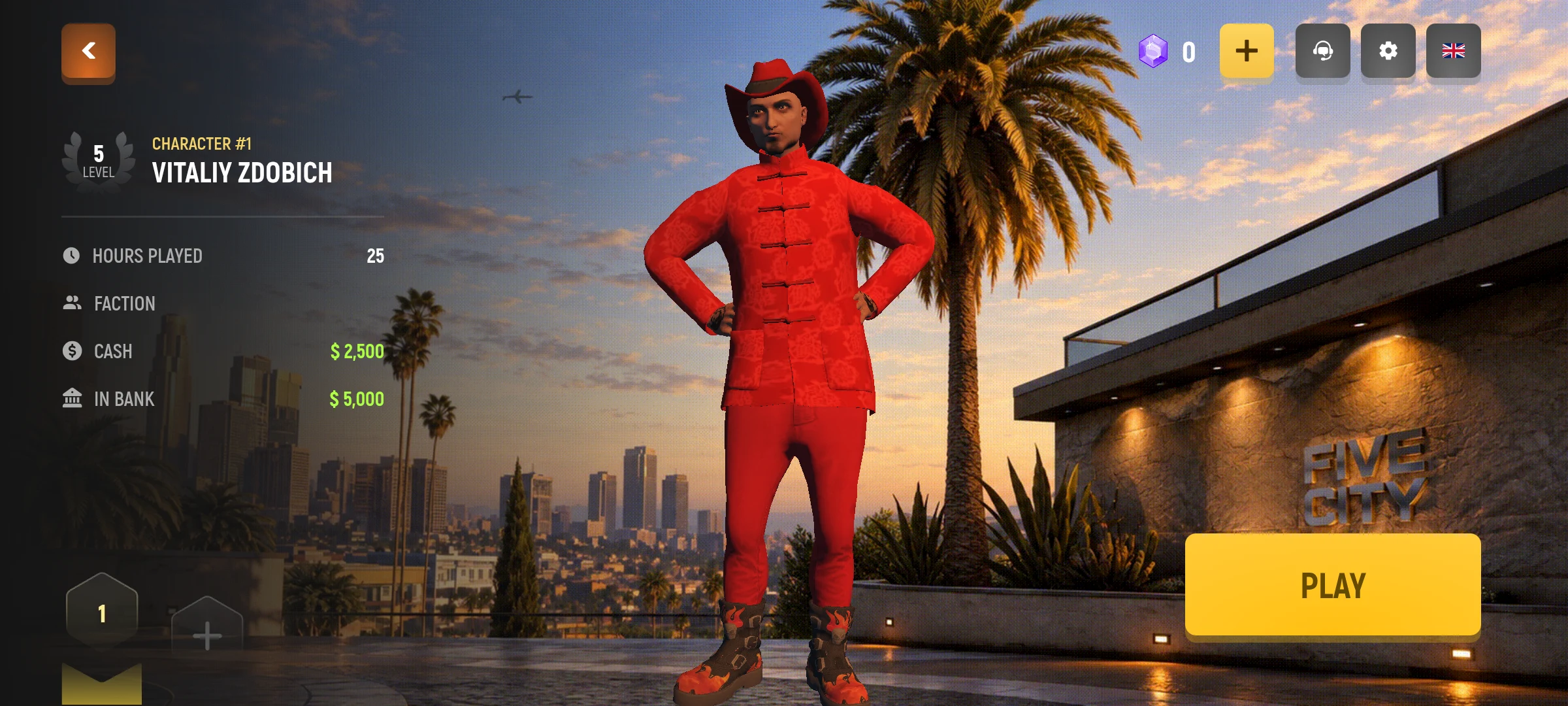
On the character screen, select a created hero and press the login button. After downloading, follow the first hints.
How to Choose a Name
Enter your first and last names separately. Each must contain 3 to 16 Latin letters and start with a capital letter. Neither name can contain numbers, spaces or symbols. Each name can have at most two capital letters, and they cannot be consecutive.
For example, Alex Morgan fits the required format. If that name is already taken, change the first or last name and try again.
After creation, the character occupies the selected slot on the server. At the next entry, select it from the character screen.