

The character has cash and money on the bank account. In some actions you can choose a method of payment, while in others a specific account is used.
How to Put Money on Account
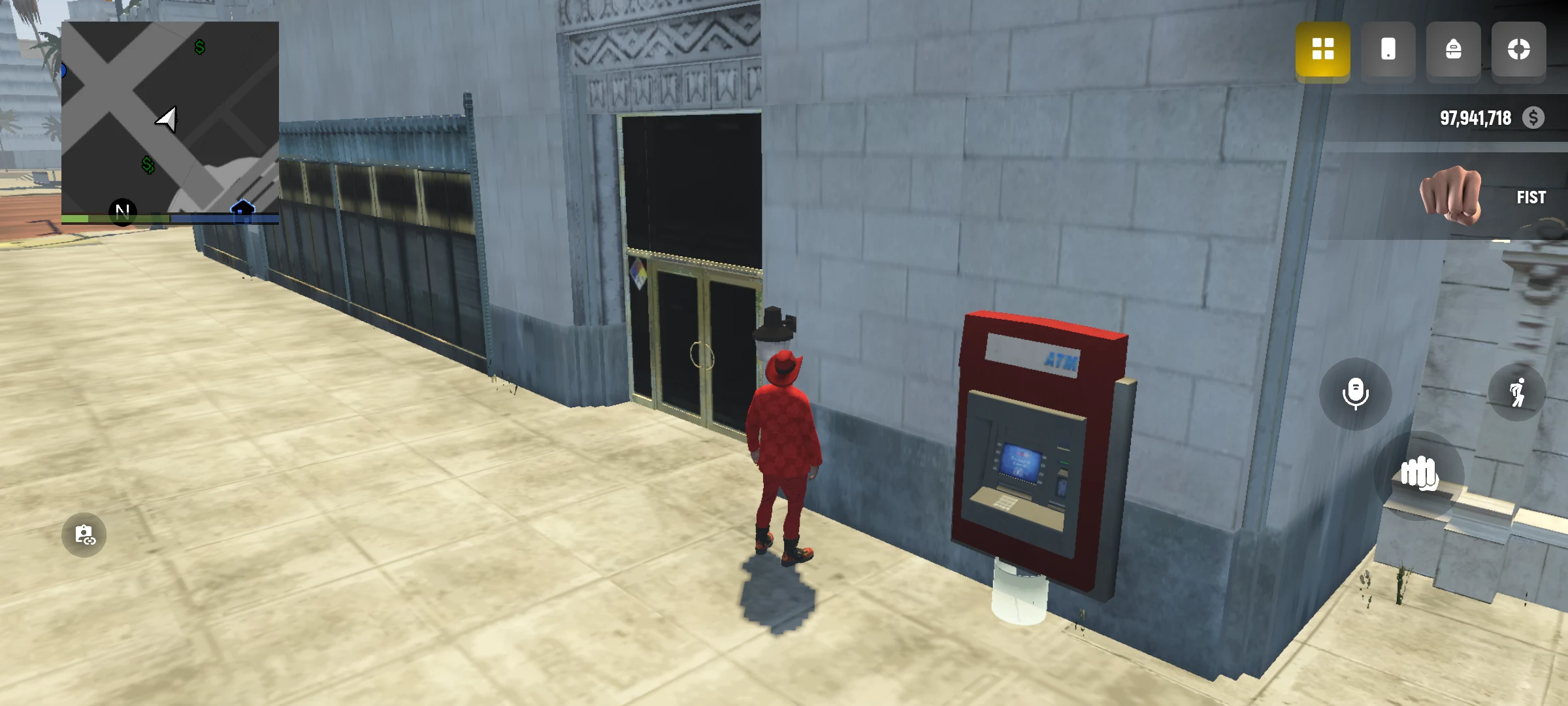
- Find a bank or ATM and open its menu.
- Select the account.
- Enter the amount and check it before confirming.
- After the operation, check the balance.
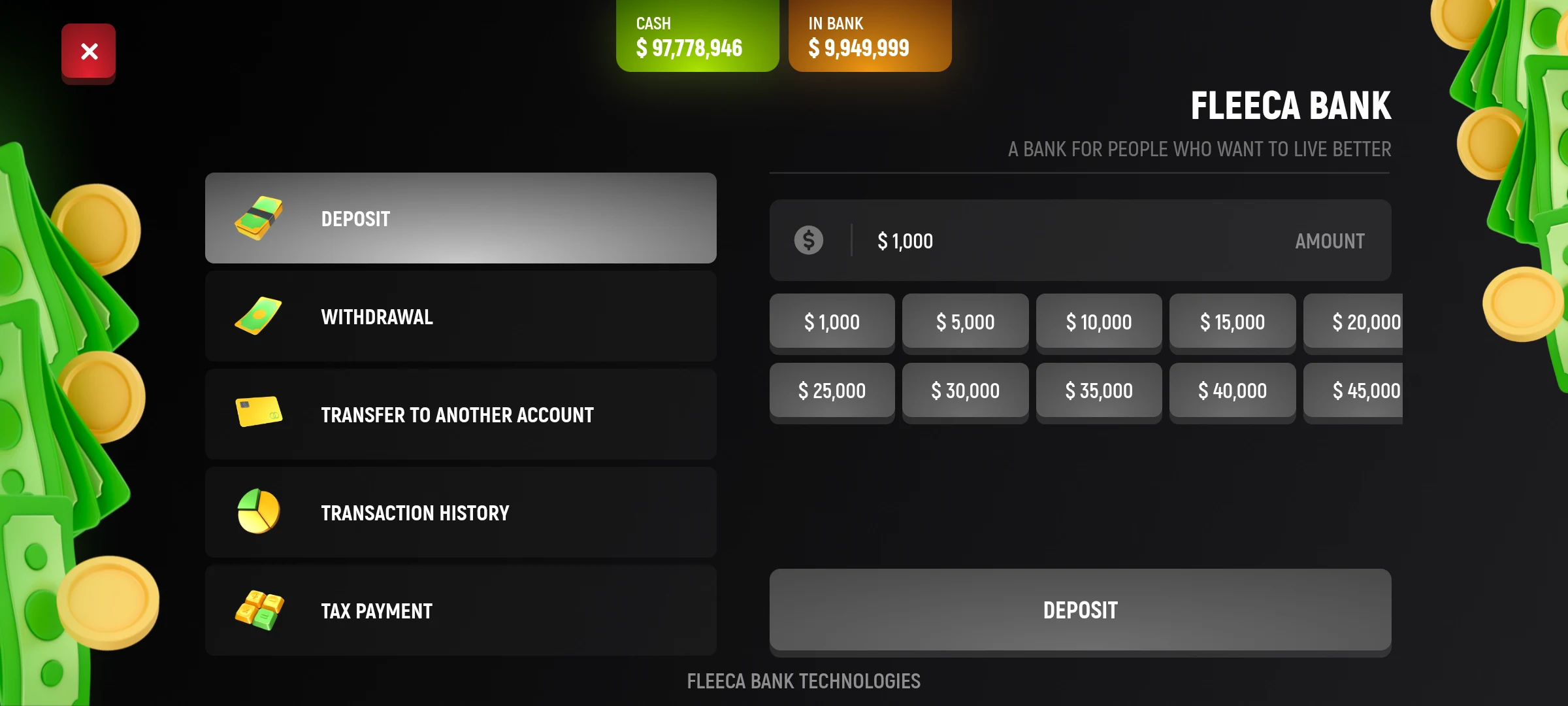
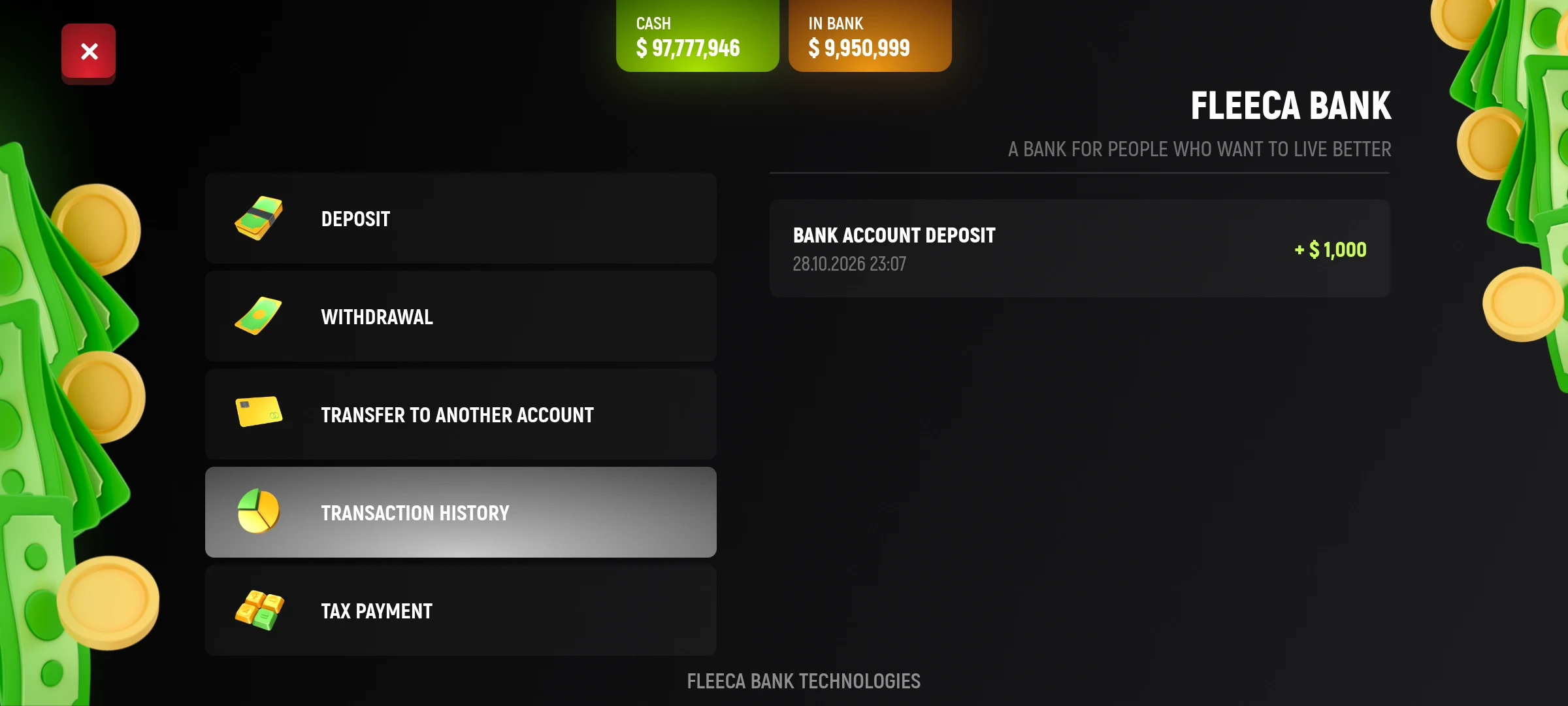
Other operations, such as withdrawals and transfers, are also available through the banking interface. Check the amount and the balance available before confirmation. No commission is charged for replenishment, withdrawal and transfer. To send a bank transfer you need the 2nd level of character.