

On the game screen there are motion and action buttons, character indicators and hints. On the phone, press the fingers. Available actions vary depending on whether you walk or are in the car.
How to interact
- Go to a person, object or label.
- Wait for the hints and press the appearing action button.
- Read the options and choose the right one.
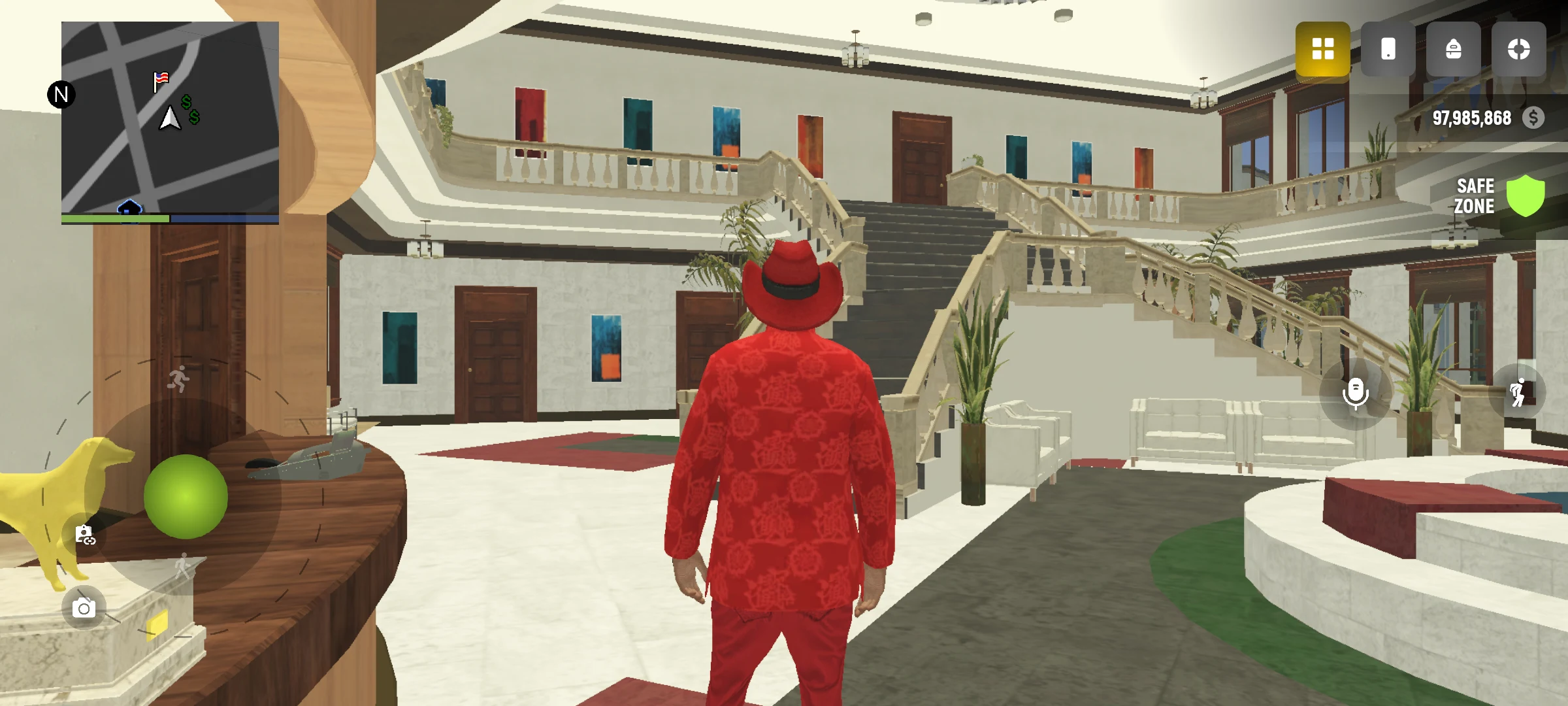
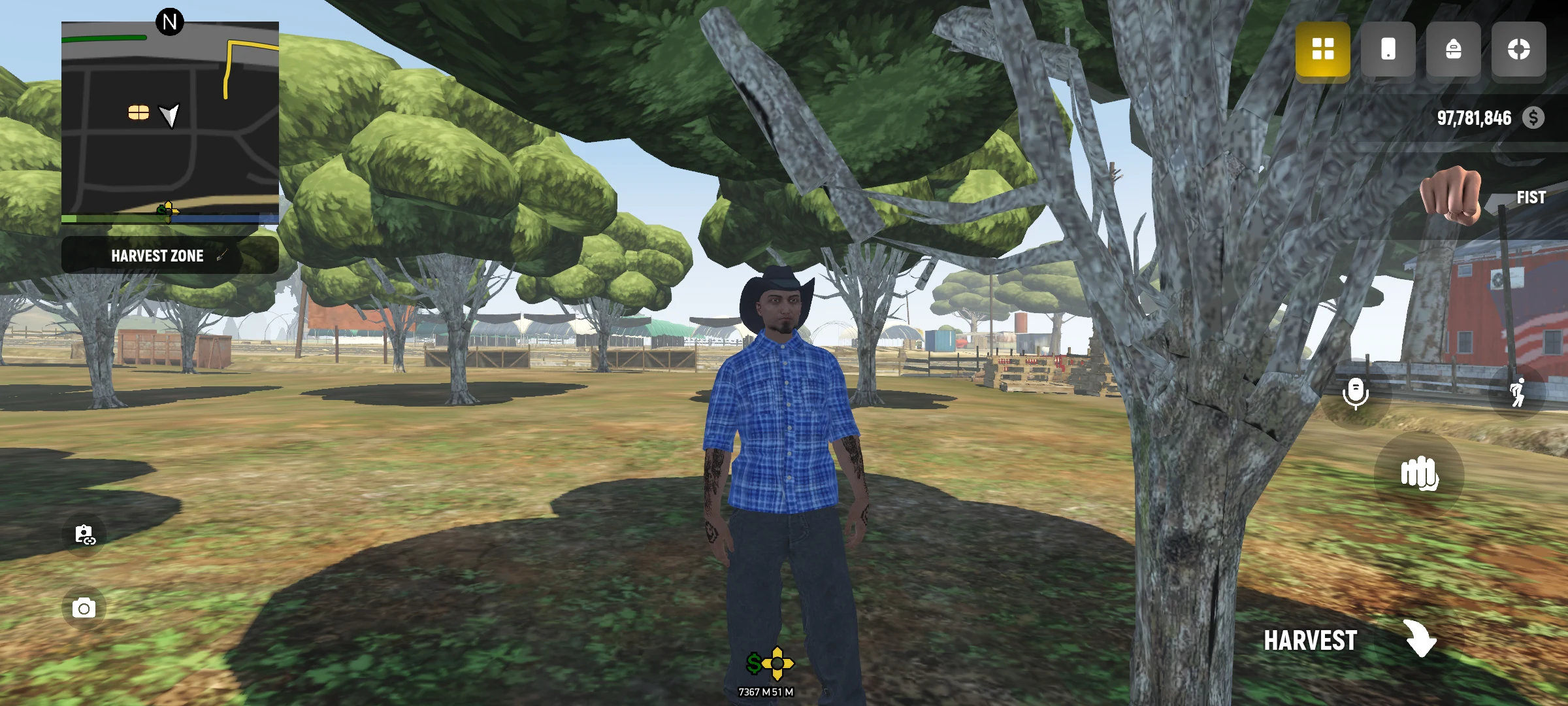
What to see on the screen
Follow your health and current goal. The map helps you understand where to go. If you are lost, open a map or task and check the label.
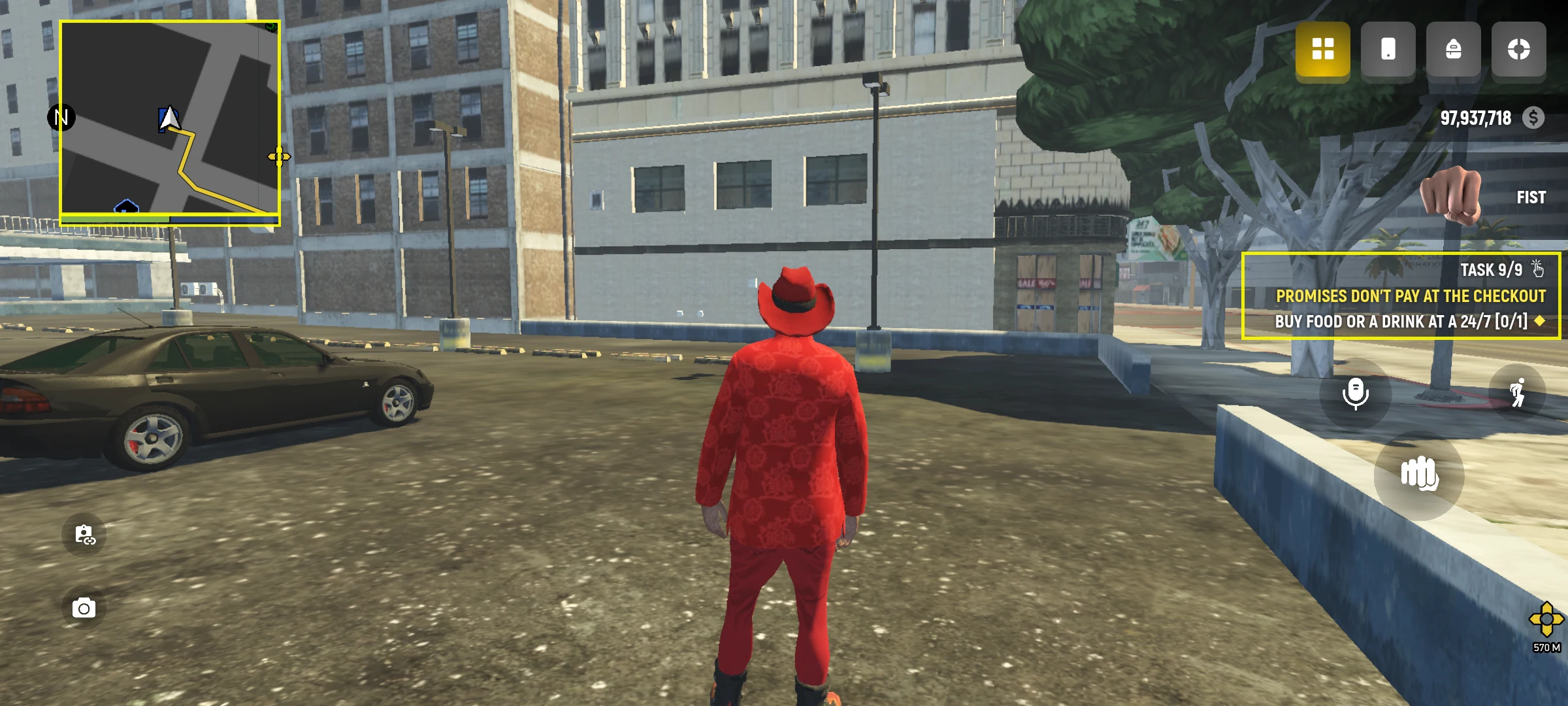
Do not remember the location of all the buttons at once. First try walking, looking side by side and using one interaction button.
Getting started
First try to go to the label and talk to the game character. Then open the map, select a point and follow the route. When you master the movement, try inventory and Planned.