

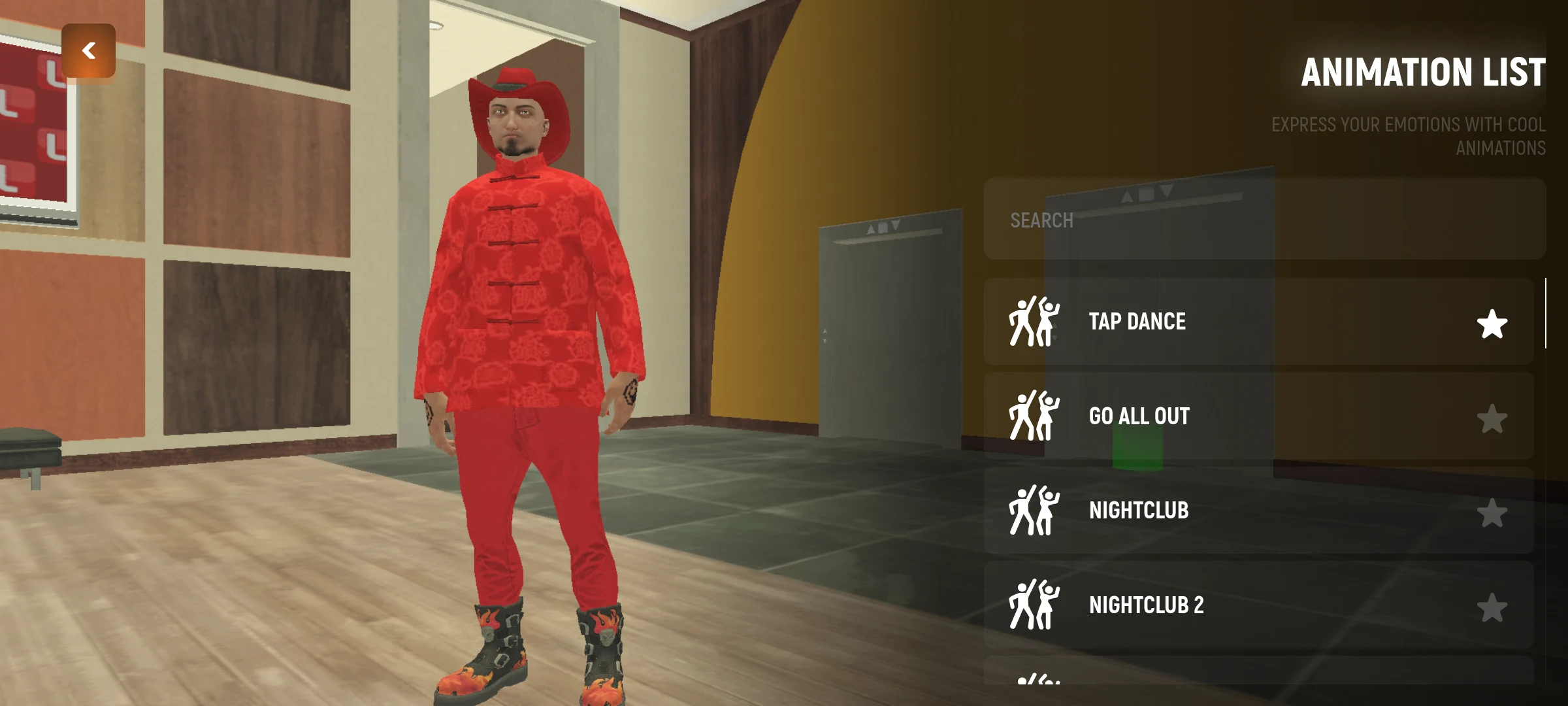
Emotions allow the character to perform gestures and other actions. Some interactions with another player require his/her consent.
How to Use Emotion
- Open the emotional menu and choose a category.
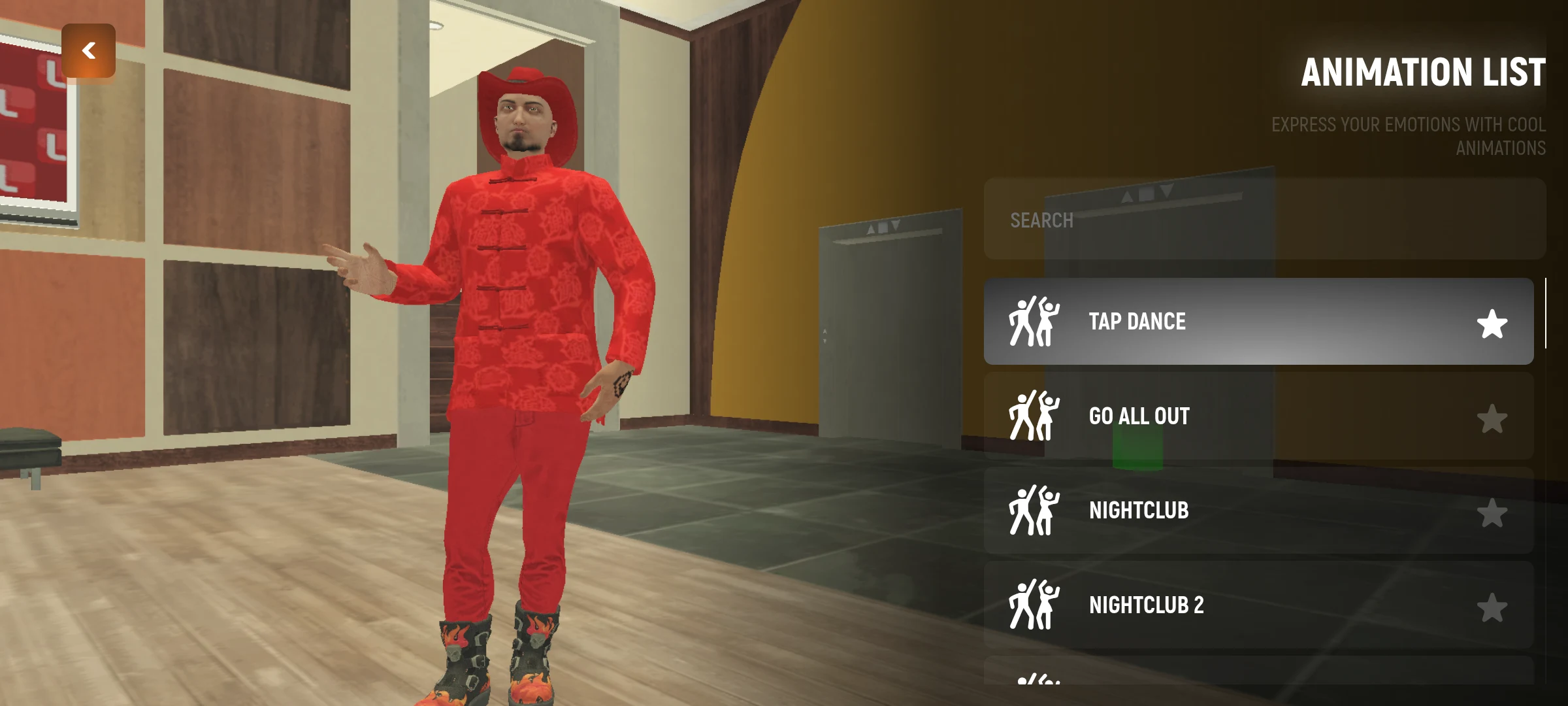
- Click on the desired action: the character will start performing it.
- To stop the active action, press it again.
- If you often use an emotion, mark it with a star to add to the chosen one.
How to interact with another player
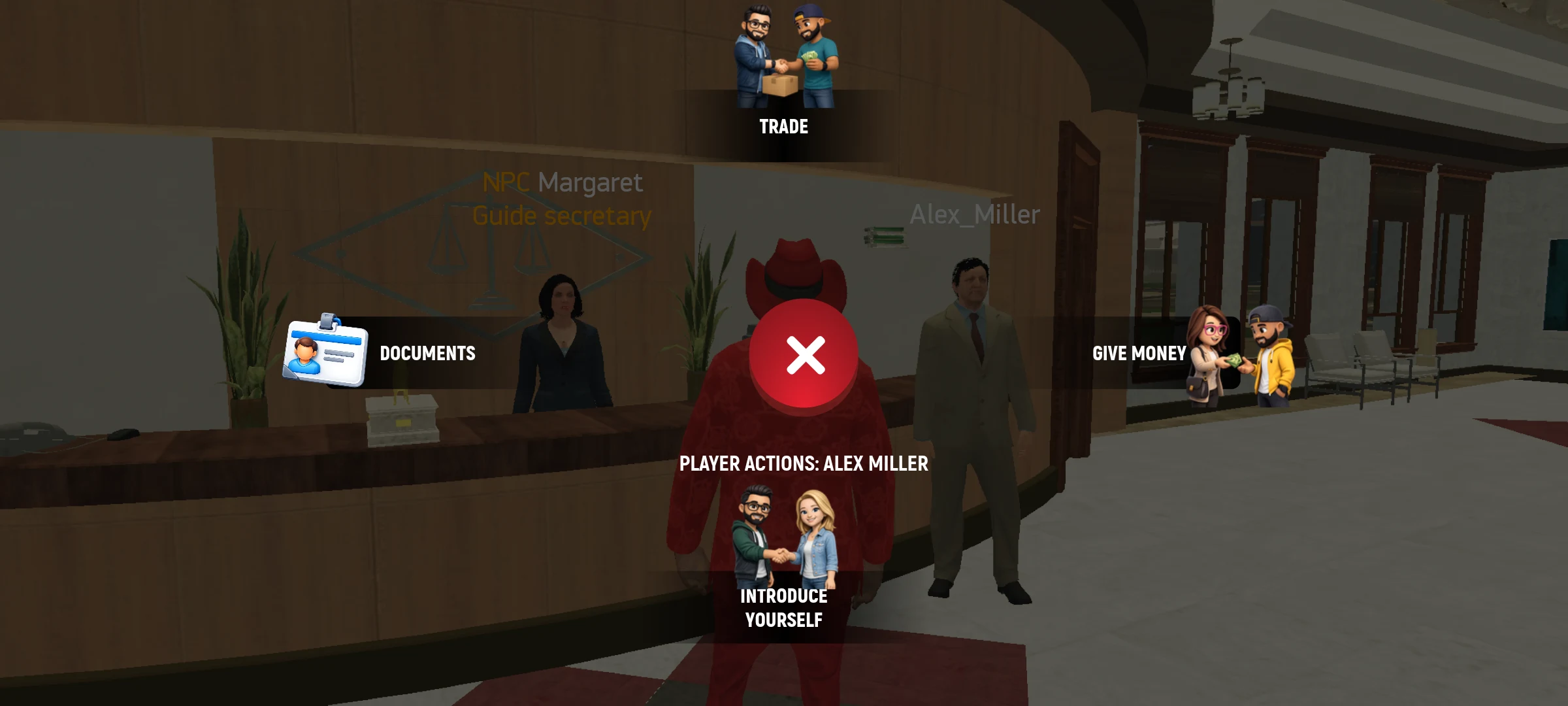
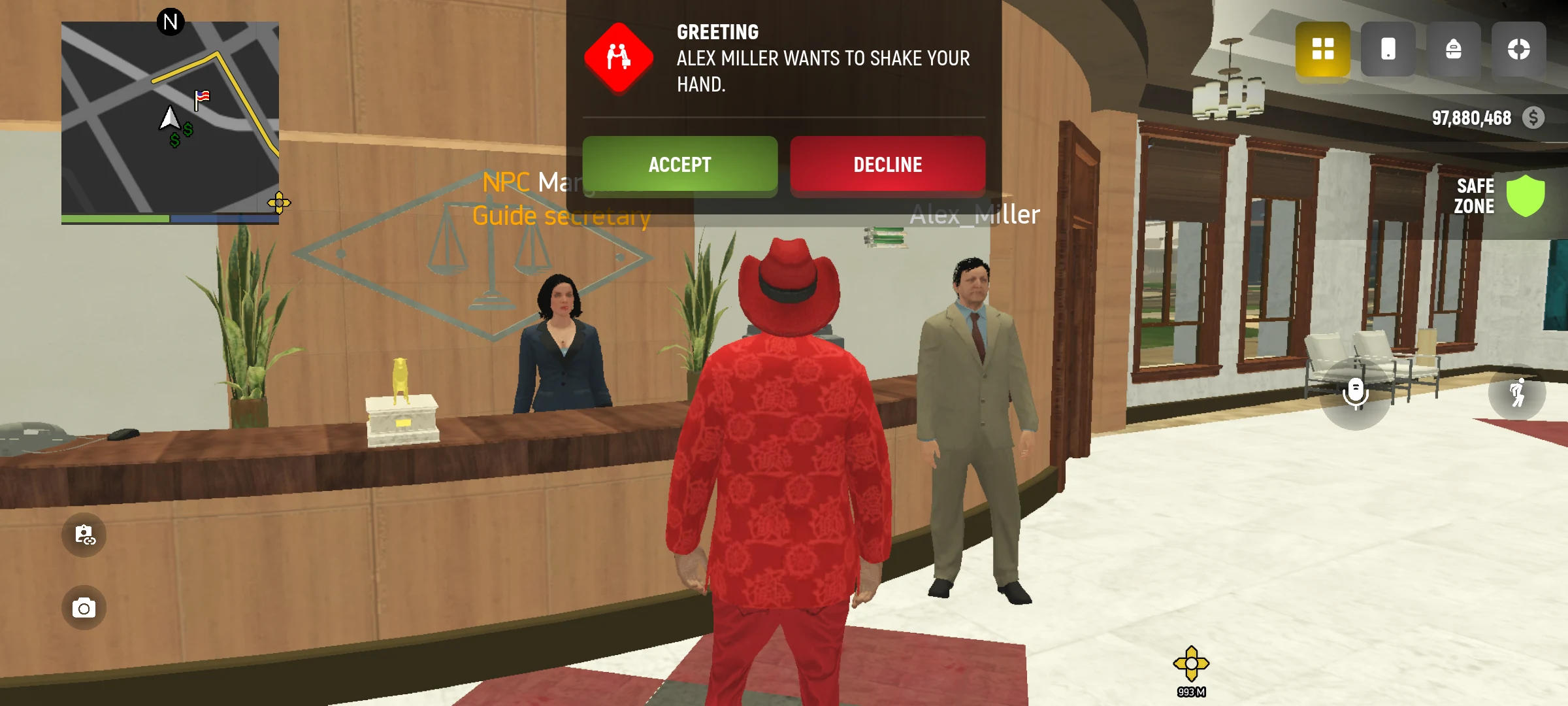
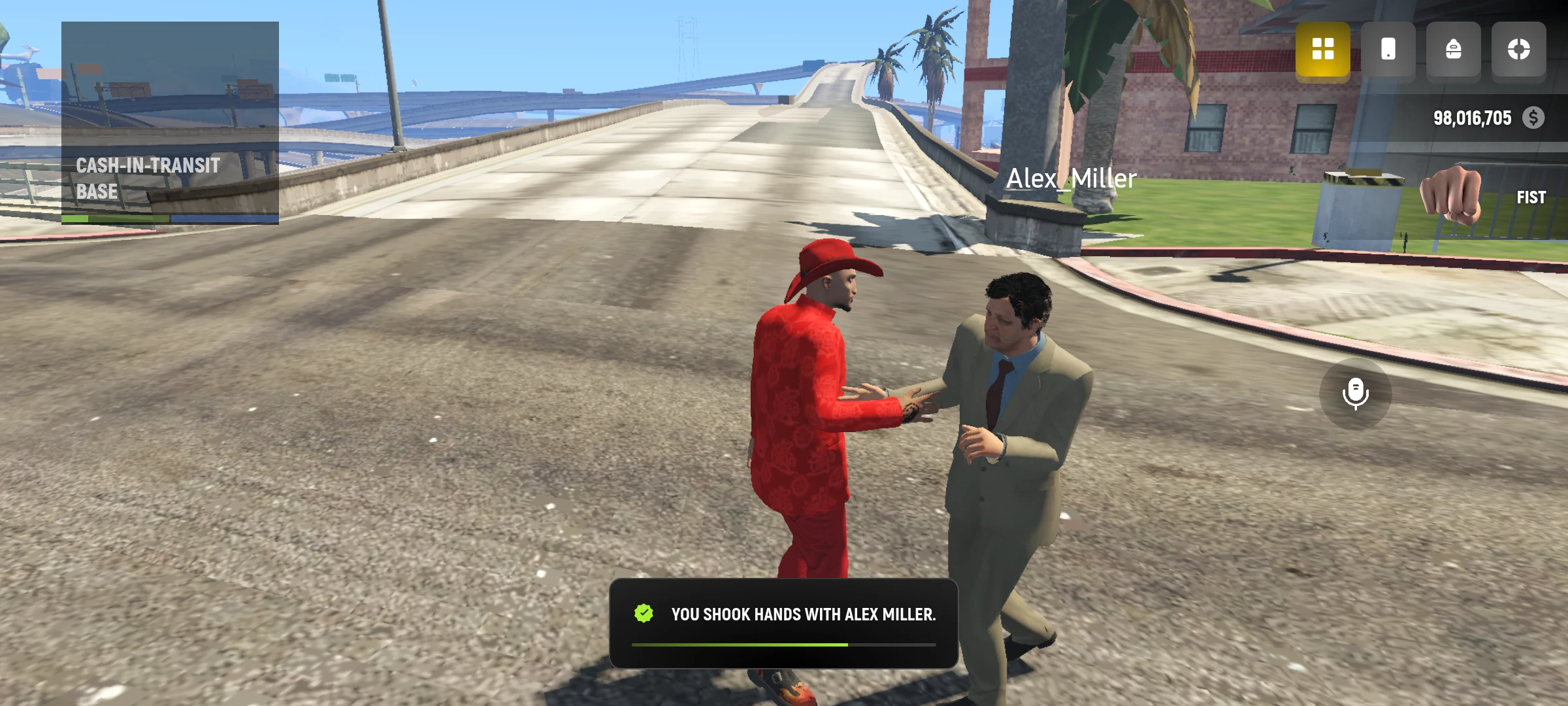
Go to the character and open the interaction wheel. Select an action available. If the game has sent an offer to another player, wait for his response.
The selected is convenient to use for gestures that you often return to: find the action in the category and click the star next to it.
Availability depends on the action and status of the characters. If the game has rejected, read the message and try to comply with its terms.