

If you could not solve the problem by tips and articles, you can contact support through the game menu.
How to Write for Support
- Open the main menu and select “Help”.
- Start a new treatment and choose the right type.
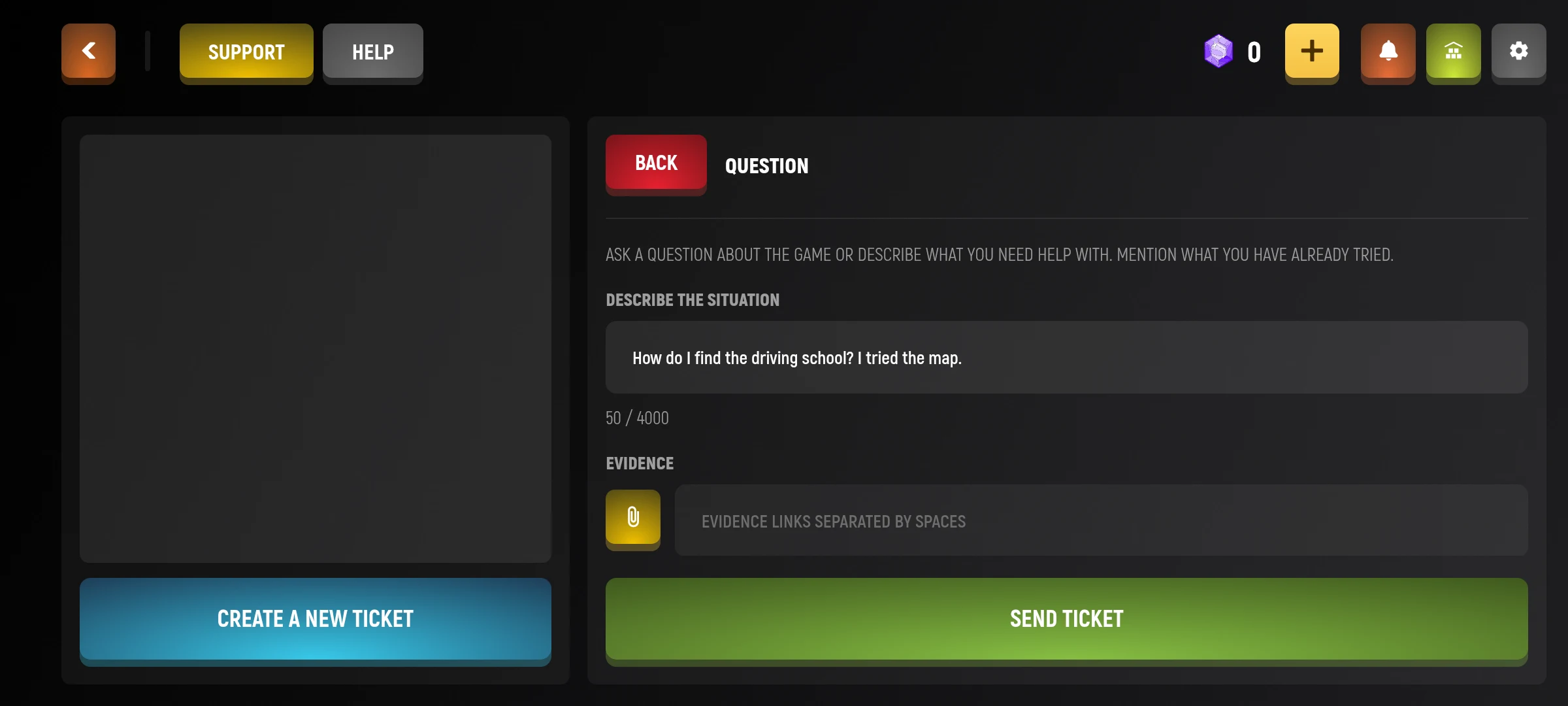
- Describe what happened, where it happened and what actions you have already tried.
- If the form requires additional information, fill it out. Add available confirmations if necessary.
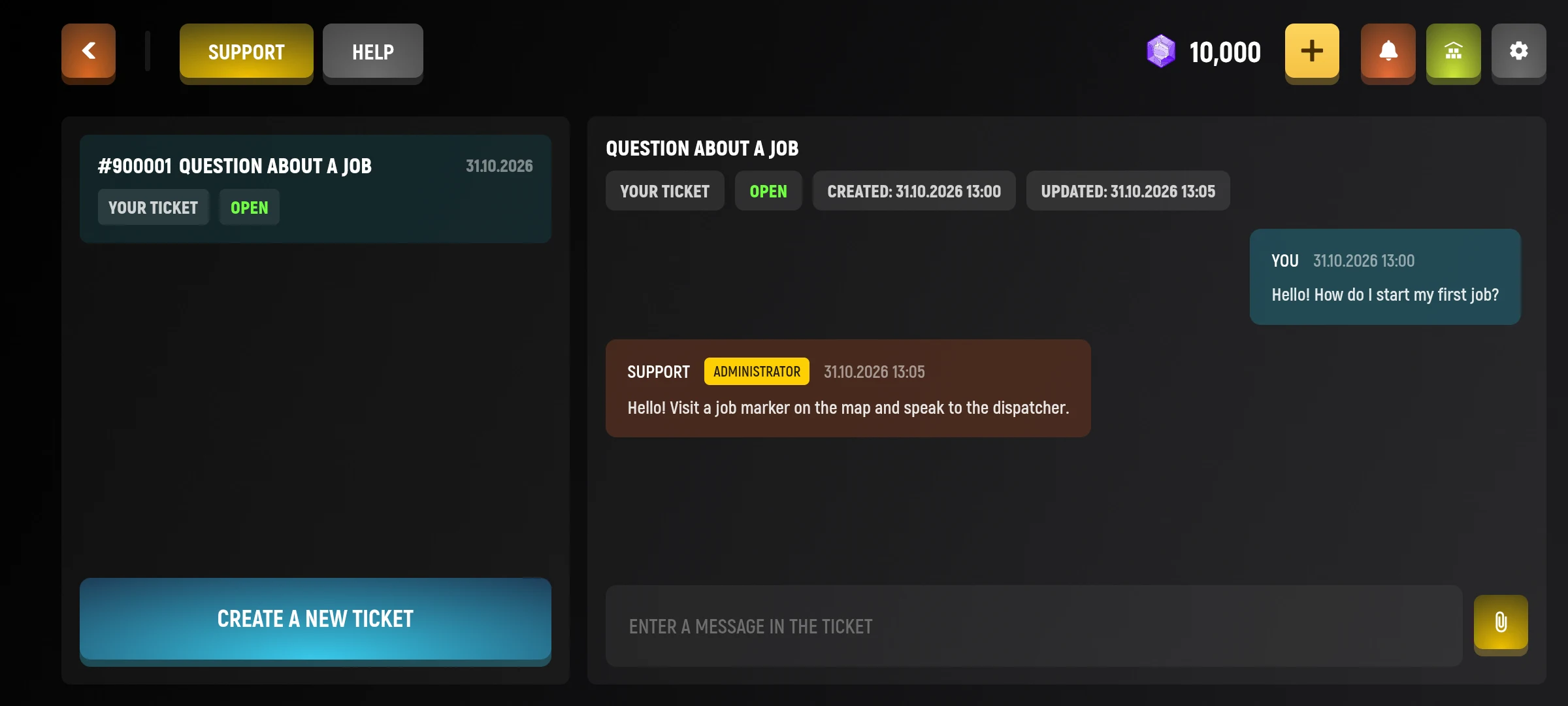
- Check the call and send it. Look for the answer and status in your list of calls.
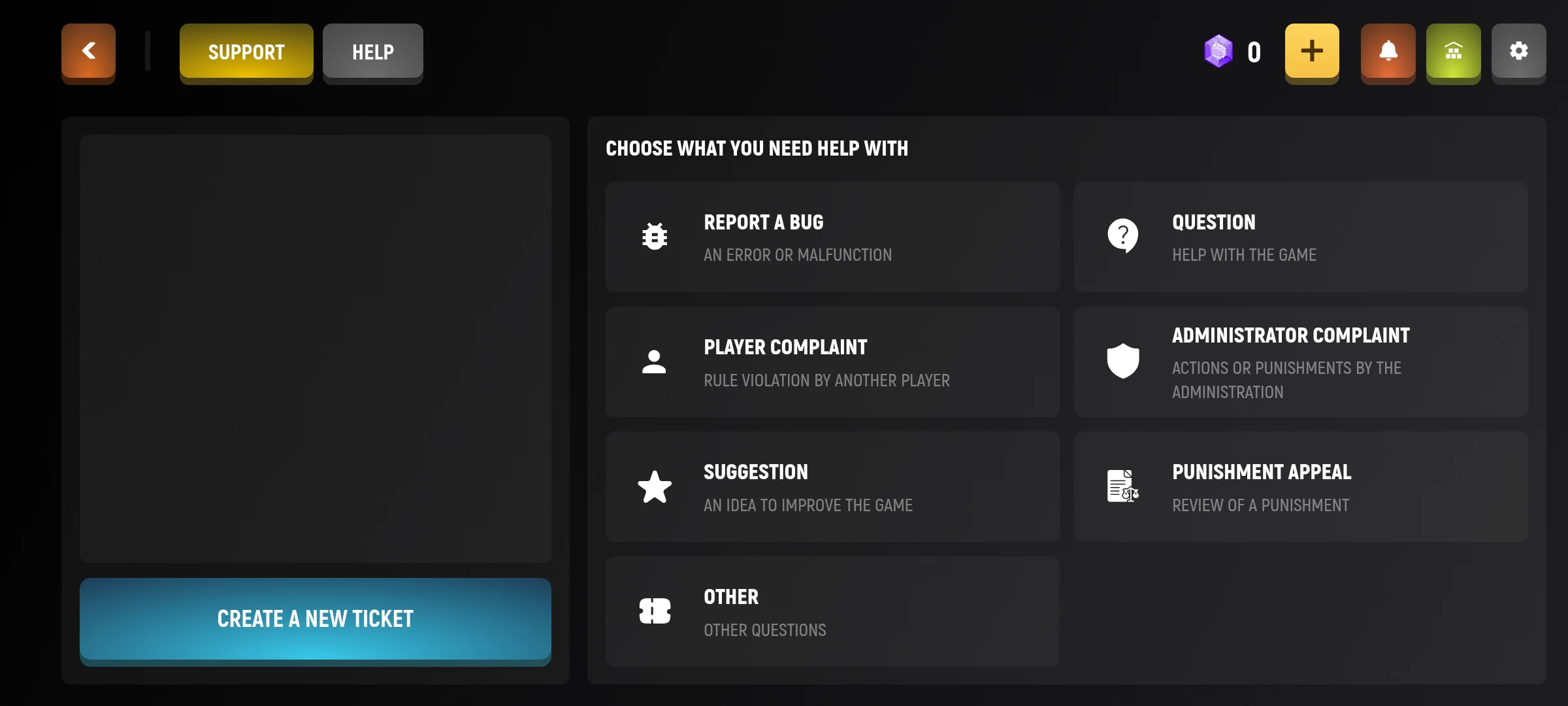
To make it easier for support to understand, specify the sequence of actions: what you wanted to do, what you pressed and what results you saw. If the problem is related to another player, specify his data in the appropriate fields of the form.
Some types of calls require additional data, such as character number or choice of punishment. Do not send passwords and login codes in the description.