
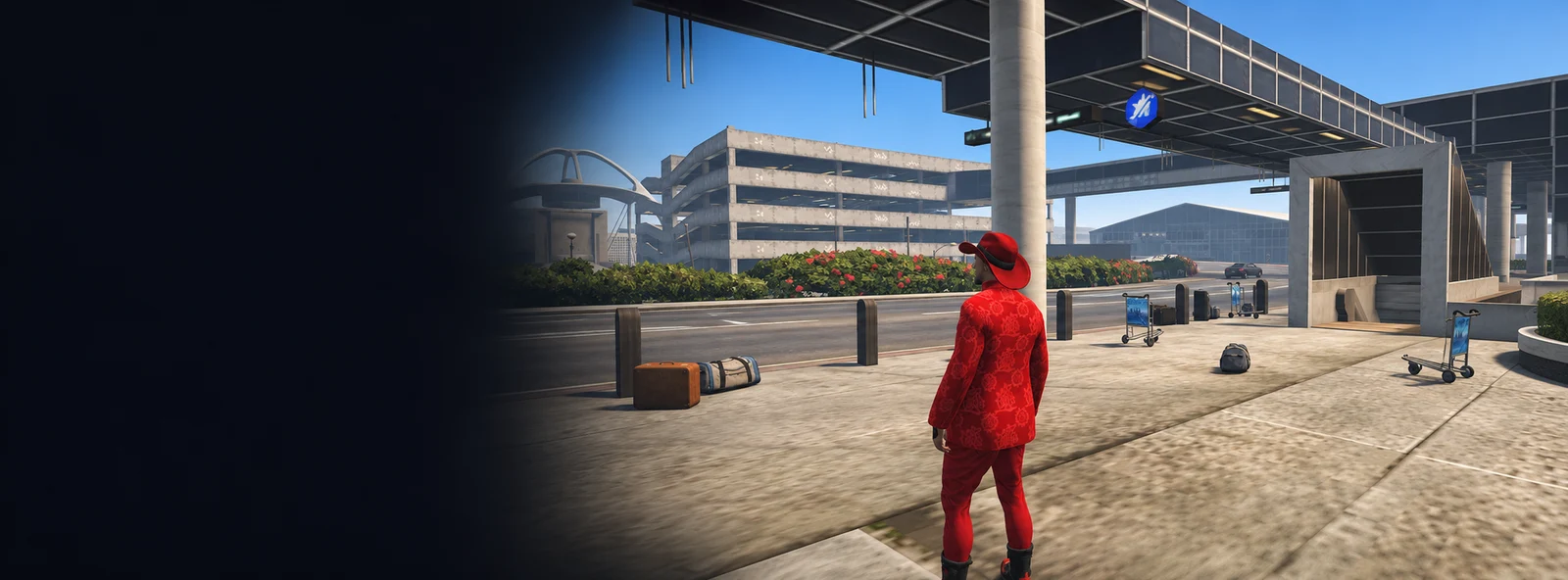
Welcome to the city! Learn the controls, then follow the instructions on your screen. Open the task menu to choose which objective to track.
Getting started
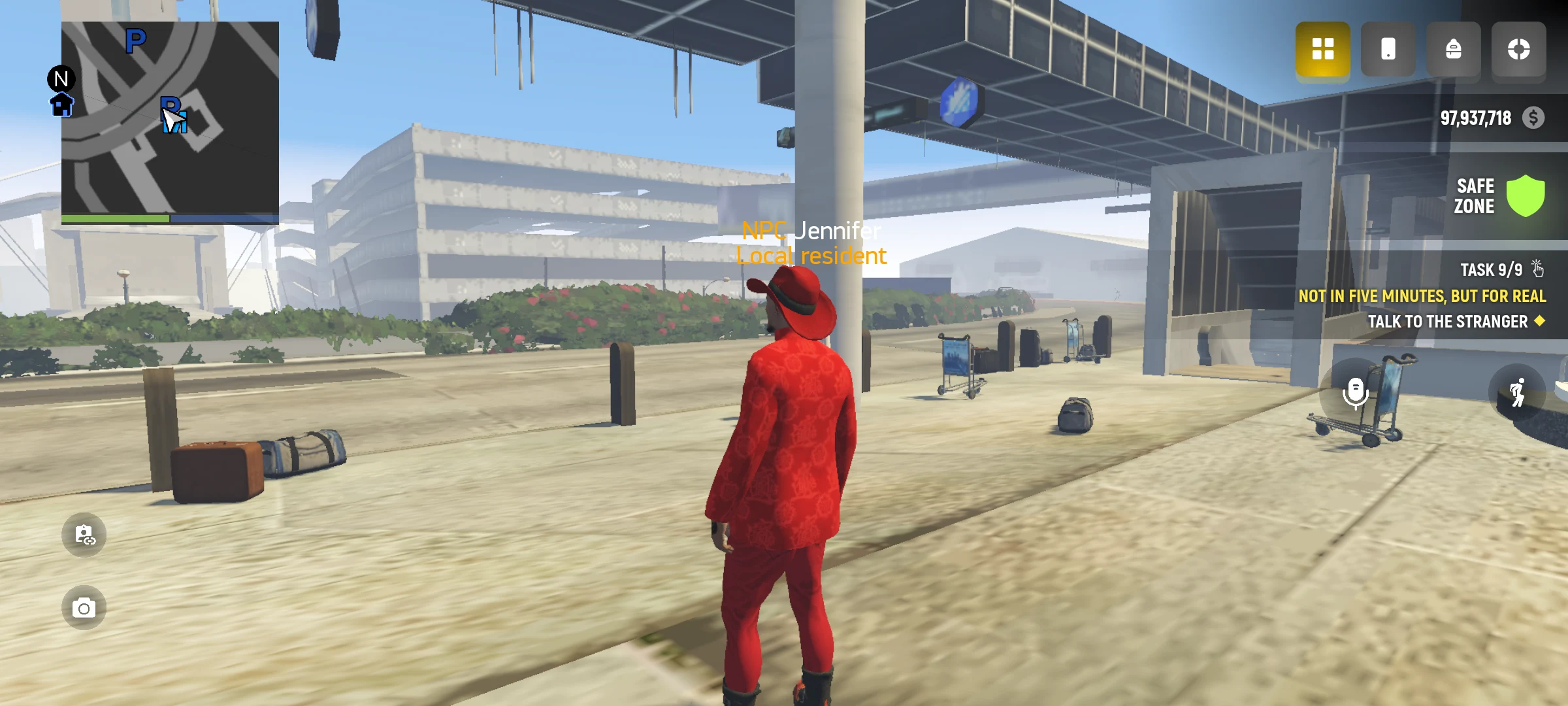
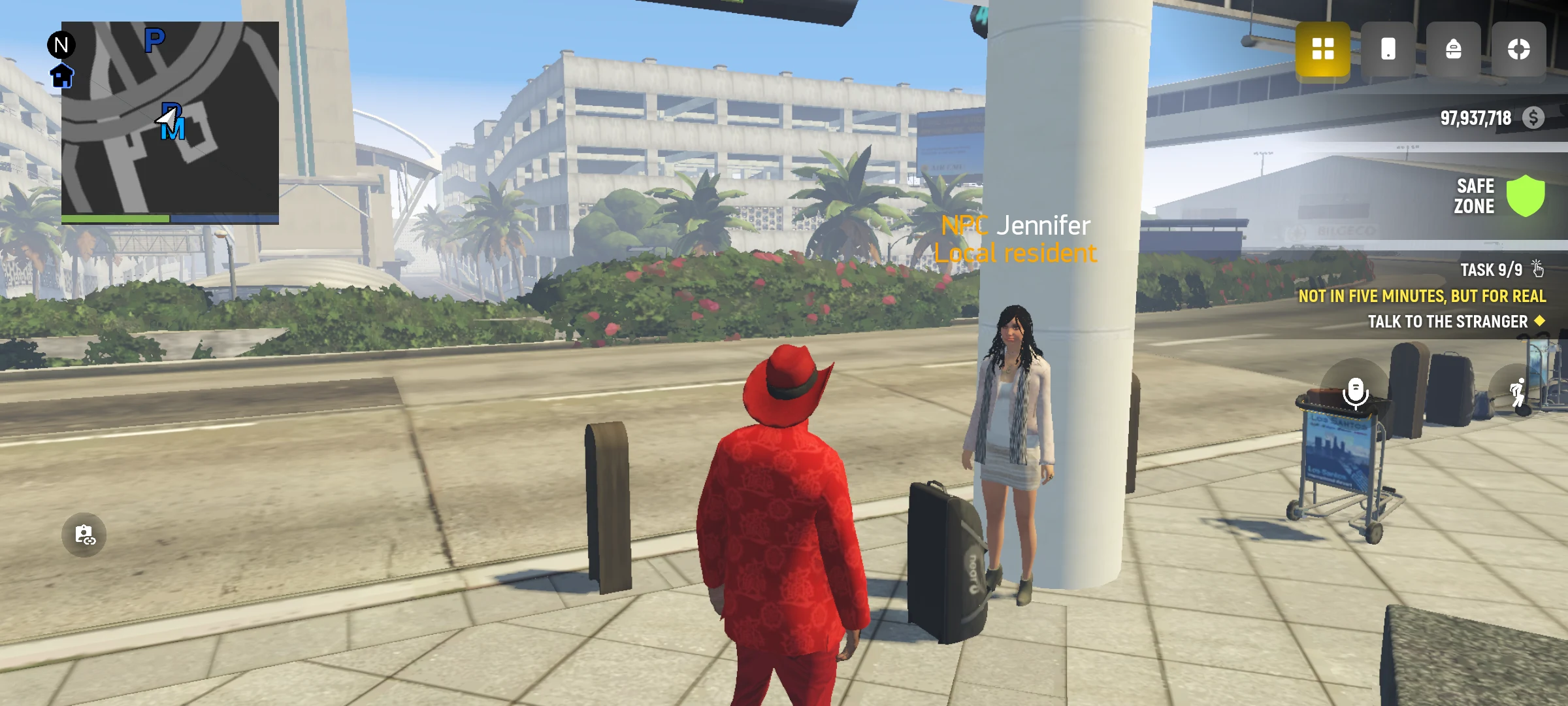
- Follow the instructions about the screen and controls, then approach the person who greeted you when you arrived.
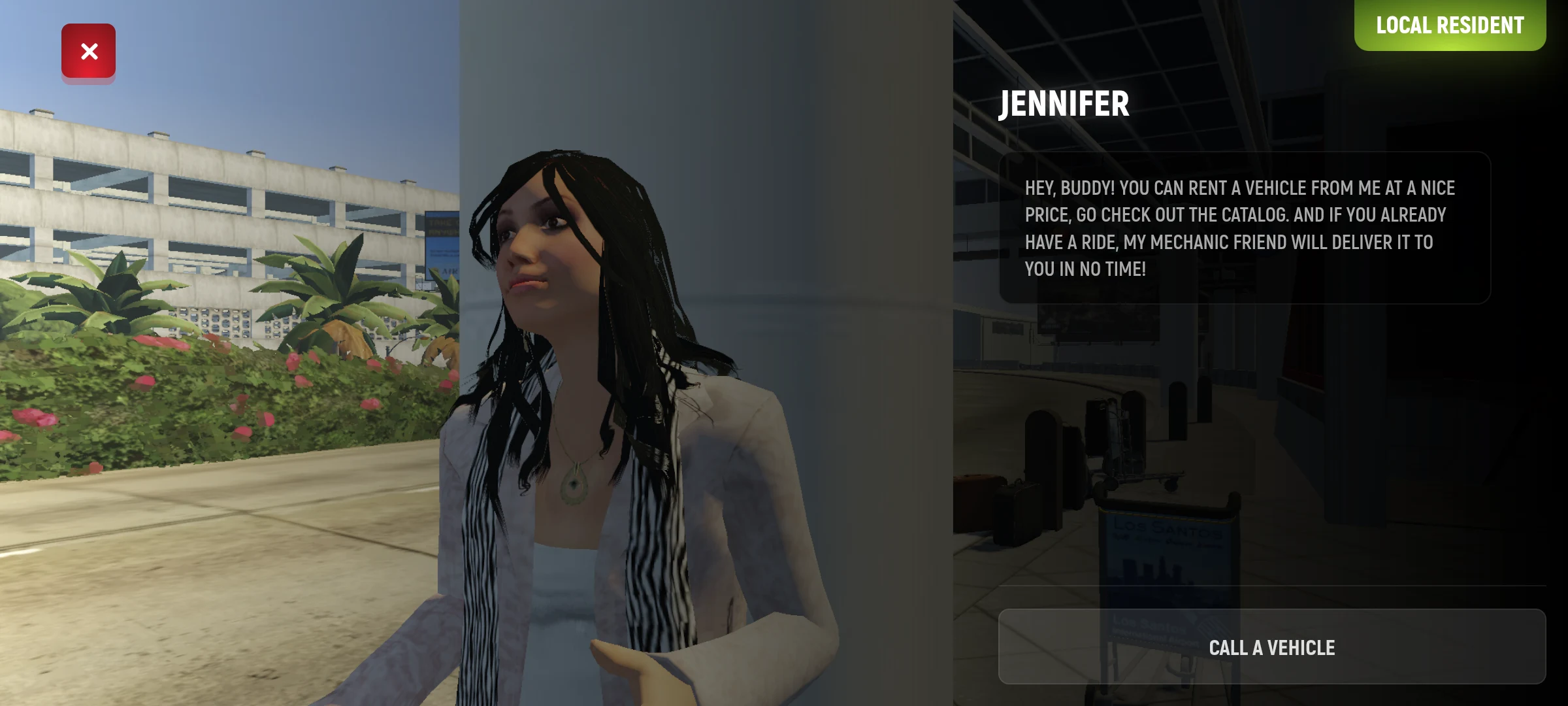
- Talk to them and read your current objective on the screen.
- Get a temporary car from the parking attendant. Check in the game how much time you have left to use it.
- Get in the car and follow the instructions about the engine and doors.
- Open the map and place a marker on the store.
What to do next
At the store, the game shows you how to buy things. Next, you’ll learn how to use your phone, choose clothes and take a driving test. Follow the current marker and read the instructions. Some actions may already count if you did them earlier.
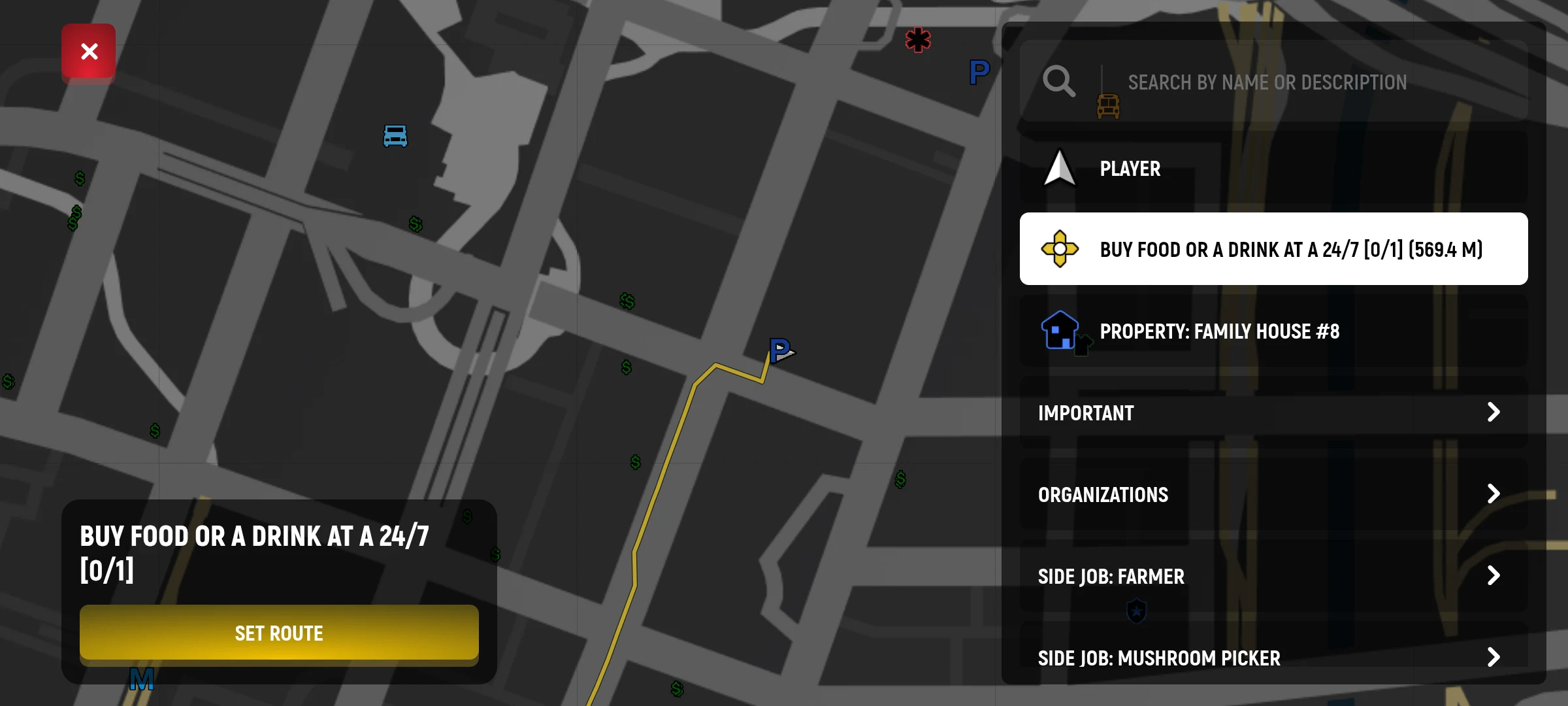
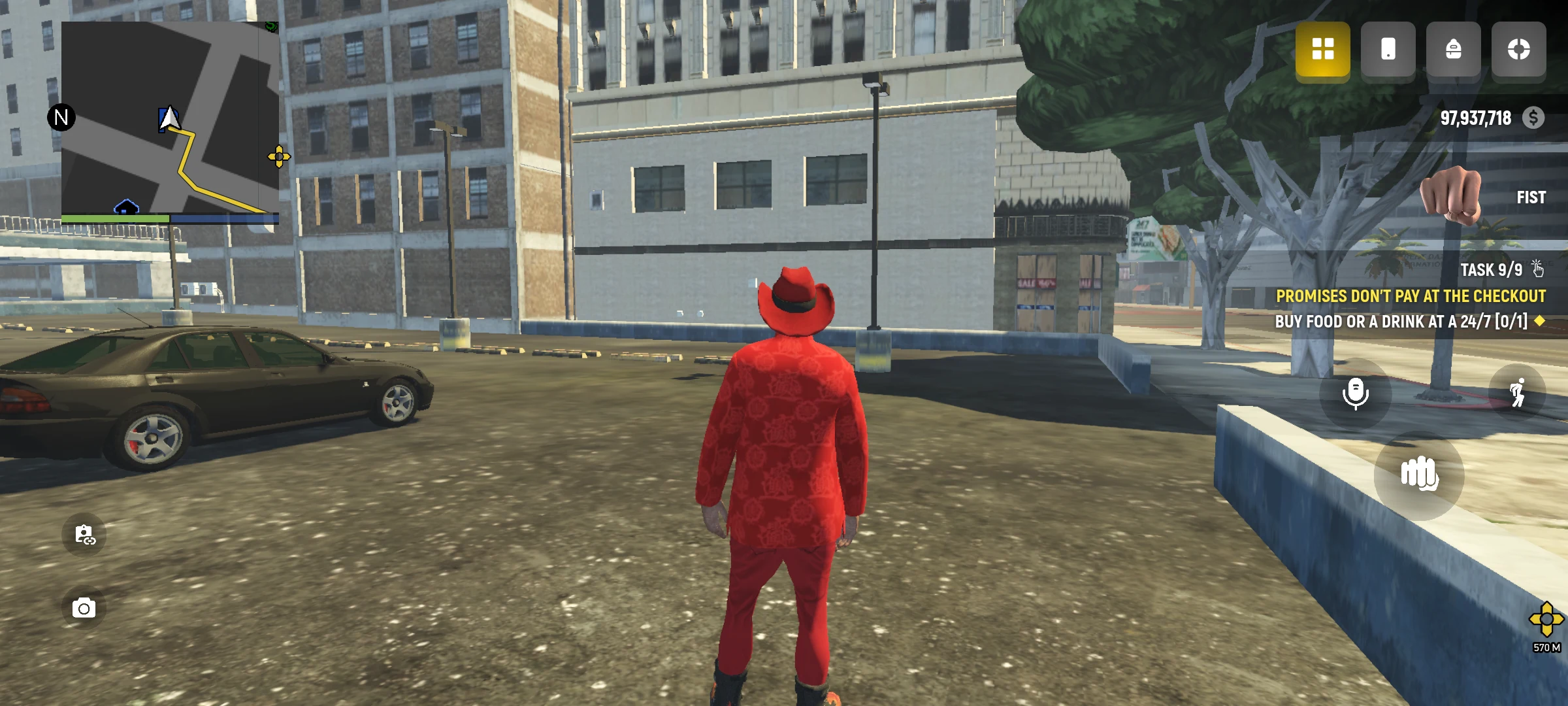
If you can’t see the task, open the task menu and select it. Some instructions only appear when the corresponding task is selected on the screen.
Need help?
What to explore next
If you’re unsure what to do next
Open the task list and check your current objective. If you need to get somewhere, use the map and route. When you have time, choose your first job.