
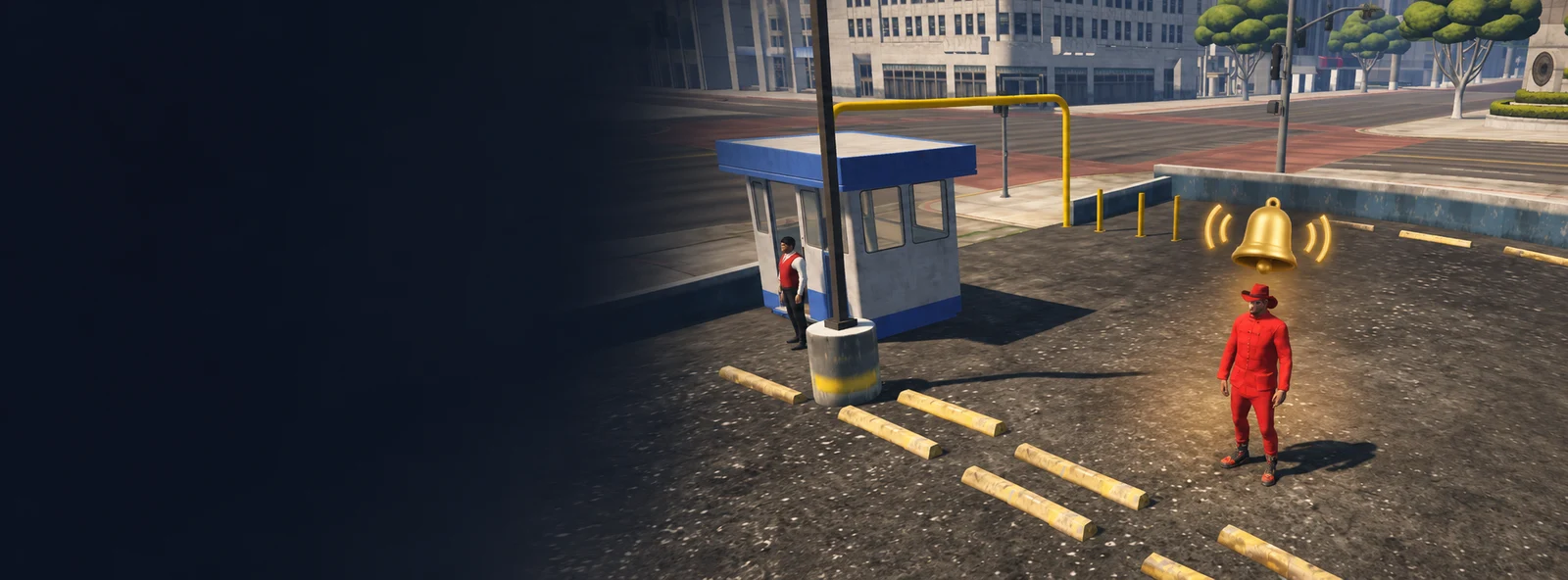
Notifications help you get back to the game messages that you may have missed.
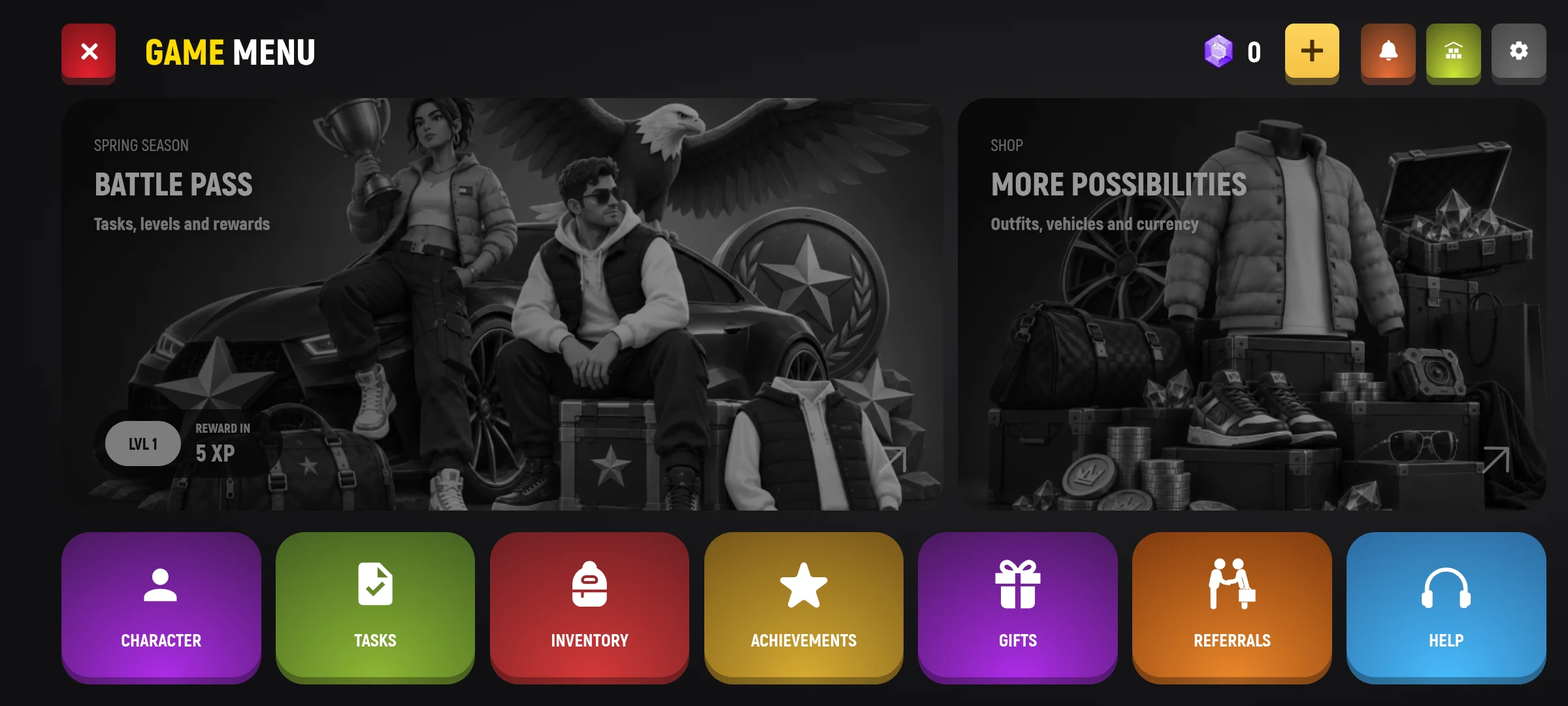
- Open the main menu.
- Press the bell button at the top of the screen.
- Select a message in the list to read it fully.
- Follow the available instructions for the message and go back when you’re done.
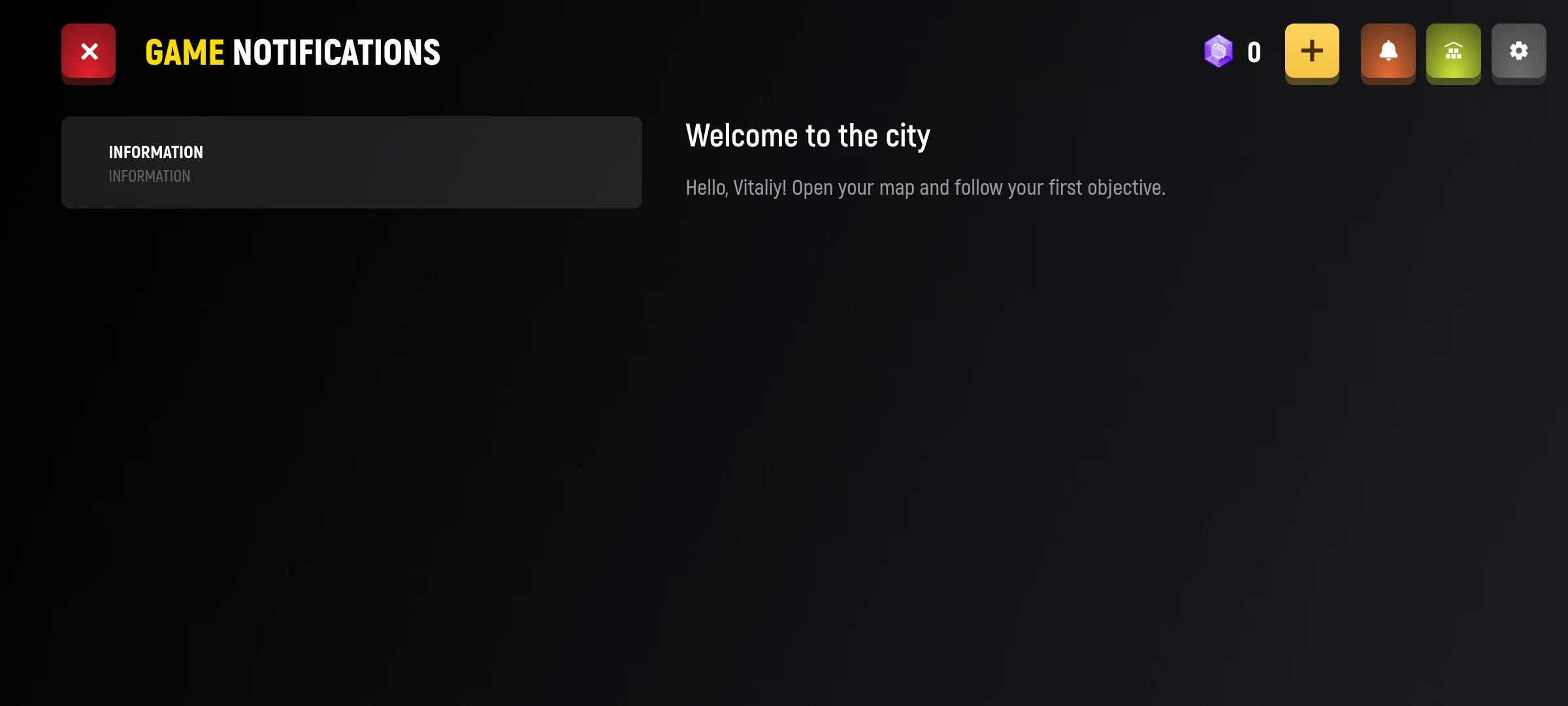
The list shows the name and brief description of the message. Select it to open the full text; after downloading, the new message is marked as read.
If the list is empty, check it later.